Intentar ORO - Gratis
PAINT A SNAPPY BOT IN PROCREATE
ImagineFX
|September 2022
Learn the basics of Procreate with this beginner's guide to making your own futuristic automaton by Jim Rowden
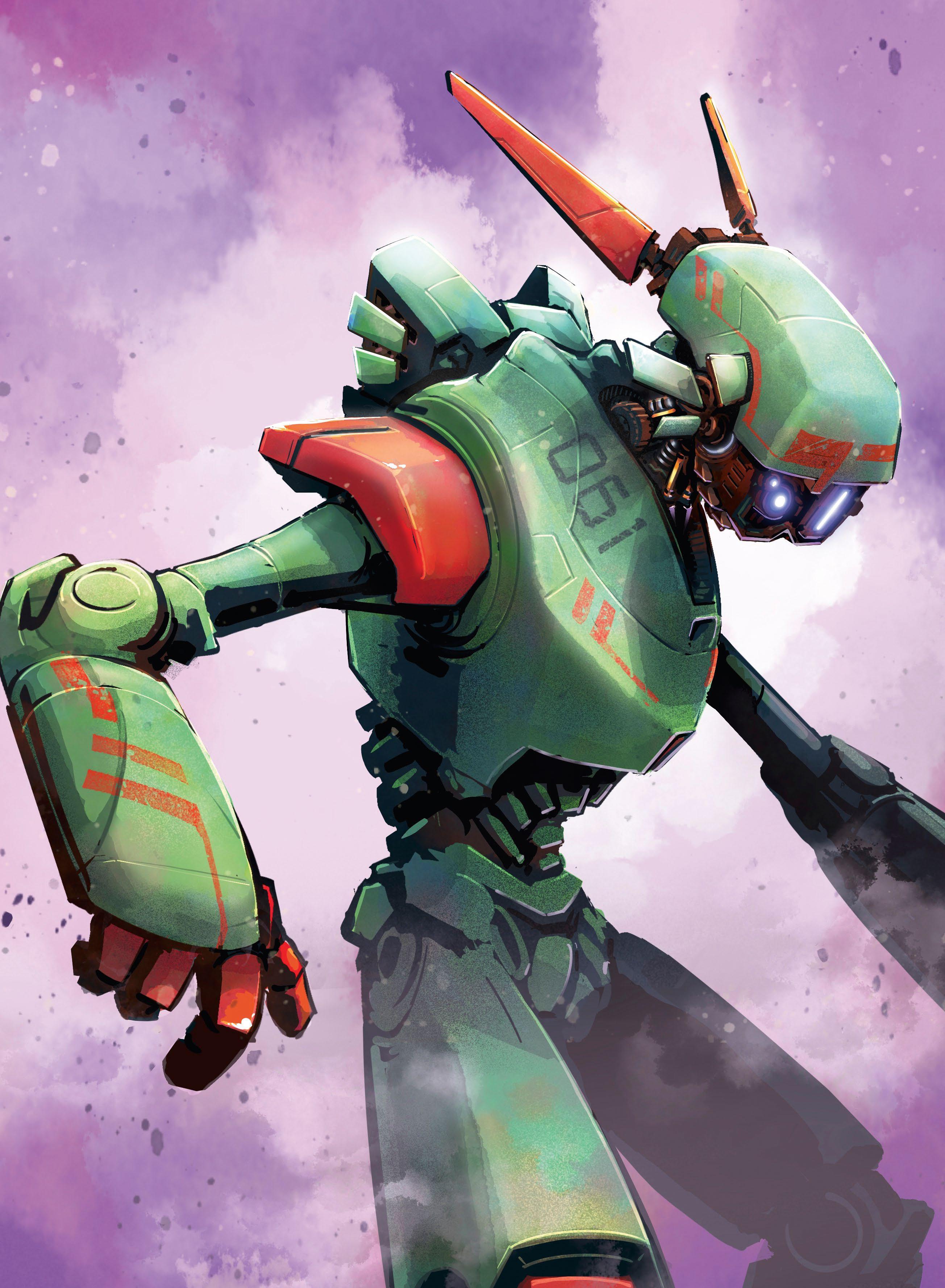
Are you interested in experimenting with digital art, or trying out a new artistic tool? Check out Procreate on the iPad! A year ago, I decided to delve into Procreate and, after a few false starts, have been using it nearly every day. In that time, I have grown from a raw beginner to a truly capable digital artist.
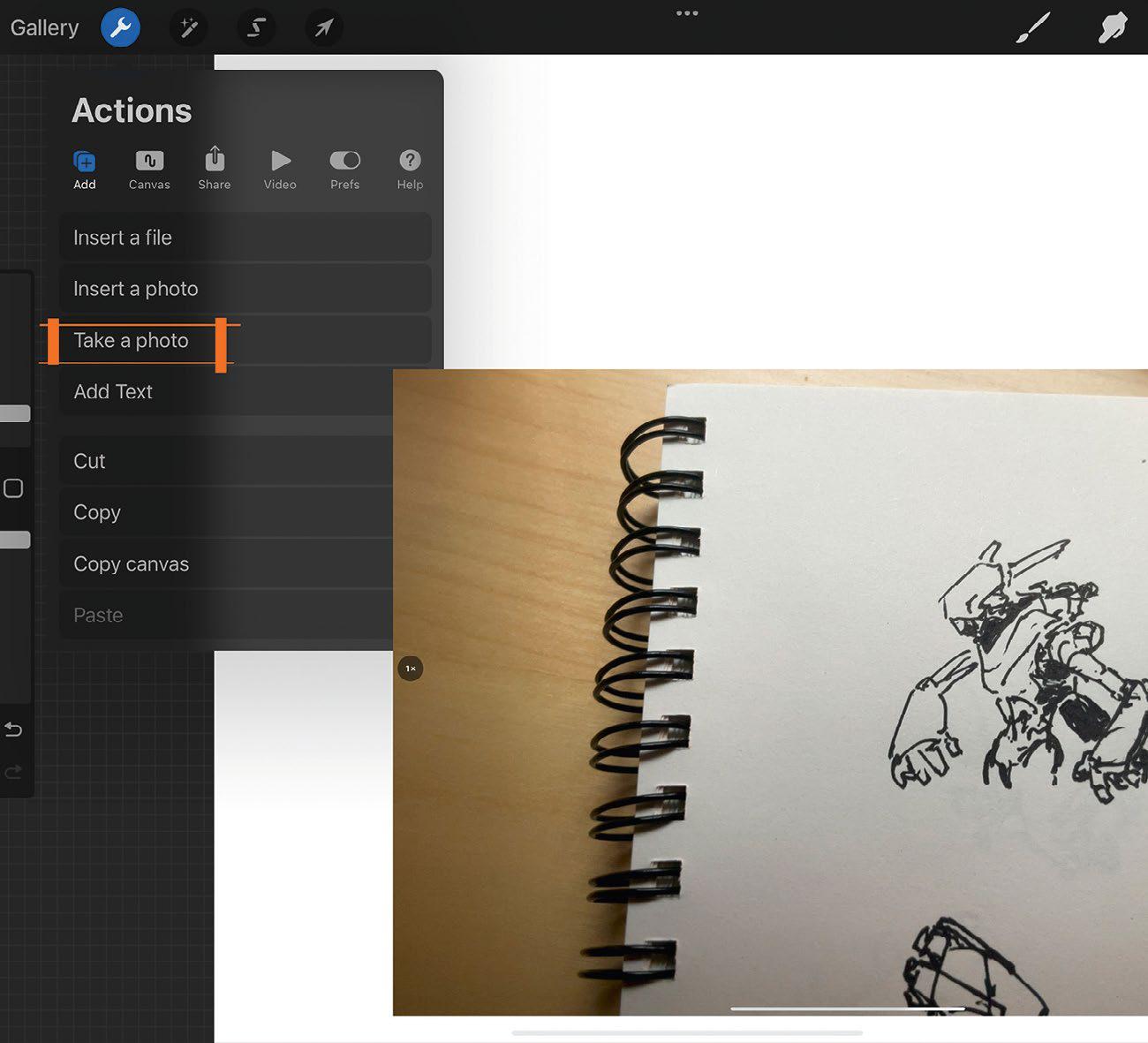
Here I will demonstrate how I create a robot illustration. I'll cover my process, from doodling in a cheap sketchbook, transitioning to Procreate, to painting and applying finishes. I'll discuss selection masks, shading, colouring, texturing, and adding those all-important final details. For this tutorial, I am assuming that the reader is new to the app, and will supply ground-level information that you will need to get up and running. If you're a seasoned pro, perhaps you'll still find a tidbit or two that you can use.
You will need an iPad, the Procreate app, and an Apple Pencil. It helps to know some basic anatomy if you want your bot to have human proportions. I recommend a willingness to hold loosely to your ideas, so that you can scrap ones that aren't working, and move on with a desire to experiment and find those 'happy accidents'.
In the end, I hope you find the app less intimidating, gain some knowledge, and create some cool art!
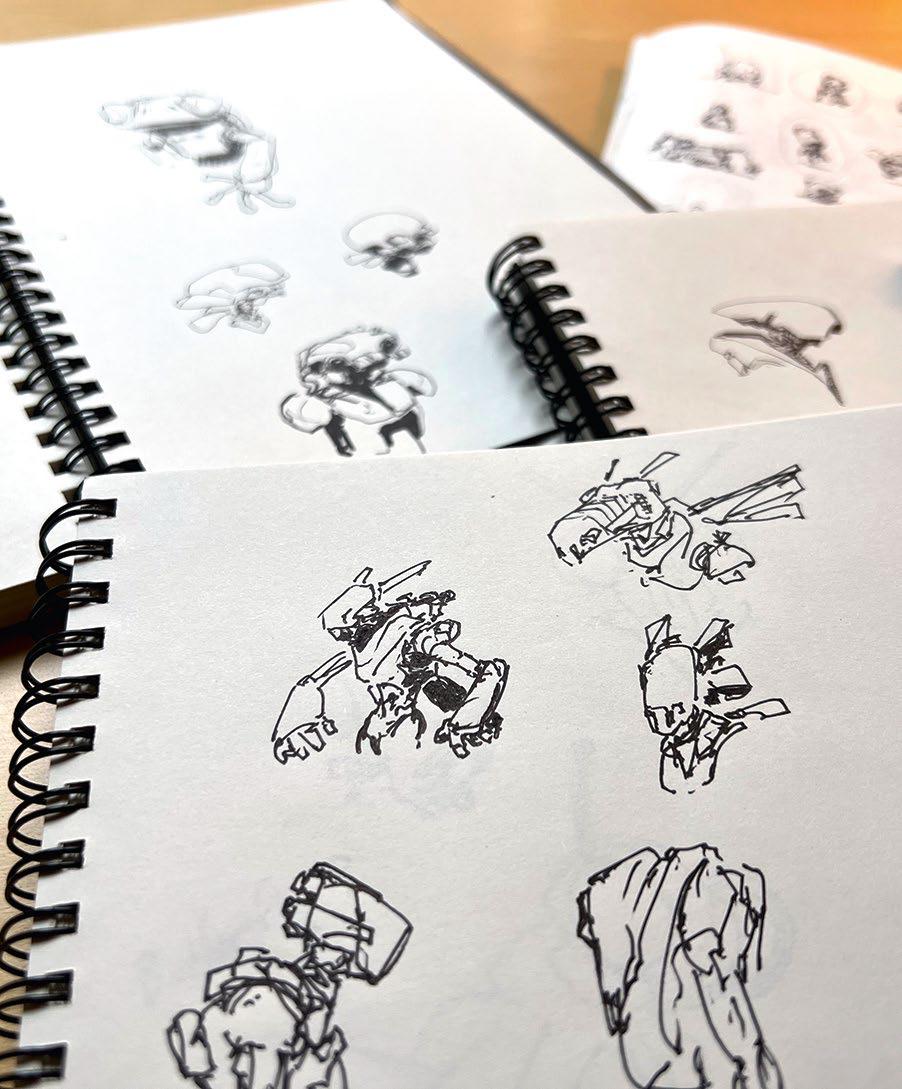
1 Old-school doodling
I don't start my process digitally. Using a cheap sketchbook, I draw A LOT of doodles, until I find one I can work with. I keep the doodles small and quick (less than five minutes each). If one sucks, I move on. I experiment with shapes, shadows, and line work. Tip: Carry your sketchbook everywhere. If you have downtime, pull that thing out and throw down some lines.


Esta historia es de la edición September 2022 de ImagineFX.
Suscríbete a Magzter GOLD para acceder a miles de historias premium seleccionadas y a más de 9000 revistas y periódicos.
¿Ya eres suscriptor? Iniciar sesión
MÁS HISTORIAS DE ImagineFX

ImagineFX
HP Omnibook X Flip 16
DOUBLING UP HP's latest Omnibook 2-in-1 is a decent-enough productivity laptop, but it truly shines when it's transformed into tablet mode

2 mins
February 2026

ImagineFX
Phaya Akat - The Sanctuary
“Phaya Akat’s Sanctuary Village began from a simple idea inspired by Thailand’s tradition of boiling eggs in natural hot springs.
1 min
February 2026

ImagineFX
HOW SURFACE NORMALS IMPROVE YOUR 3D ART
Ant Ward explains how to quickly change the way a polygon model looks by adjusting its normals
1 mins
February 2026

ImagineFX
Painting in Procreate: Reimagine Your Surroundings
VISIONARY WORK Across 20 lessons, Mikko Eerola reveals how he brings his ideas to life on the iPad using Procreate
1 mins
February 2026

ImagineFX
Technique focus: WORK SMARTER WITH COLOURS
Álvaro Jiménez reveals the workflow process he follows to summon an armoured demon
1 mins
February 2026

ImagineFX
FIVE MINUTES WITH PAT IMRIE
Big-screen blockbusters and a certain 3D art magazine helped set this creative on his career path
3 mins
February 2026

ImagineFX
RIFF ON YOUR PASSIONS
Max Froer draws on a range of influences when rendering a beast that's part machine
1 min
February 2026

ImagineFX
Anker SOLIX C1000
BOX OF DELIGHTS The chonkiest power bank around is powerful, portable (after a fashion) and boy is it well built
2 mins
February 2026

ImagineFX
PAINTING A SCENE OF GREEK DRAMA
Alexander Leskinen creates a stormy environment featuring harpies, the winged messengers of Zeus.
3 mins
February 2026

ImagineFX
HOW DO I COLOUR A 3D OBJECT?
The process of colouring a 3D image has a lot of layers, so let's start at the surface. Mike Griggs weighs up the material requirements
2 mins
February 2026
Translate
Change font size