
Go Unlimited with Magzter GOLD
Get unlimited access to 10,000+ magazines, newspapers and Premium stories for just
Try GOLD - Free
PAINT A SNAPPY BOT IN PROCREATE
ImagineFX
|September 2022
Learn the basics of Procreate with this beginner's guide to making your own futuristic automaton by Jim Rowden
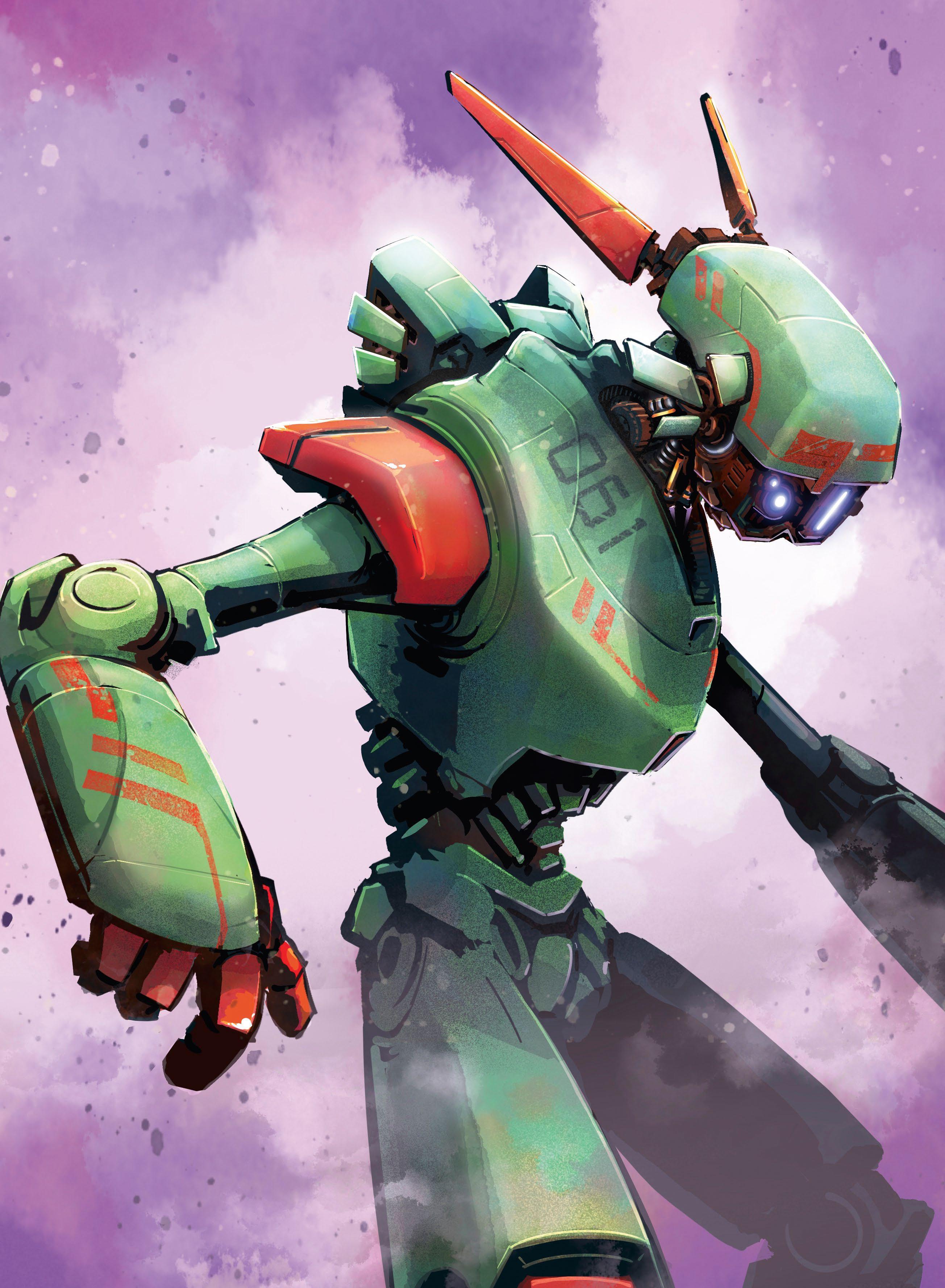
Are you interested in experimenting with digital art, or trying out a new artistic tool? Check out Procreate on the iPad! A year ago, I decided to delve into Procreate and, after a few false starts, have been using it nearly every day. In that time, I have grown from a raw beginner to a truly capable digital artist.
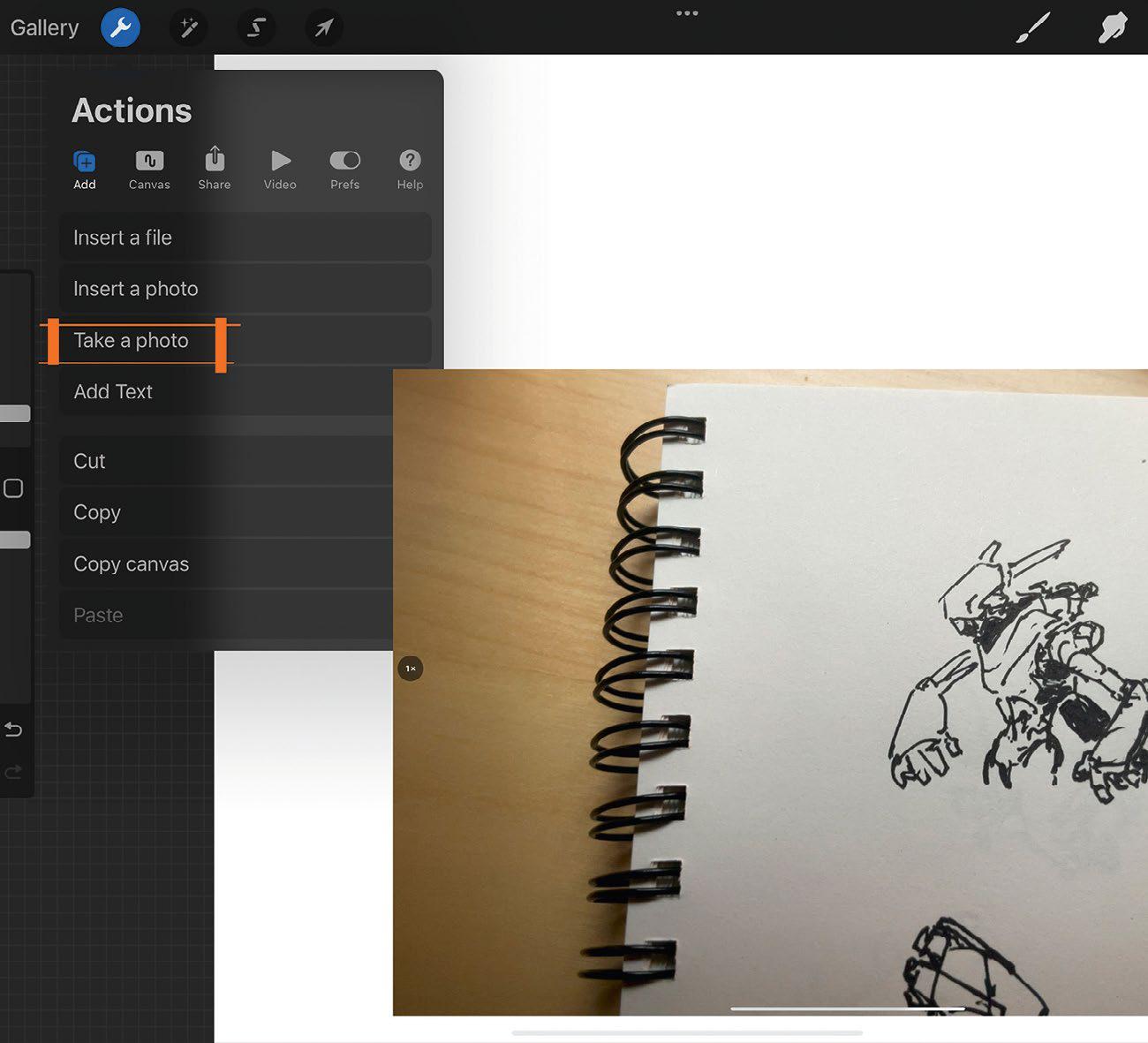
Here I will demonstrate how I create a robot illustration. I'll cover my process, from doodling in a cheap sketchbook, transitioning to Procreate, to painting and applying finishes. I'll discuss selection masks, shading, colouring, texturing, and adding those all-important final details. For this tutorial, I am assuming that the reader is new to the app, and will supply ground-level information that you will need to get up and running. If you're a seasoned pro, perhaps you'll still find a tidbit or two that you can use.
You will need an iPad, the Procreate app, and an Apple Pencil. It helps to know some basic anatomy if you want your bot to have human proportions. I recommend a willingness to hold loosely to your ideas, so that you can scrap ones that aren't working, and move on with a desire to experiment and find those 'happy accidents'.
In the end, I hope you find the app less intimidating, gain some knowledge, and create some cool art!
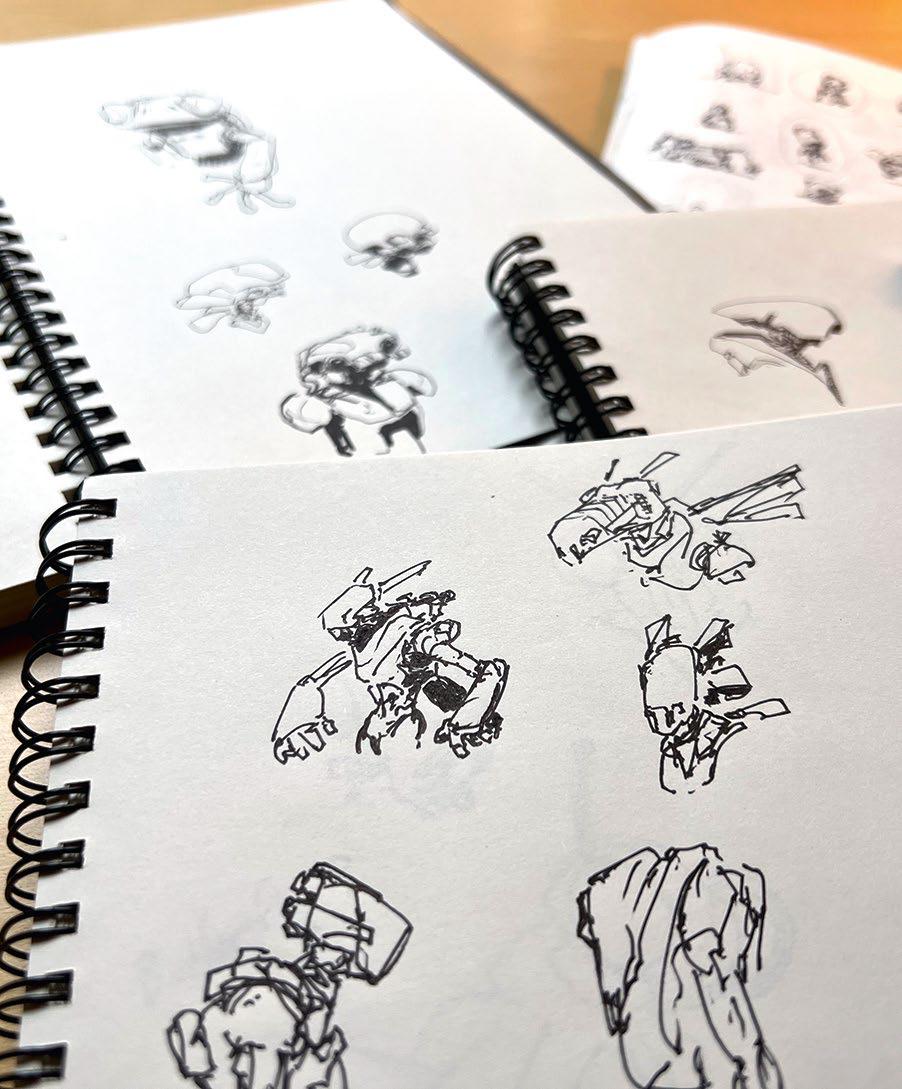
1 Old-school doodling
I don't start my process digitally. Using a cheap sketchbook, I draw A LOT of doodles, until I find one I can work with. I keep the doodles small and quick (less than five minutes each). If one sucks, I move on. I experiment with shapes, shadows, and line work. Tip: Carry your sketchbook everywhere. If you have downtime, pull that thing out and throw down some lines.

This story is from the September 2022 edition of ImagineFX.
Subscribe to Magzter GOLD to access thousands of curated premium stories, and 10,000+ magazines and newspapers.
Already a subscriber? Sign In
MORE STORIES FROM ImagineFX
ImagineFX
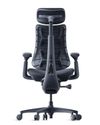
LiberNovo Omni
COSTLY BUT EFFECTIVE On paper, the electric-powered, $1,000 LiberNovo Omni reads like a marketing gimmick... but is it?

1 mins
May 2026

ImagineFX
CREATE A 3D PRINTED FIGURE
Oscar Juárez talks to us about his process for designing and creating characters to put through his 3D printer
6 mins
May 2026

ImagineFX
The best iPad for Procreate
IPAD IDEALS Whether you're a beginner or a pro artist, here's how to choose the right iPad for you to get the most out of Procreate
2 mins
May 2026
ImagineFX
MAKE YOUR 3D CAMERA A CREATIVE TOOL
Rob Redman shows you how you can take your 3D camera and use it add character to your renders
1 mins
May 2026
ImagineFX
FIVE MINUTES WITH JAN BUCZNY
A love of fantasy encouraged this artist to create his own worlds
2 mins
May 2026
ImagineFX
WHAT IS A 3D OBJECT ACTUALLY MADE OF?
Nearly every 3D model shares the trait of being built from the same three components - Mike Griggs shows what they are and why they matter
2 mins
May 2026
ImagineFX
The path of... Jude Smith
Artistic apex Jude reminisces on his growth as a games concept artist
3 mins
May 2026
ImagineFX
The best markers for artists
MAKE YOUR MARK Get the lowdown on some of the best markers on the market for drawing, colouring, and craft projects
2 mins
May 2026
ImagineFX
PLAY WITH THE DETAILS
Miguel Leonardo explains how, for crafting 3D sculptures, the devil's in the details
1 mins
May 2026
ImagineFX
ORCHESTRATE A PAINTING WITH BLENDER
Thomas Osbourne reveals his approach to concept art, highlighting Blender as a tool for professional production.
3 mins
May 2026
Translate
Change font size