Intentar ORO - Gratis
ADD POP TO YOUR CHARACTER ART
ImagineFX
|June 2023
Alix Harris showcases her process for creating vibrant portraits that provide personality for your characters
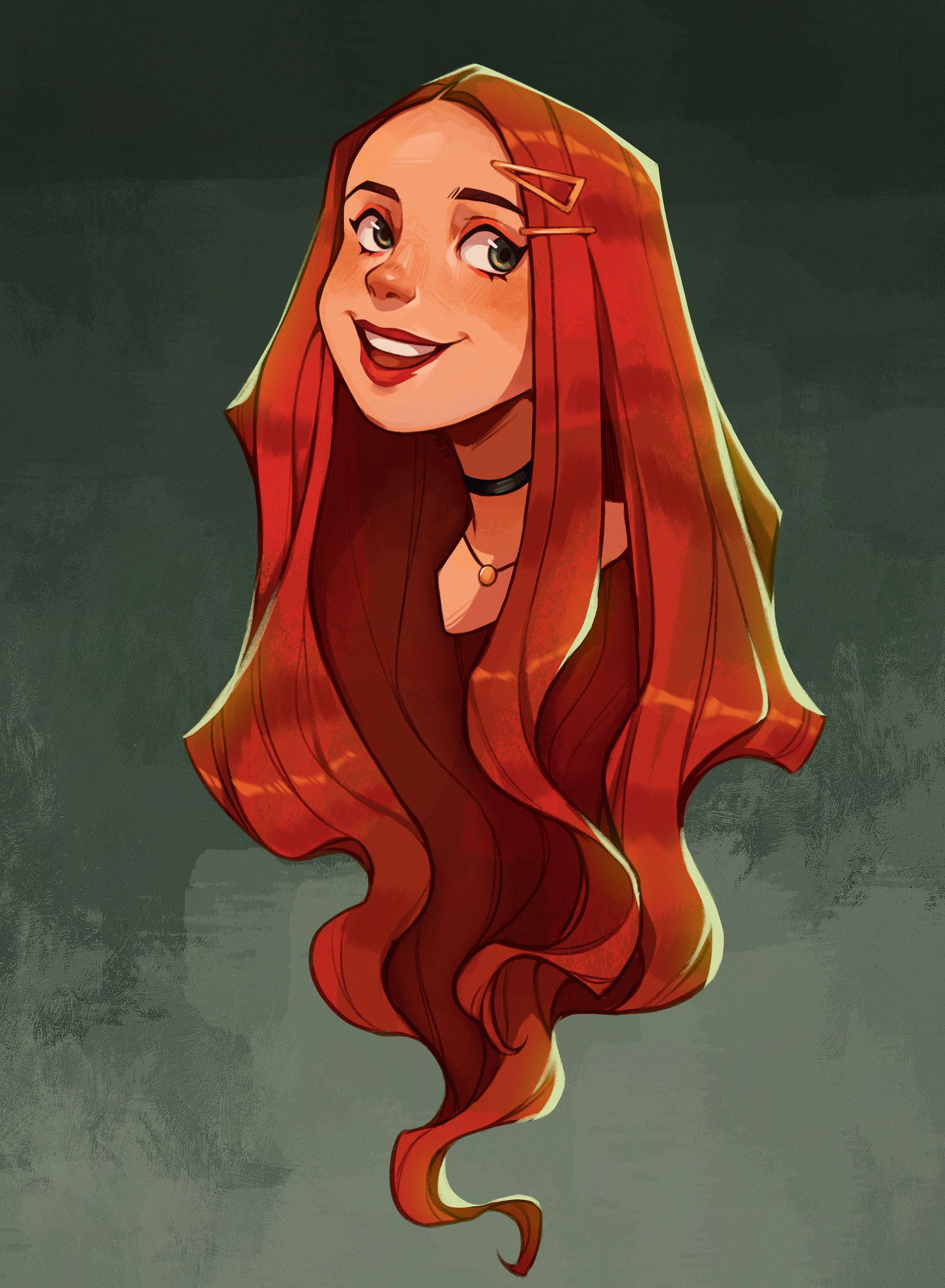
For this workshop, we’ll be creating a portrait that gives your character, well, their character! Whether you’re a beginner artist or more experienced, a portrait can be a great way to explore characters. While the design can focus on anything from their build to setting the character’s tone, the portrait can show who they are at an intimate level.
Try to focus on the overall shape of the portrait design. Be aware of negative space around your character and how that can help with clarity, like how the hair can frame the face or the full portrait. As for colour, we’ll focus on a simple colour palette that compliments the design.
One thing to keep in mind is the expression. Try thinking of your character’s situation and how they would react. What would their expression be? Would it be over the top? Many people connect with an expression, which can make it pop.
We’ll be using Procreate for the iPad. This software is a great way to explore your character, from sketching to finalising a painting. We’ll use multiple brushes, layer modes and adjustments to achieve the look for you. Awareness of some basic digital art techniques will be helpful for this tutorial.
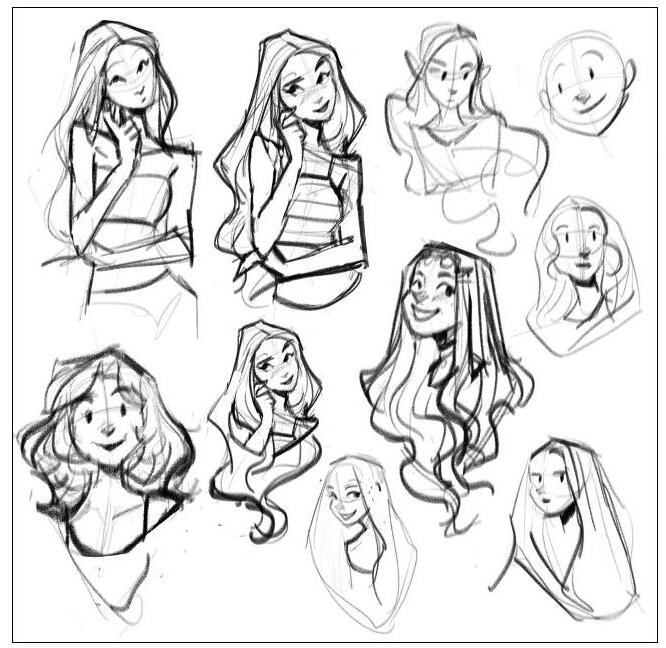
1 Start out with thumbnails
Using the Angular Sketch brush, create a few thumbnails of your character. Pay attention to the figure’s overall shape and use elements, like the shape of the hair and how it frames the character, to convey that shape. Play around with the head tilt, pose and expressions until you find one that works best.

Esta historia es de la edición June 2023 de ImagineFX.
Suscríbete a Magzter GOLD para acceder a miles de historias premium seleccionadas y a más de 9000 revistas y periódicos.
¿Ya eres suscriptor? Iniciar sesión
MÁS HISTORIAS DE ImagineFX

ImagineFX
FIVE MINUTES WITH AMIR ZAND
The Iranian illustrator on finding beauty in unexpected places

2 mins
August 2026
ImagineFX
WHAT IS A CAMERA IN A 3D APPLICATION?
For newcomers to creating 3D scenes, the render output may not be what they’re expecting. Mike Griggs explains how to use the camera object to remedy this
3 mins
August 2026
ImagineFX
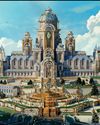
Photoshop & Blender CRAFT WORLDS THROUGH STORY
Discover how concept artist Kan Rongrueangkul uses narrative storytelling to shape architectural motifs, spatial design, and cinematic environments
5 mins
August 2026
ImagineFX
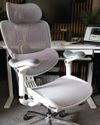
Doro C300 Pro
BUST A MOVE This new ergonomic office chair from Sihoo is the most versatile seat we have tested
2 mins
August 2026

ImagineFX
The path of... Niko Gesell
Moving pictures The freelance artist and animator tells us about his varied career
2 mins
August 2026
ImagineFX
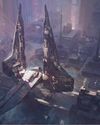
PAINTING THE MENACE
Andre Kirk, art director at Lucasfilm Animation, discusses the visual development work produced for the animated series Star Wars: Maul - Shadow Lord with James Clark
7 mins
August 2026
ImagineFX
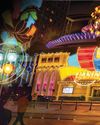
Make your backgrounds part of the storytelling
No humble background Tanya Combrinck talks about creating atmosphere and feeling with five background artists working in animation and games
5 mins
August 2026

ImagineFX
Acer Predator Helios Neo 16S AI
MAGIC MIRROR This capable laptop has an outstanding resolution display - but why is it so reflective?
2 mins
August 2026
ImagineFX
USE REAL-LIFE REFERENCE MATERIAL
Kevin Glint reveals how real-world references help him create fantasy art
1 mins
August 2026
ImagineFX
Nik Henderson
Wooden wonder This illustrator transformed a shed into a tiny but mighty illustration studio
2 mins
August 2026
Translate
Change font size