
Passez à l'illimité avec Magzter GOLD
Obtenez un accès illimité à plus de 9 000 magazines, journaux et articles Premium pour seulement
Essayer OR - Gratuit
ADD POP TO YOUR CHARACTER ART
ImagineFX
|June 2023
Alix Harris showcases her process for creating vibrant portraits that provide personality for your characters
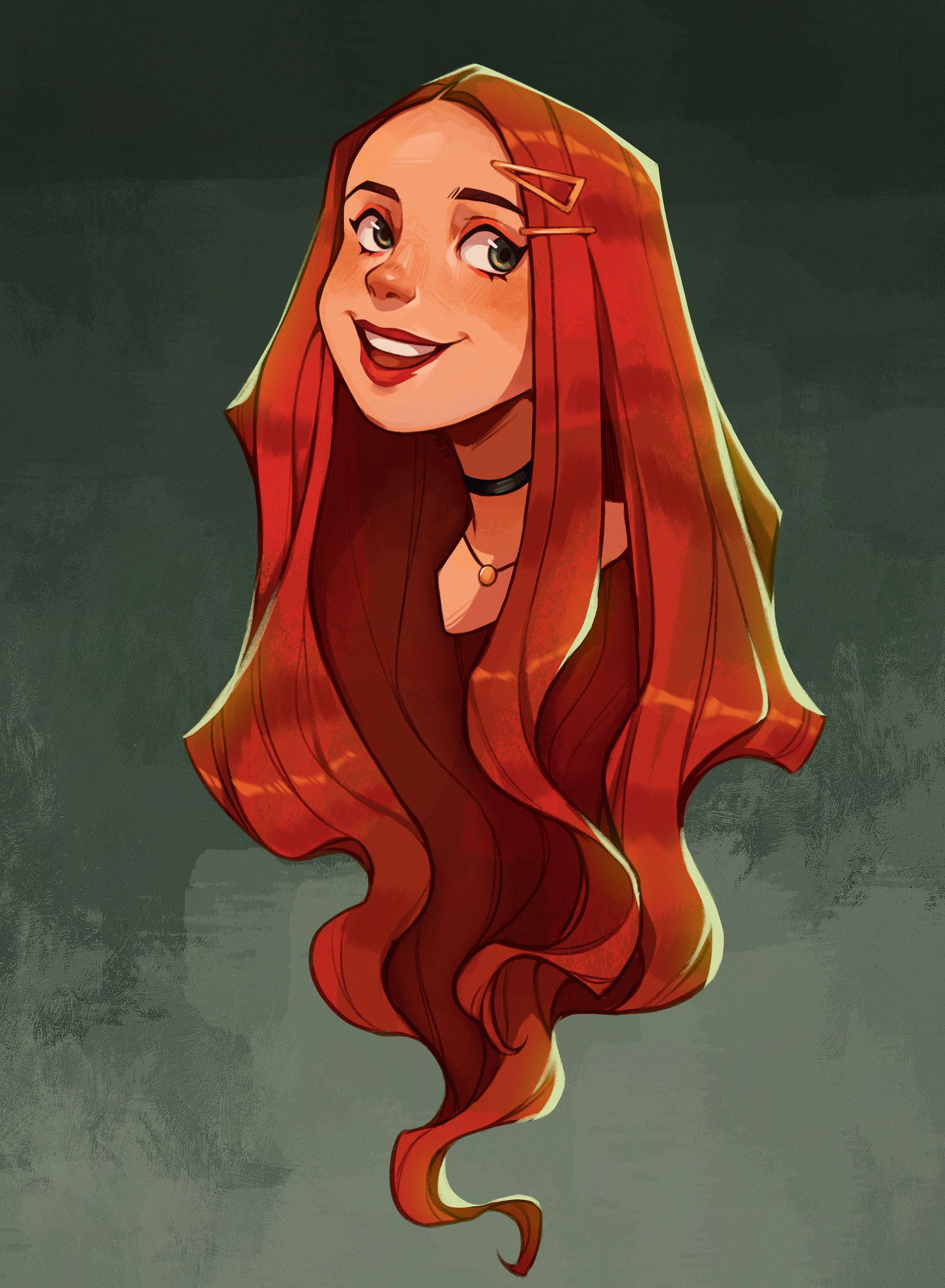
For this workshop, we’ll be creating a portrait that gives your character, well, their character! Whether you’re a beginner artist or more experienced, a portrait can be a great way to explore characters. While the design can focus on anything from their build to setting the character’s tone, the portrait can show who they are at an intimate level.
Try to focus on the overall shape of the portrait design. Be aware of negative space around your character and how that can help with clarity, like how the hair can frame the face or the full portrait. As for colour, we’ll focus on a simple colour palette that compliments the design.
One thing to keep in mind is the expression. Try thinking of your character’s situation and how they would react. What would their expression be? Would it be over the top? Many people connect with an expression, which can make it pop.
We’ll be using Procreate for the iPad. This software is a great way to explore your character, from sketching to finalising a painting. We’ll use multiple brushes, layer modes and adjustments to achieve the look for you. Awareness of some basic digital art techniques will be helpful for this tutorial.
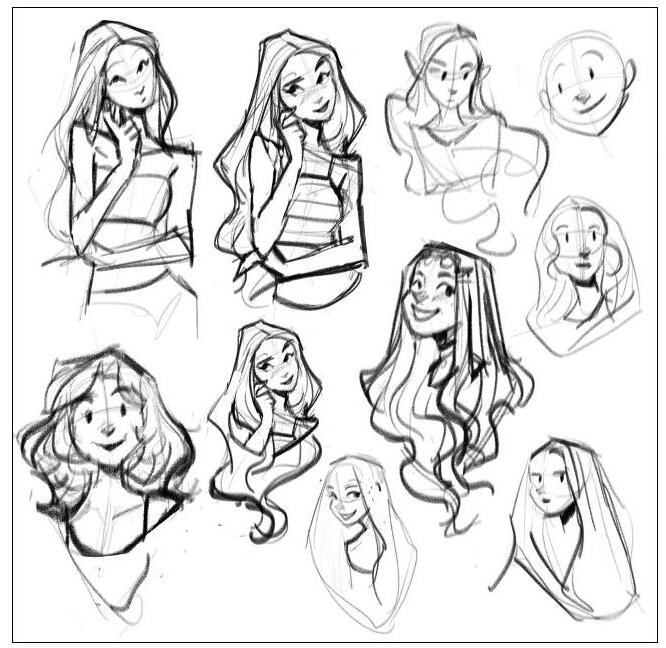
1 Start out with thumbnails
Using the Angular Sketch brush, create a few thumbnails of your character. Pay attention to the figure’s overall shape and use elements, like the shape of the hair and how it frames the character, to convey that shape. Play around with the head tilt, pose and expressions until you find one that works best.

Cette histoire est tirée de l'édition June 2023 de ImagineFX.
Abonnez-vous à Magzter GOLD pour accéder à des milliers d'histoires premium sélectionnées et à plus de 9 000 magazines et journaux.
Déjà abonné ? Se connecter
PLUS D'HISTOIRES DE ImagineFX
ImagineFX
ZBrush, Blender & Procreate COLOUR YOUR 3D ARTWORK
Entei Ryu reveals how she sculpts and paints Triceratops and T-Rex, two characters from her BONEGIRL series

1 min
March 2026
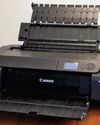
ImagineFX
Canon imagePROGRAF PRO-310
Artists and photographers who create gallery-quality prints of their work will want to make room in their studio for Canon's latest printer
1 mins
March 2026

ImagineFX
Acer Swift Edge 14 Al
This beautiful laptop delivers on design, but what about the amount of computing power on offer?
1 mins
March 2026
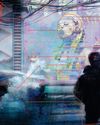
ImagineFX
CONCEPT A MOODY CYBERPUNK SCENE
Oleg Topor uses a variety of creative techniques to portray a meeting of criminals in the depths of a futuristic city
3 mins
March 2026
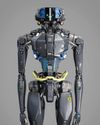
ImagineFX
LET THE STORY LEAD THE DESIGN
Nelson Tai takes cues from his personal sci-fi project when constructing a hardworking droid
1 mins
March 2026
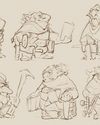
ImagineFX
LORCAN THE LITERATE
Arne Billen believes that conceptual contrast can lead to a successful design. He demonstrates this with Lorcan, a character from his D&D campaign who combines literacy with a fighting spirit
1 mins
March 2026
ImagineFX
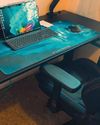
Secretlab Magnus Evo
REAL STEEL Does this pro sit-to-standing desk rise to the occasion?
1 min
March 2026

ImagineFX
MAKE USE OF FILTERS
Concept artist Brandon Liao gives insights into his visual development work on Spectre Divide
1 mins
March 2026
ImagineFX
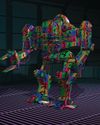
ENHANCE ANY 3D MODEL BY APPLYING TEXTURES
Ant Ward explains how UVs and texture maps are an easy way to add detail to a 3D object
1 mins
March 2026
ImagineFX
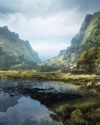
Karim Yasser Ahmed
Karim is a senior lighting artist with over seven years of experience in AAA games. He loves working on environment lighting: “I treat my environment as a canvas that is getting lit as a painting, and I truly enjoy this process.”
1 min
March 2026
Translate
Change font size