
Go Unlimited with Magzter GOLD
Get unlimited access to 10,000+ magazines, newspapers and Premium stories for just
Try GOLD - Free
YOUR SUPERGUIDE TO PHOTOS
Mac Life
|August 2022
Discover easy ways to edit, optimize and organize your images with this in–depth guide
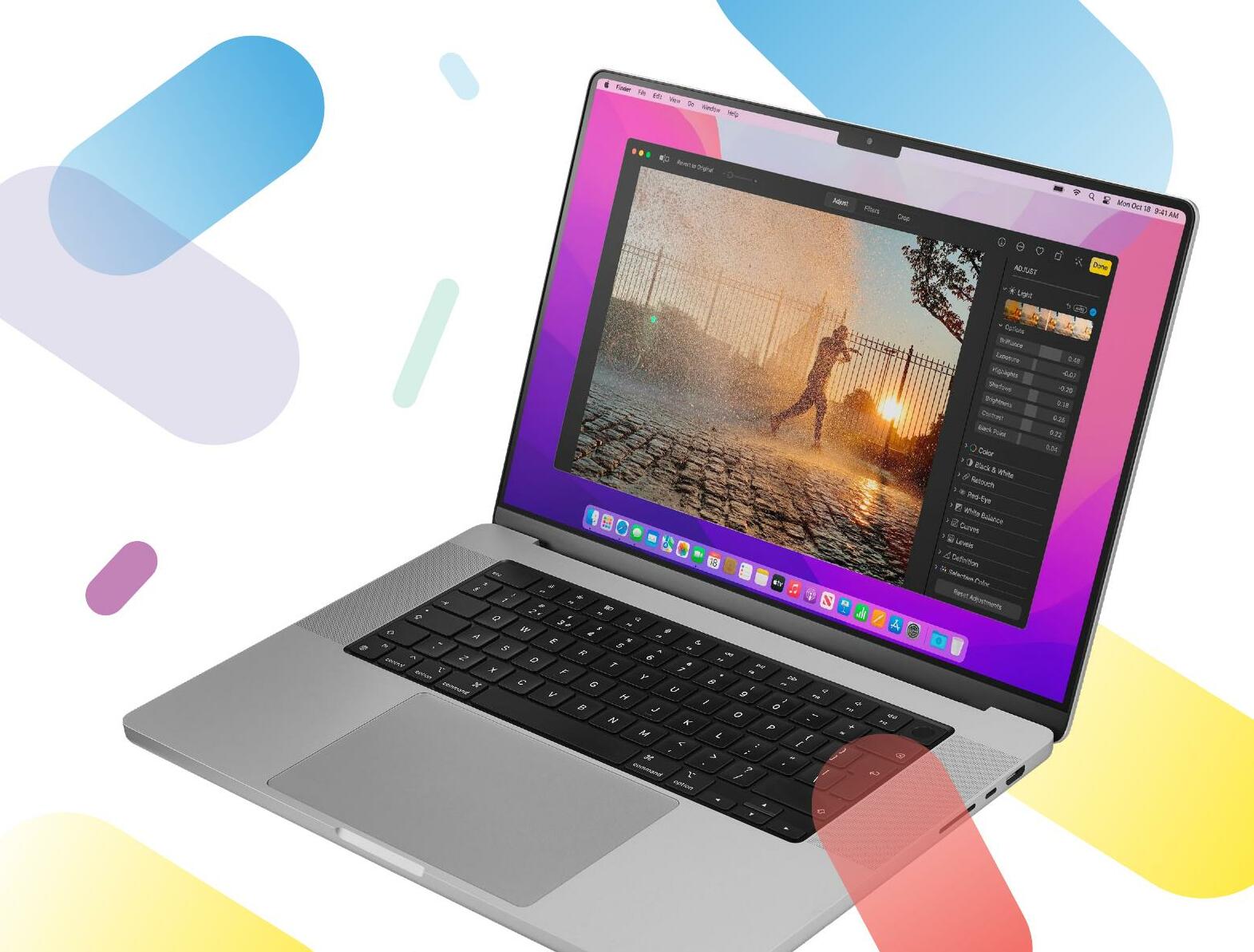
WHETHER YOU'RE A camera enthusiast or just someone who takes cat photos on their iPhone for fun, Apple's Photos app is your goto destination. In this in-depth guide we'll help you discover the key features of Photos, from importing your media, to creating albums and processing your pictures to perfection so they impress family, friends and social media followers. We'll also explore Extensions for Photos and show you how to make the most of the Photos app on iPad and iPhone too. It's a one-stop shop for photography lovers everywhere.
As well as showing you the ropes when it comes to fixing common picture problems with color, tone and composition, we'll demonstrate techniques to help you come up with really creative results. Of course, you're not tied to the Mac for editing. As well as Photos on iOS, there are plenty of third-party tools for processing images on the go. You'll also learn the differences between the iOS and macOS versions of Apple's Photos app and discover handy photo-fixing tools that are unique to each version. And if you want to go a little bit further, you will want to look at our recommended third-party software for even more powerful image-editing features.

Get your photos on to your Mac
Explore a range of techniques to transfer photos and video clips from camera to computer
THANKS TO YOUR ever-present iPhone you can capture a photograph wherever and whenever you like. However, this creates the problem of managing an ever-growing collection of clips and images. On these two pages, we cover a range of methods to help you store your shots safely.
SYNC YOUR ASSETS

This story is from the August 2022 edition of Mac Life.
Subscribe to Magzter GOLD to access thousands of curated premium stories, and 10,000+ magazines and newspapers.
Already a subscriber? Sign In
MORE STORIES FROM Mac Life

Mac Life
TerraMaster F4-425 NAS
Home or office four-bay network-attached storage

3 mins
March 2026

Mac Life
Satechi OntheGo 7-in-1 Adapter
Easily add more ports to your Mac, iPhone and iPad
2 mins
March 2026

Mac Life
BenQ ScreenBar Halo 2
Monitor lighting that's a sight for sore eyes
1 mins
March 2026
Mac Life
AI: WHAT YOU NEED TO KNOW
Al can be brilliant when put to proper use, but it also has some major downsides
11 mins
March 2026

Mac Life
Calibrate a MacBook Pro display
Can I calibrate my MacBook Pro 16-inch M3 Pro's XDR display, and if so, how?
1 min
March 2026

Mac Life
Edifier S880DB MKII
Great-sounding speakers with loads of connectivity
3 mins
March 2026

Mac Life
Search text in document images
I keep thousands of images of printed documents, and want to search their contents using Live Text, but Spotlight won't index them. How can I get it to work?
1 min
March 2026

Mac Life
No looking back at old icons
Can I customize the apps bundled in macOS Tahoe by giving them back their old icons?
1 min
March 2026

Mac Life
Set up multiple timers on iOS
Discover timers done right
2 mins
March 2026

Mac Life
Blue Prince
A multilayered inheritance challenge like no other
2 mins
March 2026
Translate
Change font size