Try GOLD - Free
CREATE DETAILED CHARACTER ART
ImagineFX
|Christmas 2025
Lux Mily shares her process for illustrating an engaging fantasy portrait with a strong colour scheme and polished details
-
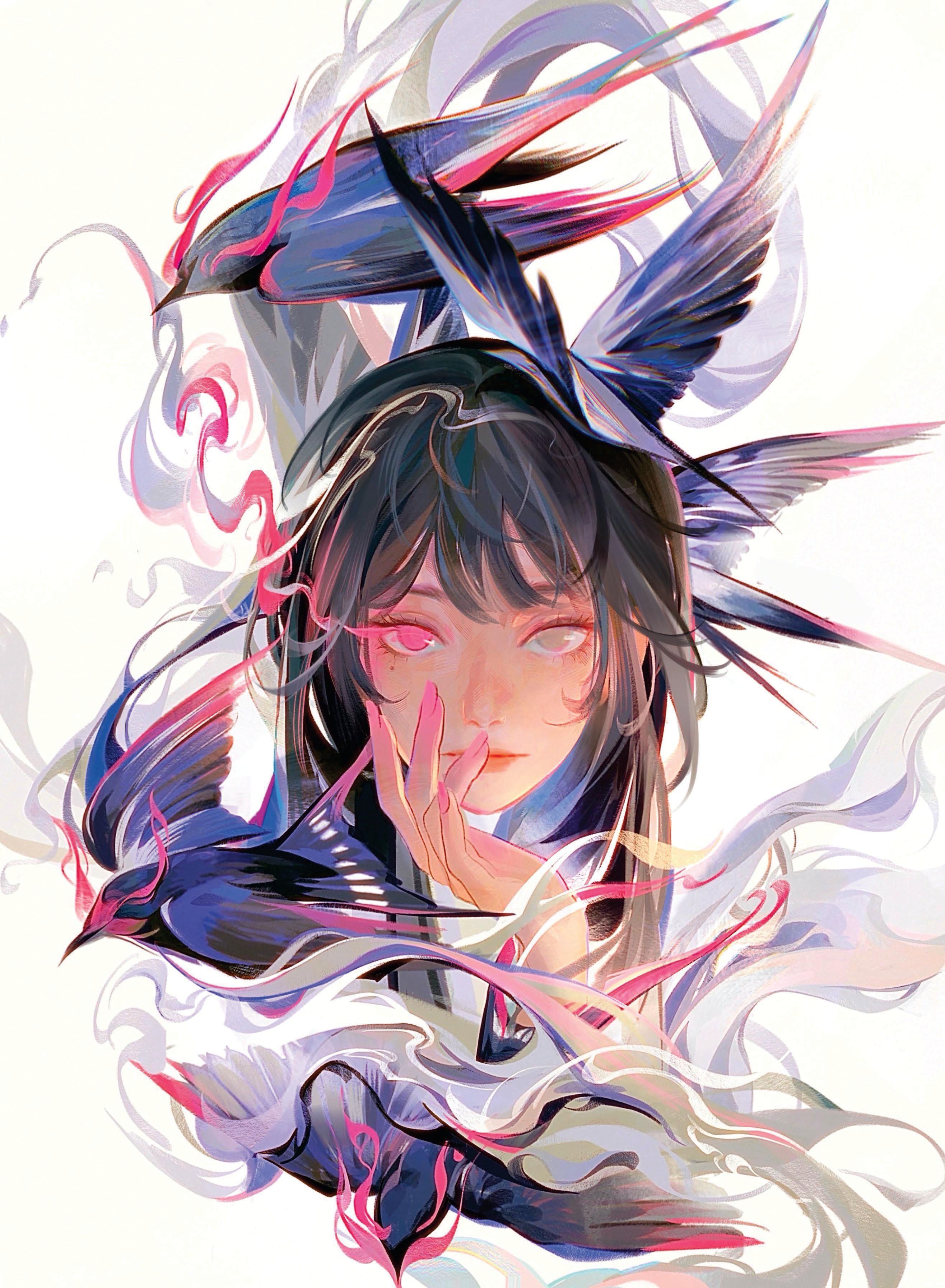
This workshop breaks down the process for creating this artwork in Procreate, from the initial sketch to final render.
The entire illustration was created using various brushes, with a strong emphasis on layer organisation, colour exploration and refining details over time. I like to work with greyscale early on to build up the values first, then experiment with colour later to ensure that the composition works well in both black and white, and full colour.
A big part of this process is using the Selection Tool to separate areas, making it easier to drop in flat colours or adjust specific sections without messing up the surrounding details. I also use Clipping masks a lot to add shading and lighting in a controlled manner. By working in stages, it gives me the freedom to experiment - whether that's trying out different palettes, testing lighting or rearranging compositional elements such as the birds in this piece.
One thing to keep in mind while working like this is patience. It's tempting to rush into the details, but it pays to take the time to build up each layer of the work carefully, step by step. I also recommend zooming out often to check the composition and make sure things are balanced before committing to heavy rendering. This approach helps keep the whole piece cohesive from start to finish.
Lay down a rough sketch
Have a general idea in mind, then lay down a loose black line sketch on a blank canvas to establish the basic composition and gesture. Keep things rough at first before getting too focused on fine detail and rendering. Be expressive and make mistakes before committing to a composition. This foundation is typically drawn on a single layer using a pencil or technical brush, allowing flexibility before colour or value work begins.
Block in shapes


This story is from the Christmas 2025 edition of ImagineFX.
Subscribe to Magzter GOLD to access thousands of curated premium stories, and 10,000+ magazines and newspapers.
Already a subscriber? Sign In
MORE STORIES FROM ImagineFX
ImagineFX
ZBrush, Blender & Procreate COLOUR YOUR 3D ARTWORK
Entei Ryu reveals how she sculpts and paints Triceratops and T-Rex, two characters from her BONEGIRL series

1 min
March 2026
ImagineFX
Canon imagePROGRAF PRO-310
Artists and photographers who create gallery-quality prints of their work will want to make room in their studio for Canon's latest printer
1 mins
March 2026

ImagineFX
Acer Swift Edge 14 Al
This beautiful laptop delivers on design, but what about the amount of computing power on offer?
1 mins
March 2026
ImagineFX
CONCEPT A MOODY CYBERPUNK SCENE
Oleg Topor uses a variety of creative techniques to portray a meeting of criminals in the depths of a futuristic city
3 mins
March 2026
ImagineFX
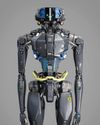
LET THE STORY LEAD THE DESIGN
Nelson Tai takes cues from his personal sci-fi project when constructing a hardworking droid
1 mins
March 2026

ImagineFX
LORCAN THE LITERATE
Arne Billen believes that conceptual contrast can lead to a successful design. He demonstrates this with Lorcan, a character from his D&D campaign who combines literacy with a fighting spirit
1 mins
March 2026
ImagineFX
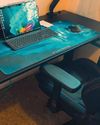
Secretlab Magnus Evo
REAL STEEL Does this pro sit-to-standing desk rise to the occasion?
1 min
March 2026

ImagineFX
MAKE USE OF FILTERS
Concept artist Brandon Liao gives insights into his visual development work on Spectre Divide
1 mins
March 2026
ImagineFX
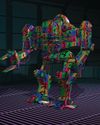
ENHANCE ANY 3D MODEL BY APPLYING TEXTURES
Ant Ward explains how UVs and texture maps are an easy way to add detail to a 3D object
1 mins
March 2026
ImagineFX
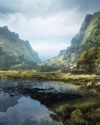
Karim Yasser Ahmed
Karim is a senior lighting artist with over seven years of experience in AAA games. He loves working on environment lighting: “I treat my environment as a canvas that is getting lit as a painting, and I truly enjoy this process.”
1 min
March 2026
Listen
Translate
Change font size