Try GOLD - Free
M5 MACBOOK PRO REVIEW: A MINOR REFRESH THAT HIDES A MASSIVE GRAPHICS BOOST
Macworld
|January 2026
APPLE'S NEW M5 CHIP GIVES ITS MOST AFFORDABLE PRO LAPTOP FASTER GRAPHICS AND SSD.
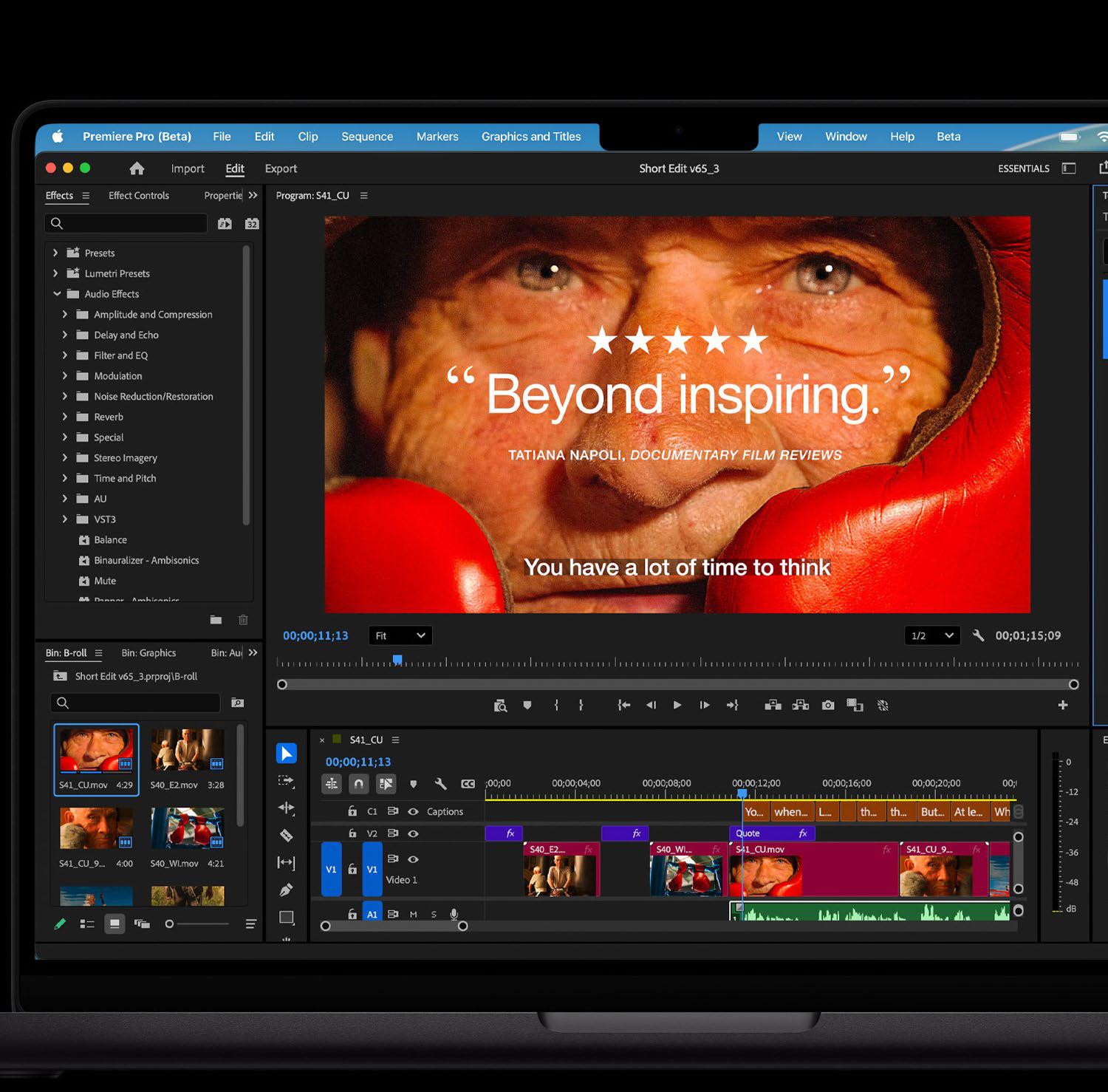
Going into this review for the M5 MacBook Pro (fave.co/46gdnVu), I wasn't expecting much. The laptop it replaced, the M4 MacBook Pro (fave.co/3Rt3mMe), is excellent. But more importantly, that M4 laptop addressed many issues with the M3 (fave.co/49hUoMO), M2 (fave.co/3POoGJc), and M1 (fave.co/2PXzhbw) MacBook Pros, including the webcam quality and starting memory. The experience with the M4 MacBook Pro was so satisfying that I was a bit blasé about the M5 MacBook Pro–the only thing that's really new in the laptop is the M5. That's it.
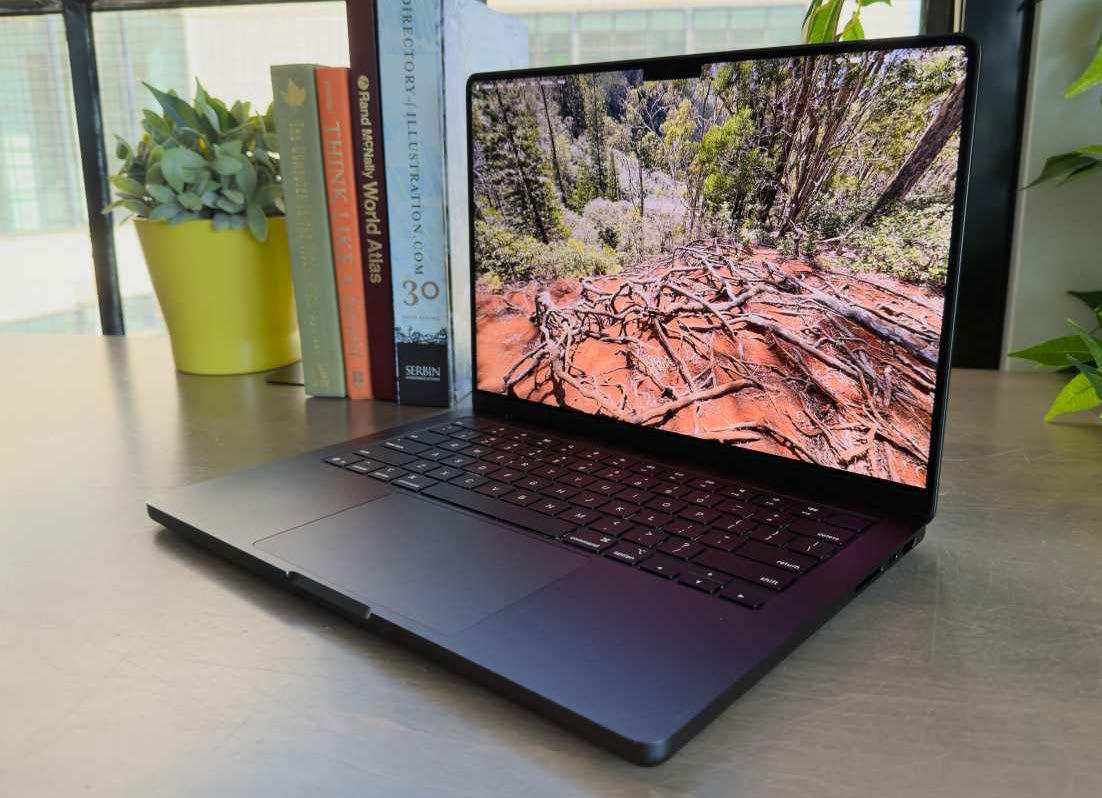 The M5 MacBook Pro that we reviewed has the Nanotexture display option, which is an extra $150/£150.
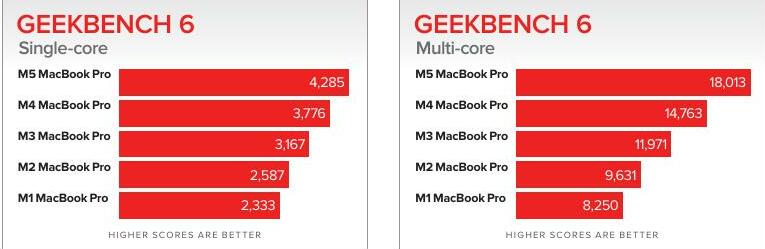
After spending time with the new M5 MacBook Pro, that indifference quickly evolved into being impressed. In all, the M5 MacBook Pro is an incremental update, but it does make some big performance leaps in graphics and SSD throughput that made me say, “Wow!”
 OUR MODEL'S SPECIFICATIONS
This review is for the most affordable model in the MacBook Pro lineup, the M5 14-inch MacBook Pro. Our review unit has the same CPU, GPU, and RAM as the base standard configuration, but the SSD is 1TB (an additional $200/£200), and it has the Nano-texture glass ($150/£150). Here are the specifications of the laptop in this review:
CPU: M5 with 10 cores (4 performance cores, 6 efficiency cores), 16-core Neural Engine
GPU: 10 cores
Memory: 16GB unified memory (153GBps memory bandwidth)
Storage: 1TB SSD


This story is from the January 2026 edition of Macworld.
Subscribe to Magzter GOLD to access thousands of curated premium stories, and 10,000+ magazines and newspapers.
Already a subscriber? Sign In
MORE STORIES FROM Macworld

Macworld
My favorite iOS 26 feature has banished spam callers
Call Screening puts up a brick wall between spammers and your iPhone, ending nuisance calls forever. It's easily one of the best features in the iOS 26 update.

4 mins
January 2026

Macworld
Fender Studio: Easy-peasy play-along and recording for the guitar player in your life
This free guitar-focused recording app and amp sim is handy indeed for quick takes and practice, though it lack features such as MIDI and loop recording.
9 mins
January 2026

Macworld
How to remove a stored password from a Mac storage device
If you stored the password to unlock an encrypted volume, you can remove it.
1 min
January 2026

Macworld
Plugable TBT-UDT3: Best-value Thunderbolt 5 docking station
Even if your Mac doesn't boast Thunderbolt 5, it's time to move to the new standard.
6 mins
January 2026

Macworld
Inzoi: A breath of fresh air for life sims on the Mac
Inzoi is shaking up life simulators: ambitious, modern, and very early to play on the Mac.
4 mins
January 2026

Macworld
Apple's new M5 iPad Pro is awfully close to the MacBook hybrid we've always wanted
The latest iPad Pro strikes a healthy balance between power and portability for most users.
4 mins
January 2026

Macworld
BenQ MA270UP: Perfectly made for the Mac
BenQ updates its Mac display with a glossy glass option and the results are superb.
4 mins
January 2026

Macworld
KUXIU X40 TURBO 25W WIRELESS CHARGING STATION: TINY CHARGER HITS TOP SPEEDS
It wasn't so long ago that 15W MagSafe was the fastest any magnetic wireless charger could output power to an iPhone? Since the launch of the latest Qi 2.2 technology, charger manufacturers have been racing to bring out wireless gadgets at the new top 25W speed.
3 mins
January 2026

Macworld
M5 MACBOOK PRO REVIEW: A MINOR REFRESH THAT HIDES A MASSIVE GRAPHICS BOOST
APPLE'S NEW M5 CHIP GIVES ITS MOST AFFORDABLE PRO LAPTOP FASTER GRAPHICS AND SSD.
6 mins
January 2026

Macworld
I upgraded to the iPhone 17 Pro Max and solved every problem I had
The new features may seem small, but the iPhone 17 Pro Max smooths out a ton of flaws.
4 mins
January 2026
Listen
Translate
Change font size