
Go Unlimited with Magzter GOLD
Get unlimited access to 10,000+ magazines, newspapers and Premium stories for just
Try GOLD - Free
ULTIMATE MAC SETUP GUIDE
Mac Life
|April 2021
Bought a new Mac? Well, here’s how you set about moving across all of your old data from your old Mac or PC — it’ll be (mostly) painless. Promise!
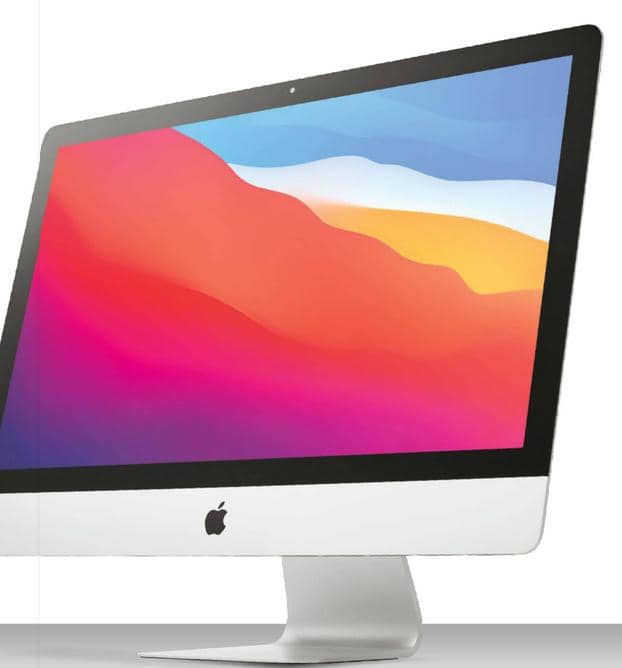
WELCOMING A NEW family member is always a joy, and there’s nothing quite like the rush of excitement you get from unboxing a new Mac.
But like all newborns, your pristine new Apple machine needs some help with the basics: while every Mac comes fully loaded with Apple apps, it doesn’t come with your stuff or your settings. Don’t worry, though. As we will discover here, whether this is your very first Apple computer or the latest in a long line of Macs, it’s really easy to get everything just–so.
Although our focus is on data, moving to a new Mac might raise some hardware issues. For example, if you’ve just moved from an iMac to the new MacBook Pro, you will have lost a lot of ports. Where the iMac had four USB and two Thunderbolt ports, the M1 MacBook Pro only has two Thunderbolt/ USB–C — and the charger needs one of them. If you require more ports than Apple provides, you’ll need a hub or docking station.
If you have external accessories, check that they’re compatible before you switch. Most hardware will be fine, but we’ve found that musical equipment in particular often suffers from compatibility issues until its software is updated.
In this feature, we’ll look at how to clone your Mac, create comprehensive backups, opt for the right method of migrating if you’re moving from Mac or PC, and examine any issues that might arise.
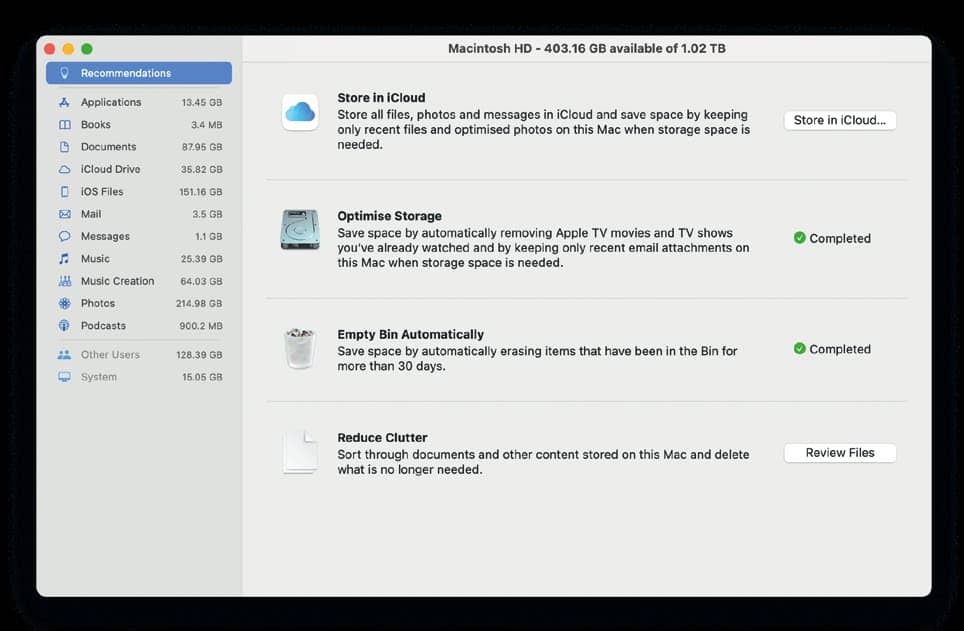
Clone your Mac
Make a copy of everything on your Mac before you start — here’s how

This story is from the April 2021 edition of Mac Life.
Subscribe to Magzter GOLD to access thousands of curated premium stories, and 10,000+ magazines and newspapers.
Already a subscriber? Sign In
MORE STORIES FROM Mac Life

Mac Life
TerraMaster F4-425 NAS
Home or office four-bay network-attached storage

3 mins
March 2026

Mac Life
Satechi OntheGo 7-in-1 Adapter
Easily add more ports to your Mac, iPhone and iPad
2 mins
March 2026

Mac Life
BenQ ScreenBar Halo 2
Monitor lighting that's a sight for sore eyes
1 mins
March 2026
Mac Life
AI: WHAT YOU NEED TO KNOW
Al can be brilliant when put to proper use, but it also has some major downsides
11 mins
March 2026

Mac Life
Calibrate a MacBook Pro display
Can I calibrate my MacBook Pro 16-inch M3 Pro's XDR display, and if so, how?
1 min
March 2026

Mac Life
Edifier S880DB MKII
Great-sounding speakers with loads of connectivity
3 mins
March 2026

Mac Life
Search text in document images
I keep thousands of images of printed documents, and want to search their contents using Live Text, but Spotlight won't index them. How can I get it to work?
1 min
March 2026

Mac Life
No looking back at old icons
Can I customize the apps bundled in macOS Tahoe by giving them back their old icons?
1 min
March 2026

Mac Life
Set up multiple timers on iOS
Discover timers done right
2 mins
March 2026

Mac Life
Blue Prince
A multilayered inheritance challenge like no other
2 mins
March 2026
Translate
Change font size