
Go Unlimited with Magzter GOLD
Get unlimited access to 10,000+ magazines, newspapers and Premium stories for just
Try GOLD - Free
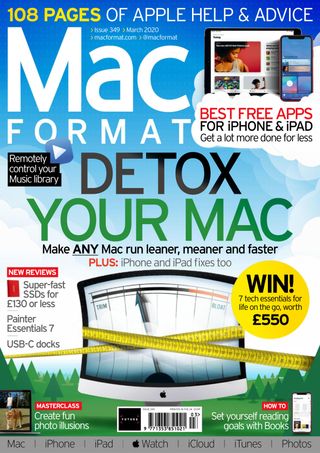
DETOX YOUR MAC
MacFormat UK
|March 2020
Mac running slow or short on space? This feature will show you how to clear out the rubbish and keep hold of the important stuff

One thing that’s as sure as death and taxes, is the fact that your Mac’s hard disk will eventually fill up. These days it may be an SSD or Fusion Drive, but regardless of the nature of the hardware, it can hold a finite number of gigabytes, and the more files you add – whether new apps, downloads, music, and videos, your photo collection, work files or anything else – the less space will be left. And the same goes for your iPhone or iPad.
As we so often say about macOS and iOS, remember there’s only a problem when there’s a problem. There’s generally no need to worry about unwanted files existing, or to install software that promises to remove them. They won’t break anything or slow anything down. But when you try to save or download a file and get a warning that your drive is almost full, yep, you’ll need to do something about it.
In this article, we look at all the kinds of content that are likely to be taking up storage unnecessarily, where to find them and how to get rid of them safely. Finally, in case it feels like time for more drastic action, you’ll see how to wipe your drive and start again.
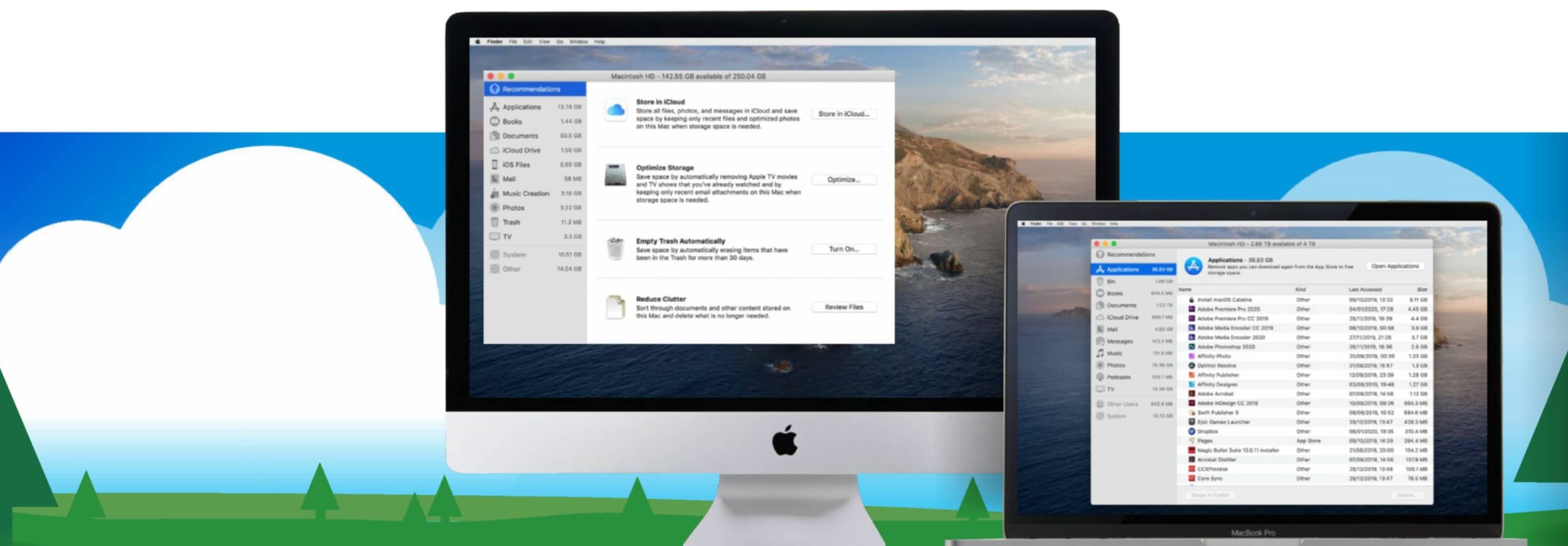
Step one: Identify space hogs and optimise storage
The bigger the file, the more you’ll gain by trashing it
Your Mac’s built-in primary drive, called Macintosh HD by default, is where all your files are stored unless you saved them to an external drive. Check both for anything you don’t need to keep.
1 Get an overview

This story is from the March 2020 edition of MacFormat UK.
Subscribe to Magzter GOLD to access thousands of curated premium stories, and 10,000+ magazines and newspapers.
Already a subscriber? Sign In
MORE STORIES FROM MacFormat UK
MacFormat UK
Affinity by Canva
A complete creative studio for zero cost

3 mins
February 2026
MacFormat UK
RSRs return from the dead
Apple announced Rapid Security Responses in June 2022, as a new means of applying urgent security patches in between macOS updates.
1 min
February 2026
MacFormat UK
Rediscover albums with Longplay
Fall in love with your albums all over again with this amazing music player
3 mins
February 2026
MacFormat UK
Set up multiple timers on iOS
Discover timers done right
2 mins
February 2026

MacFormat UK
Chants of Sennaar
Work your way beyond being lost in translation
2 mins
February 2026
MacFormat UK
Signature Slim Solar+ wireless keyboard K980
A comfortable, full-size keyboard that's always good to go
2 mins
February 2026
MacFormat UK
One more thing Apple Intelligence
Apple has promised a big AI update in 2026, and Graham Barlow feels nervous
2 mins
February 2026

MacFormat UK
Search any website - fast!
Find your favourite websites faster than ever
3 mins
February 2026

MacFormat UK
Make your ideal web browser
Make online life easy by making your web browser work your way
2 mins
February 2026

MacFormat UK
Best home printers & all-in-ones
We put six all-round home models through their printing paces
7 mins
February 2026
Translate
Change font size