Versuchen GOLD - Frei
CONJURE MAGIC ILLUSTRATIONS
ImagineFX
|January 2025
Daria Anako demonstrates her process for creating a whimsical piece of art with some spellbinding touches
-
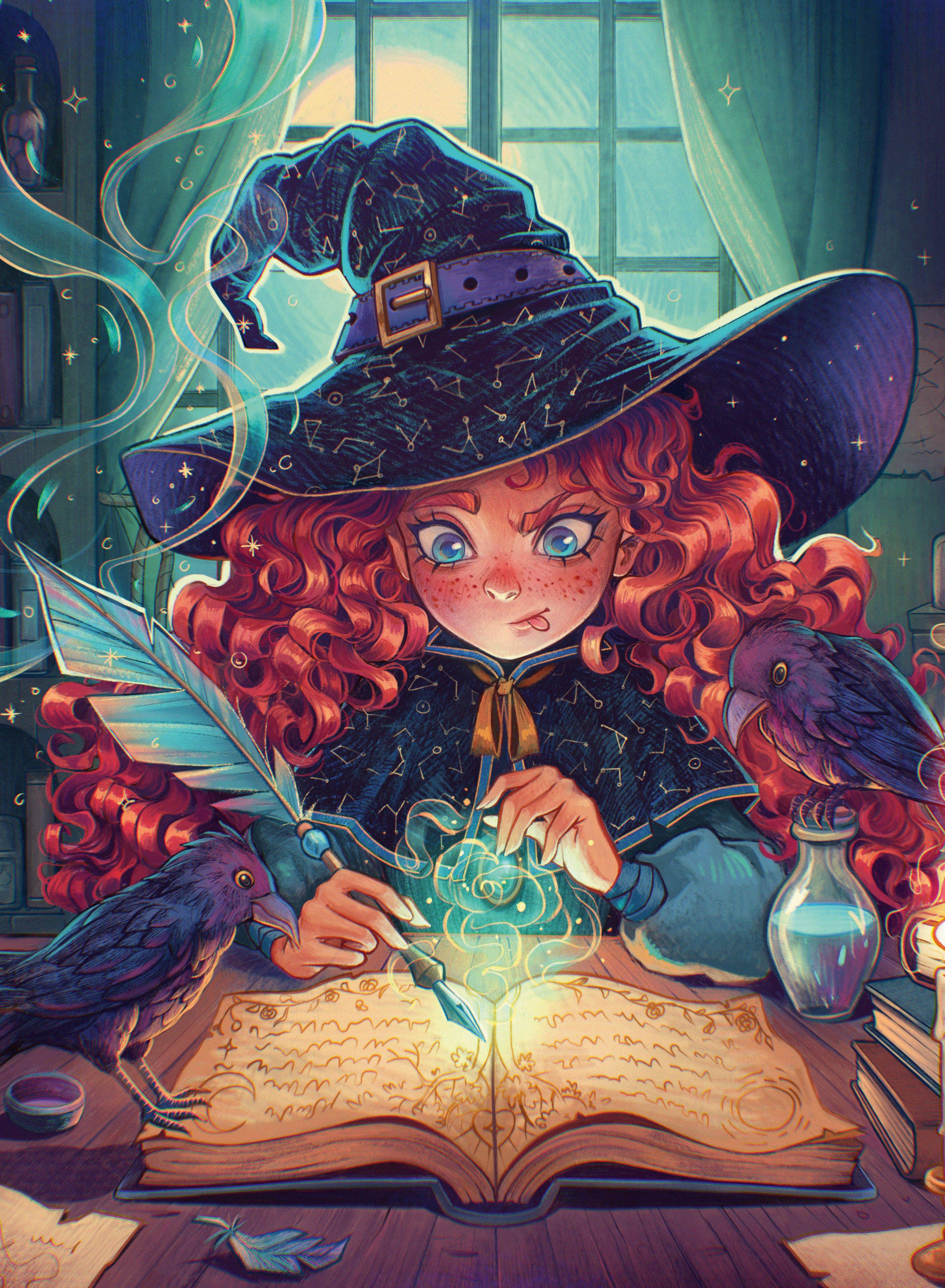
Magic has always sparked imagination.
Since it doesn't exist in our world, there are countless ways to portray it through art. Will it be the blinding light from a wizard's wand? The shimmering mist from a witch's spell? Or the shadowy tendrils of a dark warlock? There are no rules, so we can let our creativity run wild.
I've had a soft spot for witches since childhood, which is why I decided to create an illustration on my favourite theme for this tutorial.
It depicts a young witch learning a new spell, accompanied by her feathered friends. I want to focus on highlighting the magical elements so the illustration bursts with life.
For some time now, I've been creating all my artwork in Procreate, which is not only convenient and simple, but also gives me full control over what I draw. In this tutorial, I'll share various tips that might make your work easier or help you get acquainted with the software for the first time.
We'll talk about composition, finding inspiration, choosing colours, building atmosphere, and different rendering techniques. I'll show you some useful features found in Procreate and walk you through my process for finishing a new illustration. I'm really curious to see how my workflow compares to yours. Let's begin!
1. Find inspiration and create thumbnails
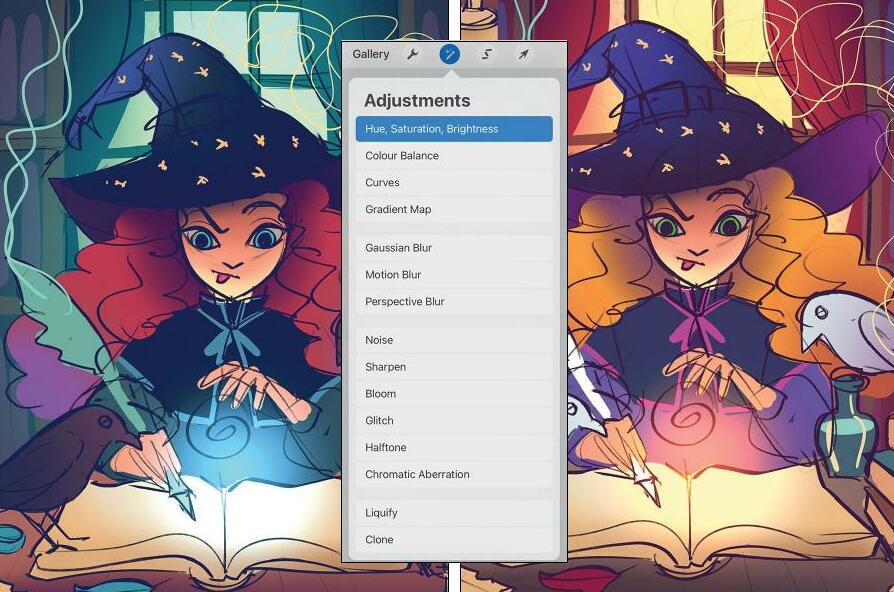 My initial idea was to create a drawing of a young witch in the midst of her studies. After some research, I figured out which magical items would be essential in her room. You should start by sketching a quick thumbnail and testing different colour options. To make it easier to adjust the colours later, create each one on a separate layer, which allows you to use the 'Hue, Saturation, Brightness' option in Adjustments.
 2. Make a rough sketch of your image

Diese Geschichte stammt aus der January 2025-Ausgabe von ImagineFX.
Abonnieren Sie Magzter GOLD, um auf Tausende kuratierter Premium-Geschichten und über 9.000 Zeitschriften und Zeitungen zuzugreifen.
Sie sind bereits Abonnent? Anmelden
WEITERE GESCHICHTEN VON ImagineFX
ImagineFX
ZBrush, Blender & Procreate COLOUR YOUR 3D ARTWORK
Entei Ryu reveals how she sculpts and paints Triceratops and T-Rex, two characters from her BONEGIRL series

1 min
March 2026
ImagineFX
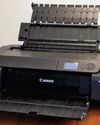
Canon imagePROGRAF PRO-310
Artists and photographers who create gallery-quality prints of their work will want to make room in their studio for Canon's latest printer
1 mins
March 2026

ImagineFX
Acer Swift Edge 14 Al
This beautiful laptop delivers on design, but what about the amount of computing power on offer?
1 mins
March 2026
ImagineFX
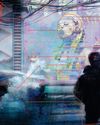
CONCEPT A MOODY CYBERPUNK SCENE
Oleg Topor uses a variety of creative techniques to portray a meeting of criminals in the depths of a futuristic city
3 mins
March 2026
ImagineFX
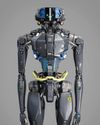
LET THE STORY LEAD THE DESIGN
Nelson Tai takes cues from his personal sci-fi project when constructing a hardworking droid
1 mins
March 2026
ImagineFX
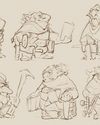
LORCAN THE LITERATE
Arne Billen believes that conceptual contrast can lead to a successful design. He demonstrates this with Lorcan, a character from his D&D campaign who combines literacy with a fighting spirit
1 mins
March 2026

ImagineFX
Secretlab Magnus Evo
REAL STEEL Does this pro sit-to-standing desk rise to the occasion?
1 min
March 2026

ImagineFX
MAKE USE OF FILTERS
Concept artist Brandon Liao gives insights into his visual development work on Spectre Divide
1 mins
March 2026
ImagineFX
ENHANCE ANY 3D MODEL BY APPLYING TEXTURES
Ant Ward explains how UVs and texture maps are an easy way to add detail to a 3D object
1 mins
March 2026
ImagineFX
Karim Yasser Ahmed
Karim is a senior lighting artist with over seven years of experience in AAA games. He loves working on environment lighting: “I treat my environment as a canvas that is getting lit as a painting, and I truly enjoy this process.”
1 min
March 2026
Listen
Translate
Change font size