Essayer OR - Gratuit
CONJURE MAGIC ILLUSTRATIONS
ImagineFX
|January 2025
Daria Anako demonstrates her process for creating a whimsical piece of art with some spellbinding touches
-
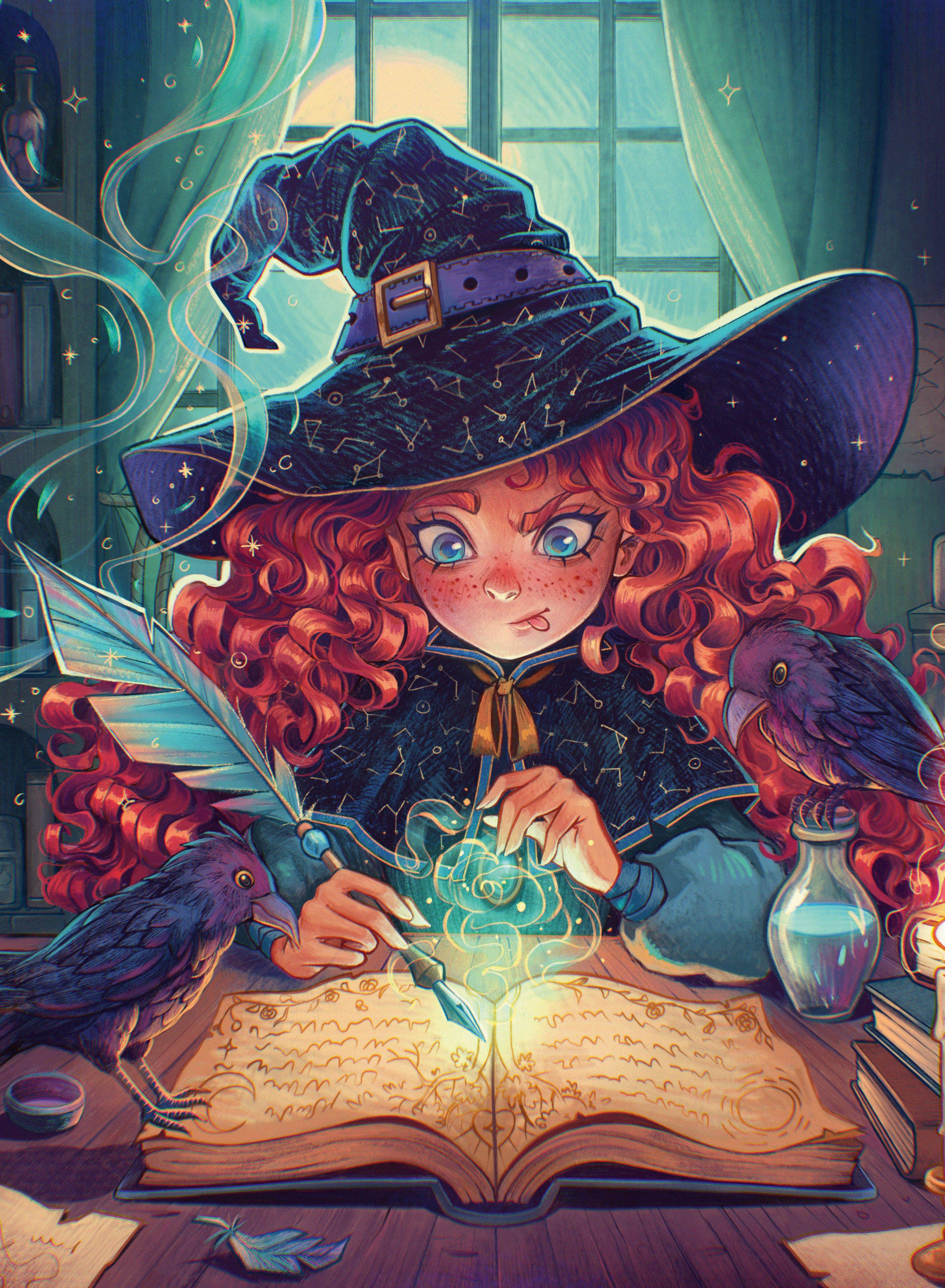
Magic has always sparked imagination.
Since it doesn't exist in our world, there are countless ways to portray it through art. Will it be the blinding light from a wizard's wand? The shimmering mist from a witch's spell? Or the shadowy tendrils of a dark warlock? There are no rules, so we can let our creativity run wild.
I've had a soft spot for witches since childhood, which is why I decided to create an illustration on my favourite theme for this tutorial.
It depicts a young witch learning a new spell, accompanied by her feathered friends. I want to focus on highlighting the magical elements so the illustration bursts with life.
For some time now, I've been creating all my artwork in Procreate, which is not only convenient and simple, but also gives me full control over what I draw. In this tutorial, I'll share various tips that might make your work easier or help you get acquainted with the software for the first time.
We'll talk about composition, finding inspiration, choosing colours, building atmosphere, and different rendering techniques. I'll show you some useful features found in Procreate and walk you through my process for finishing a new illustration. I'm really curious to see how my workflow compares to yours. Let's begin!
1. Find inspiration and create thumbnails
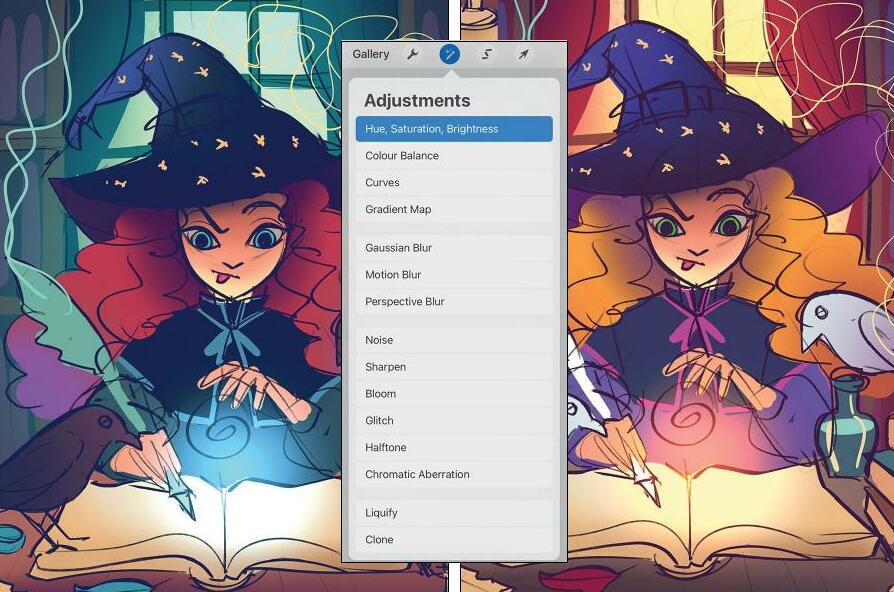 My initial idea was to create a drawing of a young witch in the midst of her studies. After some research, I figured out which magical items would be essential in her room. You should start by sketching a quick thumbnail and testing different colour options. To make it easier to adjust the colours later, create each one on a separate layer, which allows you to use the 'Hue, Saturation, Brightness' option in Adjustments.
 2. Make a rough sketch of your image

Cette histoire est tirée de l'édition January 2025 de ImagineFX.
Abonnez-vous à Magzter GOLD pour accéder à des milliers d'histoires premium sélectionnées et à plus de 9 000 magazines et journaux.
Déjà abonné ? Se connecter
PLUS D'HISTOIRES DE ImagineFX

ImagineFX
FIVE MINUTES WITH AMIR ZAND
The Iranian illustrator on finding beauty in unexpected places

2 mins
August 2026
ImagineFX
WHAT IS A CAMERA IN A 3D APPLICATION?
For newcomers to creating 3D scenes, the render output may not be what they’re expecting. Mike Griggs explains how to use the camera object to remedy this
3 mins
August 2026
ImagineFX
Photoshop & Blender CRAFT WORLDS THROUGH STORY
Discover how concept artist Kan Rongrueangkul uses narrative storytelling to shape architectural motifs, spatial design, and cinematic environments
5 mins
August 2026
ImagineFX
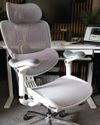
Doro C300 Pro
BUST A MOVE This new ergonomic office chair from Sihoo is the most versatile seat we have tested
2 mins
August 2026
ImagineFX
The path of... Niko Gesell
Moving pictures The freelance artist and animator tells us about his varied career
2 mins
August 2026
ImagineFX
PAINTING THE MENACE
Andre Kirk, art director at Lucasfilm Animation, discusses the visual development work produced for the animated series Star Wars: Maul - Shadow Lord with James Clark
7 mins
August 2026
ImagineFX
Make your backgrounds part of the storytelling
No humble background Tanya Combrinck talks about creating atmosphere and feeling with five background artists working in animation and games
5 mins
August 2026

ImagineFX
Acer Predator Helios Neo 16S AI
MAGIC MIRROR This capable laptop has an outstanding resolution display - but why is it so reflective?
2 mins
August 2026
ImagineFX
USE REAL-LIFE REFERENCE MATERIAL
Kevin Glint reveals how real-world references help him create fantasy art
1 mins
August 2026
ImagineFX
Nik Henderson
Wooden wonder This illustrator transformed a shed into a tiny but mighty illustration studio
2 mins
August 2026
Listen
Translate
Change font size