Denemek ALTIN - Özgür
Clip Studio Paint - NEW RENDERING TECHNIQUES
ImagineFX
|April 2020
kiDChan uses a range of Clip Studio Paint’s layer modes and her favourite Rainbow brush to give her illustration a melancholy feel
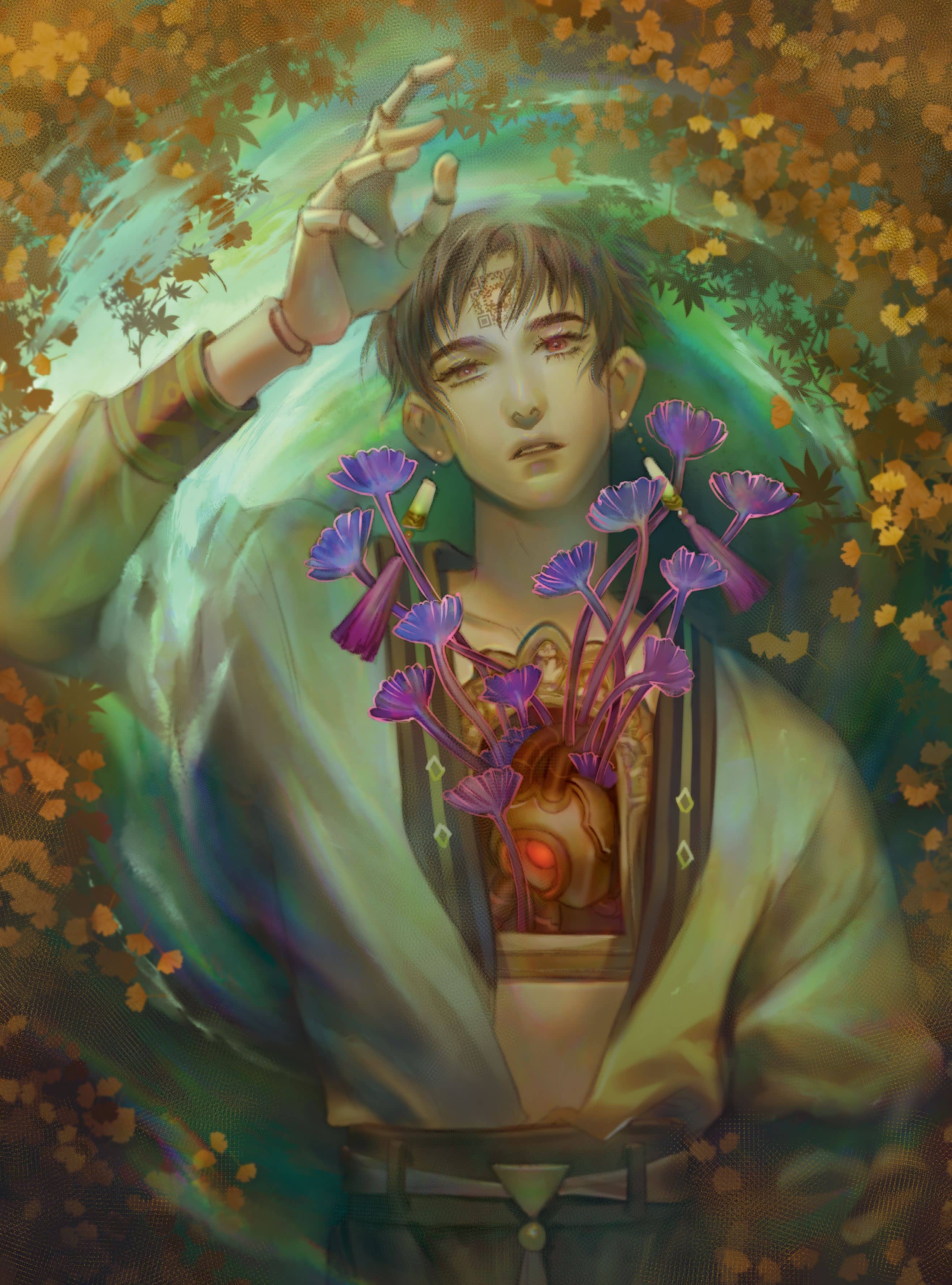
My love for illustration began when I attended a local art college. It was here that I had the chance to study and explore different artists and their painting styles.
At that time I loved Japanese comics and animation (and I still do to this day). A design lecturer told me that I should combine what I love to create my own painting style, and that’s how I started to produce illustrations that were a mix of Japanese pop art and classical techniques, such as those used by Alphonse Mucha, Aubrey Beardsley and JC Leyendecker.
In this workshop I’ll be explaining how I create an illustration with Clip Studio Paint and with my favourite brush, a rainbow! A long time ago I wanted to paint an illustration of a character floating on water, but I just couldn’t find enough spare time to sit down and create the artwork. Now, thanks to ImagineFX, I have the opportunity to visualise my idea.
At first I couldn’t think of a story for the illustration, but after deciding that the character should be a doll, the idea just went more wild from there. I wanted to make an illustration about a mechanical doll with a mechanical heart. During its construction, it becomes more organic and starts to grow flowers from its heart.
Note that although I worked on an iPad, the workflow is the same with any PC or Apple computer that can run Clip Studio Paint.
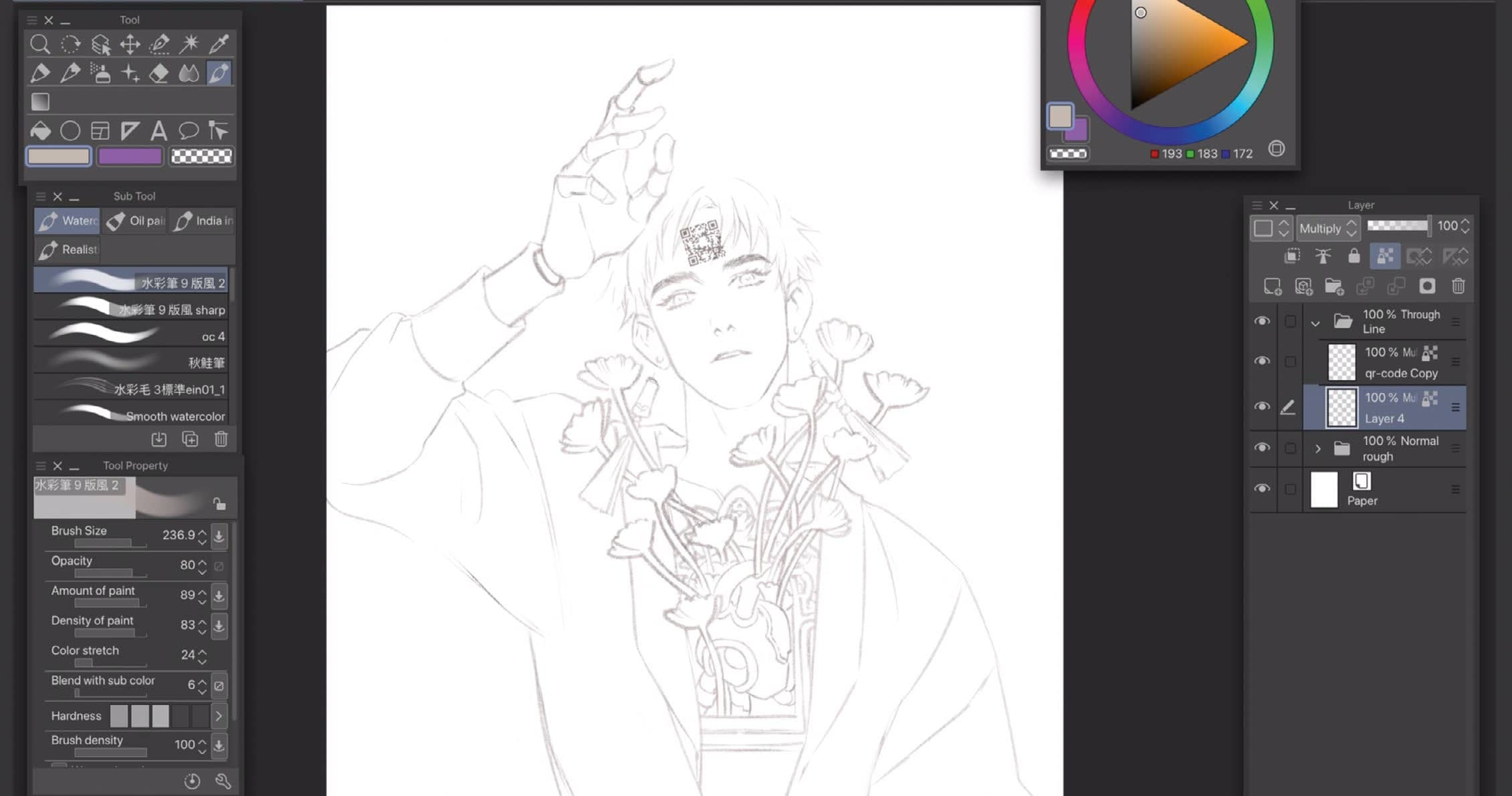
1 Lay down the line-art with the Real Pencil tool


Bu hikaye ImagineFX dergisinin April 2020 baskısından alınmıştır.
Binlerce özenle seçilmiş premium hikayeye ve 9.000'den fazla dergi ve gazeteye erişmek için Magzter GOLD'a abone olun.
Zaten abone misiniz? Oturum aç
ImagineFX'den DAHA FAZLA HİKAYE
ImagineFX
ZBrush, Blender & Procreate COLOUR YOUR 3D ARTWORK
Entei Ryu reveals how she sculpts and paints Triceratops and T-Rex, two characters from her BONEGIRL series

1 min
March 2026
ImagineFX
Canon imagePROGRAF PRO-310
Artists and photographers who create gallery-quality prints of their work will want to make room in their studio for Canon's latest printer
1 mins
March 2026

ImagineFX
Acer Swift Edge 14 Al
This beautiful laptop delivers on design, but what about the amount of computing power on offer?
1 mins
March 2026
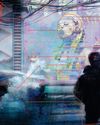
ImagineFX
CONCEPT A MOODY CYBERPUNK SCENE
Oleg Topor uses a variety of creative techniques to portray a meeting of criminals in the depths of a futuristic city
3 mins
March 2026
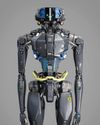
ImagineFX
LET THE STORY LEAD THE DESIGN
Nelson Tai takes cues from his personal sci-fi project when constructing a hardworking droid
1 mins
March 2026

ImagineFX
LORCAN THE LITERATE
Arne Billen believes that conceptual contrast can lead to a successful design. He demonstrates this with Lorcan, a character from his D&D campaign who combines literacy with a fighting spirit
1 mins
March 2026
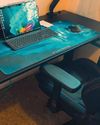
ImagineFX
Secretlab Magnus Evo
REAL STEEL Does this pro sit-to-standing desk rise to the occasion?
1 min
March 2026

ImagineFX
MAKE USE OF FILTERS
Concept artist Brandon Liao gives insights into his visual development work on Spectre Divide
1 mins
March 2026
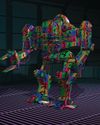
ImagineFX
ENHANCE ANY 3D MODEL BY APPLYING TEXTURES
Ant Ward explains how UVs and texture maps are an easy way to add detail to a 3D object
1 mins
March 2026
ImagineFX
Karim Yasser Ahmed
Karim is a senior lighting artist with over seven years of experience in AAA games. He loves working on environment lighting: “I treat my environment as a canvas that is getting lit as a painting, and I truly enjoy this process.”
1 min
March 2026
Translate
Change font size