Essayer OR - Gratuit
Clip Studio Paint - NEW RENDERING TECHNIQUES
ImagineFX
|April 2020
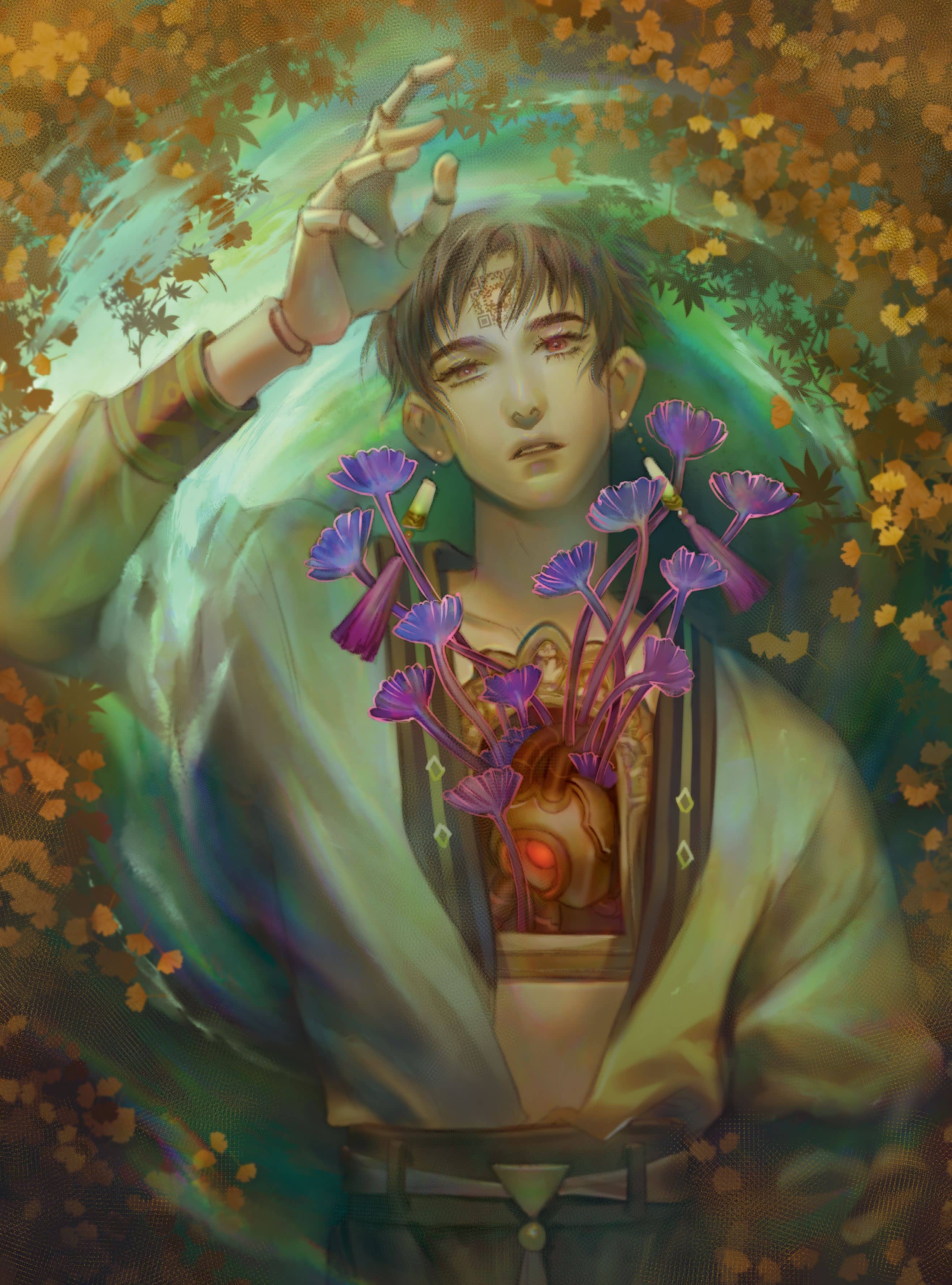
kiDChan uses a range of Clip Studio Paint’s layer modes and her favourite Rainbow brush to give her illustration a melancholy feel
My love for illustration began when I attended a local art college. It was here that I had the chance to study and explore different artists and their painting styles.
At that time I loved Japanese comics and animation (and I still do to this day). A design lecturer told me that I should combine what I love to create my own painting style, and that’s how I started to produce illustrations that were a mix of Japanese pop art and classical techniques, such as those used by Alphonse Mucha, Aubrey Beardsley and JC Leyendecker.
In this workshop I’ll be explaining how I create an illustration with Clip Studio Paint and with my favourite brush, a rainbow! A long time ago I wanted to paint an illustration of a character floating on water, but I just couldn’t find enough spare time to sit down and create the artwork. Now, thanks to ImagineFX, I have the opportunity to visualise my idea.
At first I couldn’t think of a story for the illustration, but after deciding that the character should be a doll, the idea just went more wild from there. I wanted to make an illustration about a mechanical doll with a mechanical heart. During its construction, it becomes more organic and starts to grow flowers from its heart.
Note that although I worked on an iPad, the workflow is the same with any PC or Apple computer that can run Clip Studio Paint.
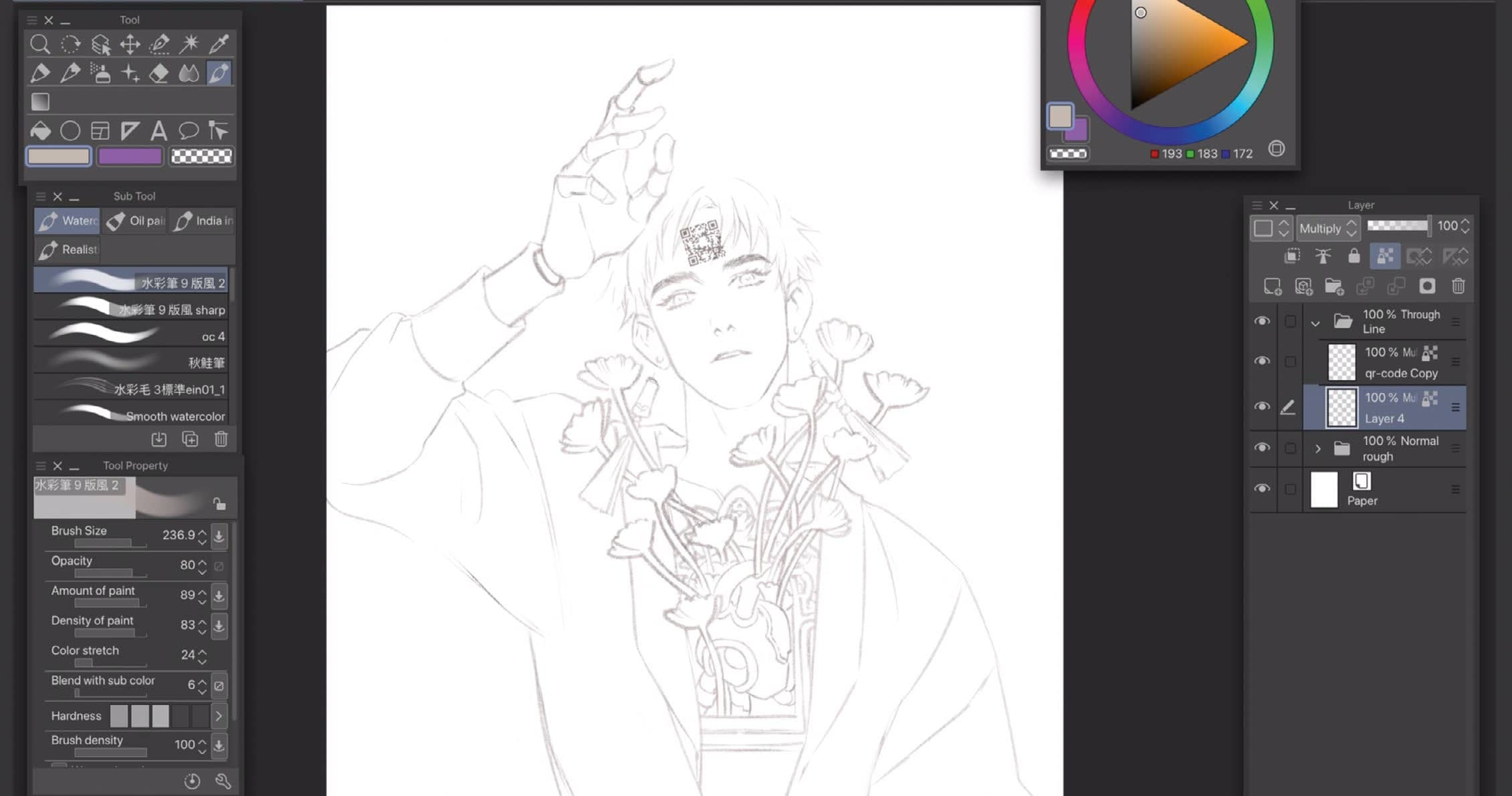
1 Lay down the line-art with the Real Pencil tool


Cette histoire est tirée de l'édition April 2020 de ImagineFX.
Abonnez-vous à Magzter GOLD pour accéder à des milliers d'histoires premium sélectionnées et à plus de 9 000 magazines et journaux.
Déjà abonné ? Se connecter
PLUS D'HISTOIRES DE ImagineFX
ImagineFX
ZBrush, Blender & Procreate COLOUR YOUR 3D ARTWORK
Entei Ryu reveals how she sculpts and paints Triceratops and T-Rex, two characters from her BONEGIRL series

1 min
March 2026
ImagineFX
Canon imagePROGRAF PRO-310
Artists and photographers who create gallery-quality prints of their work will want to make room in their studio for Canon's latest printer
1 mins
March 2026
ImagineFX
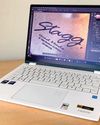
Acer Swift Edge 14 Al
This beautiful laptop delivers on design, but what about the amount of computing power on offer?
1 mins
March 2026
ImagineFX
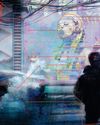
CONCEPT A MOODY CYBERPUNK SCENE
Oleg Topor uses a variety of creative techniques to portray a meeting of criminals in the depths of a futuristic city
3 mins
March 2026
ImagineFX
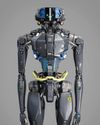
LET THE STORY LEAD THE DESIGN
Nelson Tai takes cues from his personal sci-fi project when constructing a hardworking droid
1 mins
March 2026

ImagineFX
LORCAN THE LITERATE
Arne Billen believes that conceptual contrast can lead to a successful design. He demonstrates this with Lorcan, a character from his D&D campaign who combines literacy with a fighting spirit
1 mins
March 2026
ImagineFX
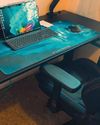
Secretlab Magnus Evo
REAL STEEL Does this pro sit-to-standing desk rise to the occasion?
1 min
March 2026

ImagineFX
MAKE USE OF FILTERS
Concept artist Brandon Liao gives insights into his visual development work on Spectre Divide
1 mins
March 2026
ImagineFX
ENHANCE ANY 3D MODEL BY APPLYING TEXTURES
Ant Ward explains how UVs and texture maps are an easy way to add detail to a 3D object
1 mins
March 2026
ImagineFX
Karim Yasser Ahmed
Karim is a senior lighting artist with over seven years of experience in AAA games. He loves working on environment lighting: “I treat my environment as a canvas that is getting lit as a painting, and I truly enjoy this process.”
1 min
March 2026
Translate
Change font size