
Go Unlimited with Magzter GOLD
Get unlimited access to 10,000+ magazines, newspapers and Premium stories for just
Try GOLD - Free
VMware Fusion: New features in Fusion 13
Macworld
|May 2023
Parallels Desktop has long been a step ahead of VMware Fusion for running Windows on a Mac, but Fusion 13 remains a good option.

For many years Parallels Desktop and VMWare Fusion fought a long battle to produce the best virtualization software for Mac F users who needed to run Windows software on their Macs (fave.co/3mvFWtl). Every time Apple released a new version of the macOS (fave.co/3nLLdgM), we would see Parallels and VMWare release their own updates, and this competition was great for Mac users as it meant that both programs continued to offer new features and performance improvements every year. In recent years, though, VMWare has seemed to focus more on its high-end corporate products and, since the introduction of Apple Silicon in 2020, Fusion no longer really competes with the annual updates to Parallels Desktop (fave.co/3GeV2dD) anymore.
Both programs work in basically the same way, allowing you to create a virtual machine (VM) that runs on your Mac just like any other Mac application. This virtual machine emulates the workings of a Windows PC, allowing you to install a full copy of Windows (fave.co/3SUfpSL) on the virtual machine and then run any Windows software or games that you need to use. And, crucially, you can run your Windows apps right alongside your existing Mac apps-rather than having to switch back and forth between Mac and Windows as you have to do when using Boot Camp on Intel Macs (and, of course, Boot Camp [fave.co/3SUfpSL] is no longer available on Macs with Apple Silicon at all). Both programs also allow you to create virtual machines that run various versions of Linux too, which is a useful feature for many developers and students.
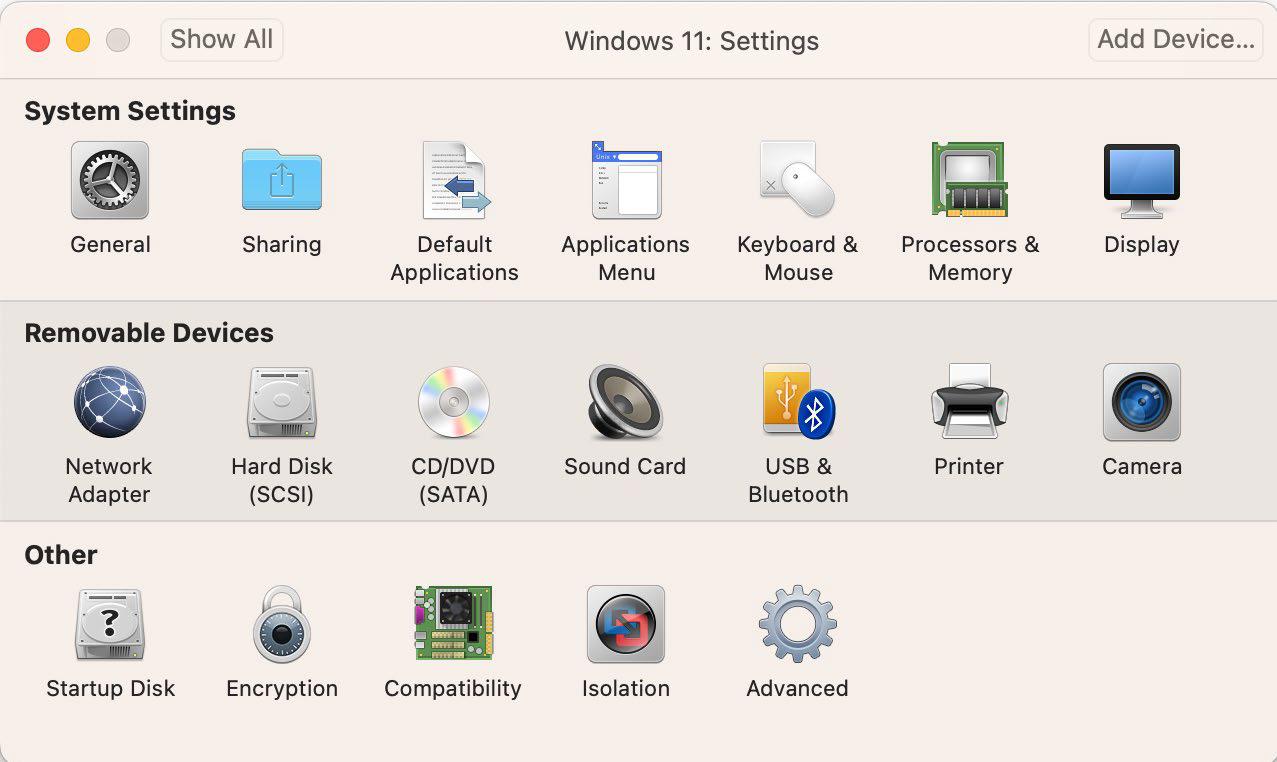
FUSION 13 MEETS WINDOWS 11


This story is from the May 2023 edition of Macworld.
Subscribe to Magzter GOLD to access thousands of curated premium stories, and 10,000+ magazines and newspapers.
Already a subscriber? Sign In
MORE STORIES FROM Macworld

Macworld
PSA: Neo won't work with some MacBook USB-C hubs
Accessory makers warn that dual-port USB-C hubs made for MacBooks aren't compatible with the Neo.

3 mins
July 2026

Macworld
16-INCH MACBOOK PRO (M5 MAX): ULTRA SPEED WITH SHOCKING READS
The MacBook Pro with the M-series Max chip is the company’s fastest laptop.
6 mins
July 2026

Macworld
OpenAI's Codex is now smart enough to control your Mac even when it's locked
In Codex’s settings, there is an option for Locked use, which does exactly what it says when you turn it on.
1 min
July 2026

Macworld
APPLE BUILT THE DREAM iPHONE. WHY DIDN’T YOU BUY IT?
APPLE FINALLY GAVE US WHAT WE WANTED, BUT IT TURNED OUT IT WASN’T SOMETHING MOST PEOPLE ACTUALLY NEED.
5 mins
July 2026

Macworld
Audio Pro Drumfire D-2 W: Powerful AirPlay speaker with impressive sound
The Audio Pro Drumfire D-2 W delivers powerful, room-filling sound with AirPlay and high-res streaming, but limited wired inputs and portability may put some buyers off.
4 mins
July 2026

Macworld
Use FaceTime like a pro with these 7 hidden features
The app has gained a ton of advanced options in the last few years that can really dress up your video calls.
4 mins
July 2026

Macworld
Apple just gave us a peek at some of iOS 27's new features
Our first official info about the capabilities and features coming in the next big OS update.
3 mins
July 2026

Macworld
How AI is working to make your iPhone and Mac nearly impervious to attacks
AI coding agents set to level the playing field between hackers and security engineers.
4 mins
July 2026

Macworld
Wavlink Thunderbolt 5 Dock: Affordable fast Thunderbolt plus handy power options
This affordable Thunderbolt 5 docking station looks good and offers some useful power options.
5 mins
July 2026

Macworld
Typed the wrong macOS password? That pause isn't a glitch
It’s a way to hinder brute-force attempts to get into your Mac.
2 mins
July 2026
Translate
Change font size