
मैगज़्टर गोल्ड के साथ असीमित हो जाओ
10,000 से अधिक पत्रिकाओं, समाचार पत्रों और प्रीमियम कहानियों तक असीमित पहुंच प्राप्त करें सिर्फ
कोशिश गोल्ड - मुक्त
Your Apple ID How to Set it Up
Essential Apple User Magazine
|January 2021
If you didn’t register for an Apple ID during the initial setup of your iPad, you can set one up whenever you please, directly from the Settings app. If you want a new one, sign out with your old one and follow this guide. Either way, you’ll soon be up and running with an all-important Apple ID.
-

1 Open Settings from the Home screen and scroll to the top of the lefthand column. Tap ‘Sign in to your iPad’ right at the top of the list, then in the pop-up window, tap ‘Don’t have an Apple ID or forgot it?’
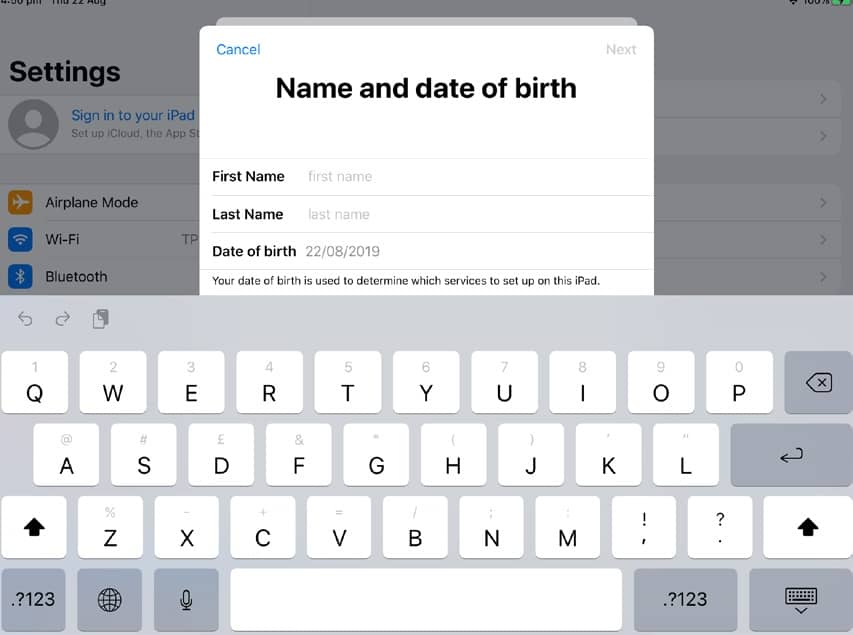
2 Tap ‘Create Apple ID’ in the next window and then, when instructed, enter your first name, last name, and date of birth. When you’ve entered these details, tap Next in the top right to move on to the next step.
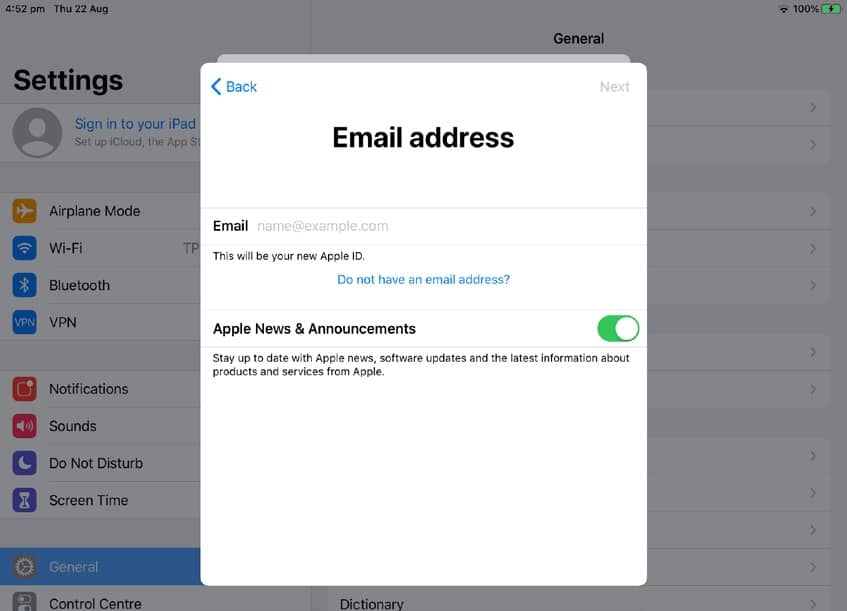
3 Next, you’re asked whether you want to use your current email address (if you have one) for your Apple ID, or get a free iCloud email address by tapping the ‘Do not have an email address?’ link. Choose one and tap Next to continue to the next step.

यह कहानी Essential Apple User Magazine के January 2021 संस्करण से ली गई है।
हजारों चुनिंदा प्रीमियम कहानियों और 10,000 से अधिक पत्रिकाओं और समाचार पत्रों तक पहुंचने के लिए मैगज़्टर गोल्ड की सदस्यता लें।
क्या आप पहले से ही ग्राहक हैं? साइन इन करें
Essential Apple User Magazine से और कहानियाँ

Essential Apple User Magazine
TRIBIT Stormbox Blast 2 Portable Bluetooth Speaker
A dynamic device for music on the move.

1 min
Summer 2025
Essential Apple User Magazine
New in Apple Intelligence
Apple’s artificial intelligence tools go from strength to strength.
5 mins
Summer 2025
Essential Apple User Magazine
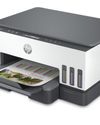
HP Smart Tank 7005 Wireless All-in-One Colour Printer
Is Smart Tank the future of home printing?
1 mins
Summer 2025
Essential Apple User Magazine
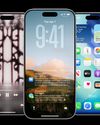
New in iOS 26
There’s some great new features coming to the iPhone.
6 mins
Summer 2025

Essential Apple User Magazine
WatchOS 26
Apple's smallest computer device also gets a new OS ending in '26'.
4 mins
Summer 2025

Essential Apple User Magazine
DxO PureRAW 5 12
The ultimate solution for RAW image quality?
1 mins
Summer 2025
Essential Apple User Magazine
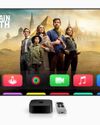
tvOS 26
The new Apple TV operating system elevates design.
2 mins
Summer 2025

Essential Apple User Magazine
WhatsApp Messenge for iPad
At last, we can use WhatsApp on our Apple tablets!
1 min
Summer 2025
Essential Apple User Magazine
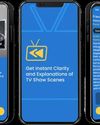
Zewind.Al
For those who've lost the plot...
1 min
Summer 2025

Essential Apple User Magazine
visionOS 26
A powerful new spatial experiences for Apple Vision Pro
2 mins
Summer 2025
Translate
Change font size