
Passez à l'illimité avec Magzter GOLD
Obtenez un accès illimité à plus de 9 000 magazines, journaux et articles Premium pour seulement
Essayer OR - Gratuit
macOS Monterey
MacFormat UK
|November 2021
Your next big free Mac upgrade has arrived – here’s how to make the most of it, from AirPlay to Shortcuts

The last few years of macOS upgrades brought trauma with their advances. We’ve lost 32-bit apps, gained a new file system ideal for SSDs and Time Machine backups but unsuited to hard disks, and previously simple startup volumes have been split to lock the System away in a snapshot.
Monterey is a welcome chance to get your breath back. On Intel Macs at least it makes no deep changes, and even Time Machine will back it up in continuity with existing Big Sur backups. Instead, Apple’s attention has turned to improving its most popular apps like FaceTime and Messages, and bringing new features like Shortcuts and Quick Notes.
These improvements are each enhanced by their integration with other features. Live Text is accessible optical character recognition which isn’t that novel, but when linked with Look Up it becomes a powerful tool. FaceTime’s SharePlay links to media apps like Music and TV. Those are the themes for Monterey – consolidation, integration, and generally not upsetting the Apple cart.
>Monterey’s features weren’t expected on all supported Macs. The only models to enjoy them all are M1 Macs. Live Text and AirPlay have worked well when tested on most Intel models, but Object Capture requires an M1 or ample memory and VRAM.
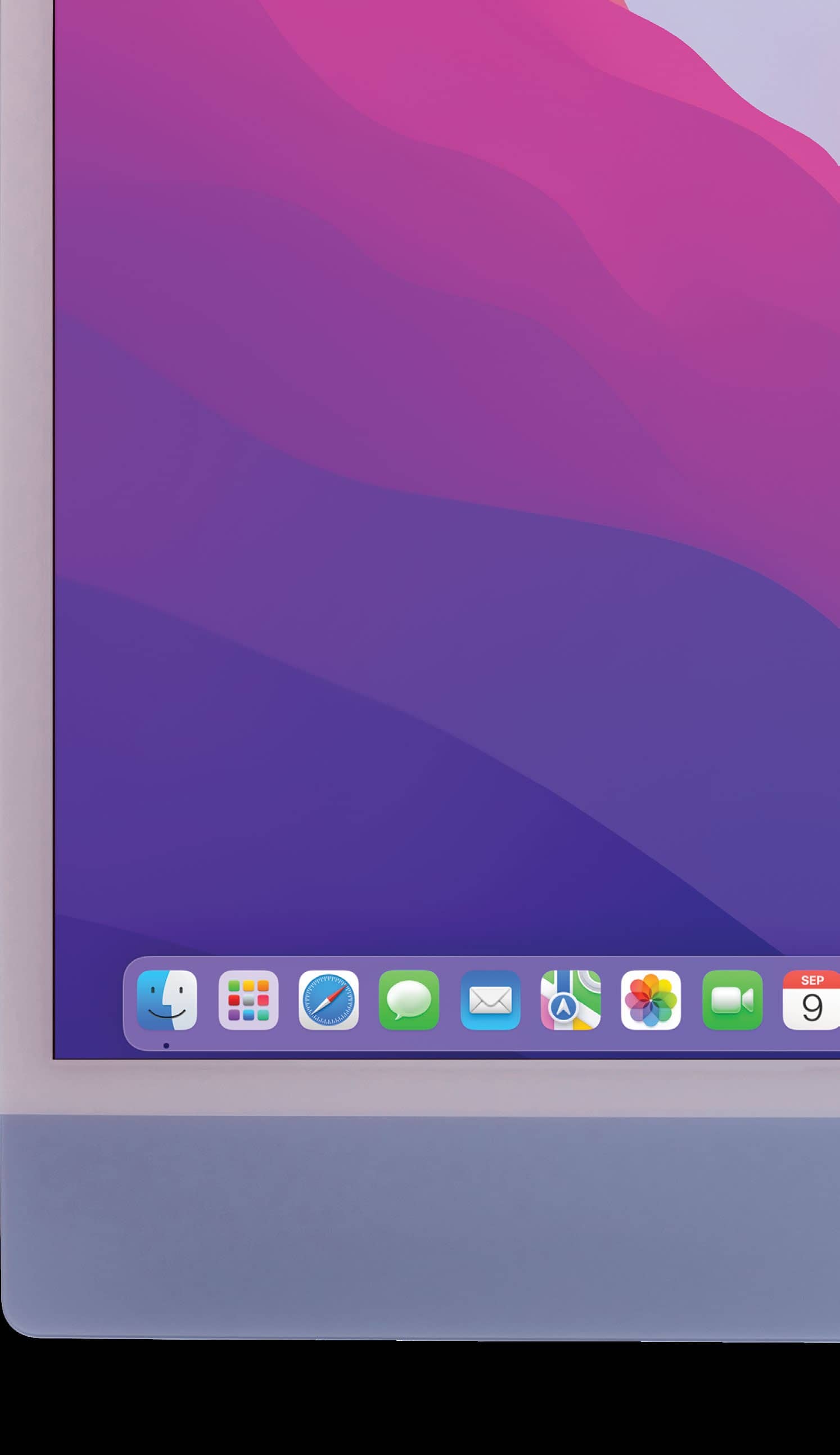
Which Macs work with Monterey?
✓ All M1 Macs (all features)
✓ iMac Late 2015 and later
✓ iMac Pro
✓ MacBook Early 2016 and later
✓ MacBook Air Early 2015 and later


Cette histoire est tirée de l'édition November 2021 de MacFormat UK.
Abonnez-vous à Magzter GOLD pour accéder à des milliers d'histoires premium sélectionnées et à plus de 9 000 magazines et journaux.
Déjà abonné ? Se connecter
PLUS D'HISTOIRES DE MacFormat UK
MacFormat UK
Affinity by Canva
A complete creative studio for zero cost

3 mins
February 2026
MacFormat UK
RSRs return from the dead
Apple announced Rapid Security Responses in June 2022, as a new means of applying urgent security patches in between macOS updates.
1 min
February 2026
MacFormat UK
Rediscover albums with Longplay
Fall in love with your albums all over again with this amazing music player
3 mins
February 2026
MacFormat UK
Set up multiple timers on iOS
Discover timers done right
2 mins
February 2026

MacFormat UK
Chants of Sennaar
Work your way beyond being lost in translation
2 mins
February 2026
MacFormat UK
Signature Slim Solar+ wireless keyboard K980
A comfortable, full-size keyboard that's always good to go
2 mins
February 2026
MacFormat UK
One more thing Apple Intelligence
Apple has promised a big AI update in 2026, and Graham Barlow feels nervous
2 mins
February 2026

MacFormat UK
Search any website - fast!
Find your favourite websites faster than ever
3 mins
February 2026

MacFormat UK
Make your ideal web browser
Make online life easy by making your web browser work your way
2 mins
February 2026

MacFormat UK
Best home printers & all-in-ones
We put six all-round home models through their printing paces
7 mins
February 2026
Translate
Change font size