Denemek ALTIN - Özgür
RETAKE YOUR iPHONE!
Macworld
|March 2025
NEVER BEFORE HAS A SINGLE MAJOR IOS RELEASE REQUIRED SO MUCH WORK FROM ITS USERS. HERE'S HOW TO GET IT ALL DONE.
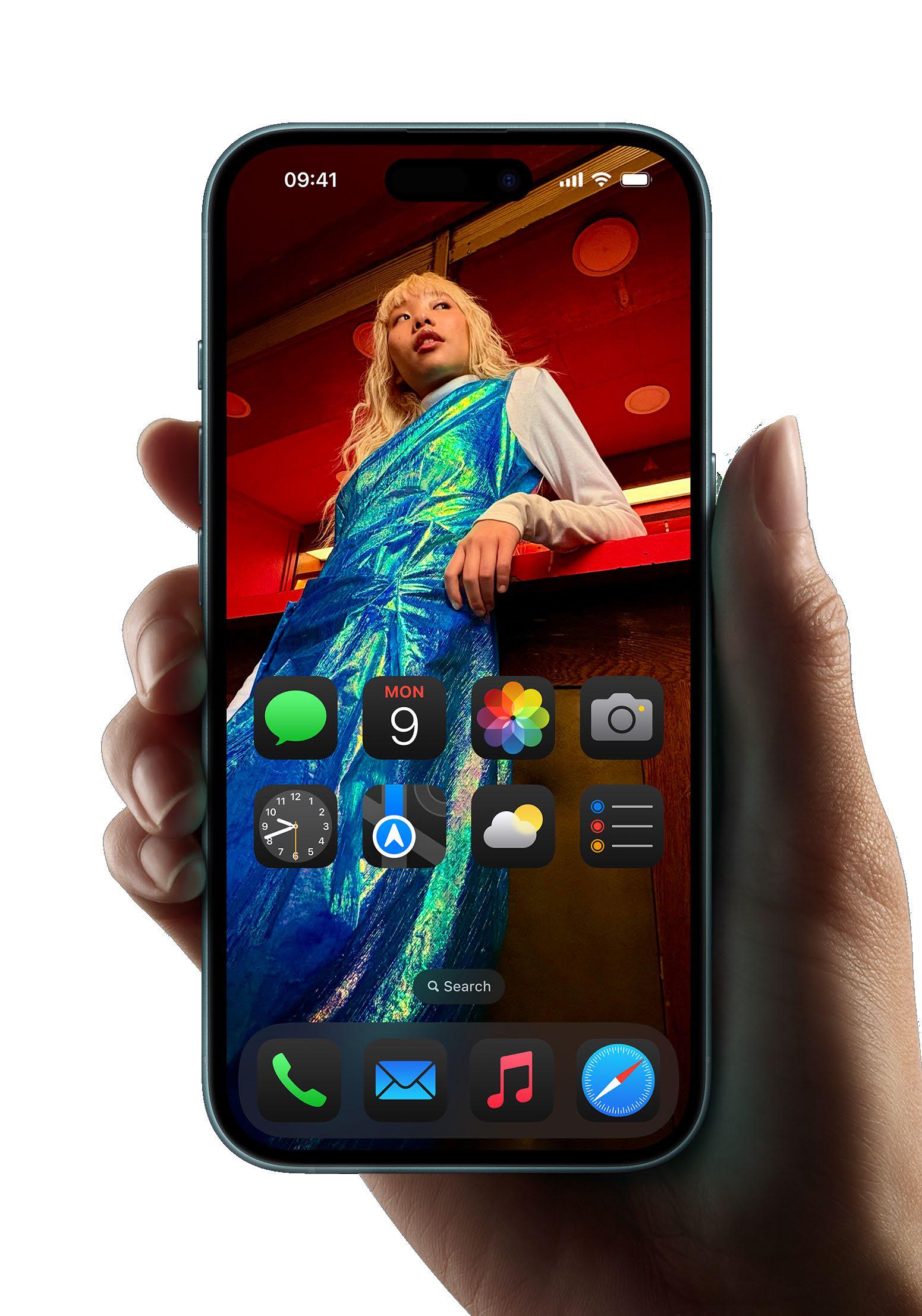
It's fair to say that iOS 18 is more highly customizable than any prior release. The big personalized lock screen (fave.co/3Sp3EmA) update of IOS 16 definitely let us add some personality to our iPhones, but that's nothing compared to the freedom to fiddle afforded in iOS 18 (fave.co/3Bk1PTU).
Unfortunately, that means you're going to have to do a little work. Apple's latest major update lets you customize the lock screen shortcuts, expands customization of the Action button (now available on all new models), finally gives you full control over the Home screen layout (fave.co/4eL8ENK) and color, and includes an all-new Control Center (fave.co/3C6Xpjq) with multiple pages, third-party controls, resizable controls, and more. And let's not forget the redesigned Photos app, which has moved around and reorganized everything.
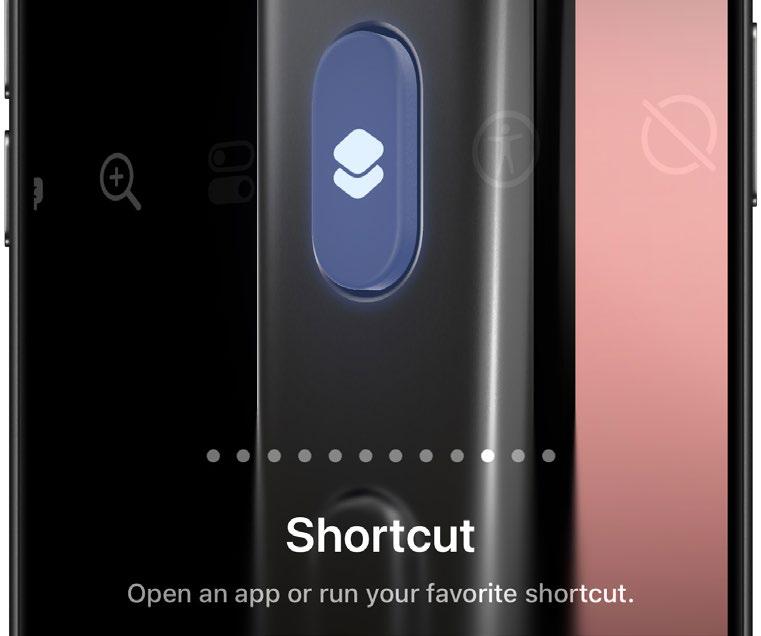 A Shortcut lets you perform powerful actions with a single long press of the Action button.
The freedom to customize these things to your liking is unprecedented, but so is the need to customize these things. The defaults aren't particularly great and in some cases have infuriated users who update and can't stand the way Apple has changed things. You can really love IOS 18, but you'll have to spend a decent chunk of time setting things up the way you like them first. What a chore!
MAKE THE ACTION BUTTON MORE USEFUL
Last year, the Action button was only for the iPhone 15 Pros, but this year it's on all four iPhone 16 models. What's more, Apple has added a few more options to it, and it's easy to set up, so let's start there. Open Settings → Action Button and swipe through the options to pick something you think might be a little more useful than the mute function.

Bu hikaye Macworld dergisinin March 2025 baskısından alınmıştır.
Binlerce özenle seçilmiş premium hikayeye ve 9.000'den fazla dergi ve gazeteye erişmek için Magzter GOLD'a abone olun.
Zaten abone misiniz? Oturum aç
Macworld'den DAHA FAZLA HİKAYE
Macworld
PSA: Neo won't work with some MacBook USB-C hubs
Accessory makers warn that dual-port USB-C hubs made for MacBooks aren't compatible with the Neo.

3 mins
July 2026

Macworld
16-INCH MACBOOK PRO (M5 MAX): ULTRA SPEED WITH SHOCKING READS
The MacBook Pro with the M-series Max chip is the company’s fastest laptop.
6 mins
July 2026

Macworld
OpenAI's Codex is now smart enough to control your Mac even when it's locked
In Codex’s settings, there is an option for Locked use, which does exactly what it says when you turn it on.
1 min
July 2026
Macworld
APPLE BUILT THE DREAM iPHONE. WHY DIDN’T YOU BUY IT?
APPLE FINALLY GAVE US WHAT WE WANTED, BUT IT TURNED OUT IT WASN’T SOMETHING MOST PEOPLE ACTUALLY NEED.
5 mins
July 2026

Macworld
Audio Pro Drumfire D-2 W: Powerful AirPlay speaker with impressive sound
The Audio Pro Drumfire D-2 W delivers powerful, room-filling sound with AirPlay and high-res streaming, but limited wired inputs and portability may put some buyers off.
4 mins
July 2026

Macworld
Use FaceTime like a pro with these 7 hidden features
The app has gained a ton of advanced options in the last few years that can really dress up your video calls.
4 mins
July 2026
Macworld
Apple just gave us a peek at some of iOS 27's new features
Our first official info about the capabilities and features coming in the next big OS update.
3 mins
July 2026

Macworld
How AI is working to make your iPhone and Mac nearly impervious to attacks
AI coding agents set to level the playing field between hackers and security engineers.
4 mins
July 2026
Macworld
Wavlink Thunderbolt 5 Dock: Affordable fast Thunderbolt plus handy power options
This affordable Thunderbolt 5 docking station looks good and offers some useful power options.
5 mins
July 2026

Macworld
Typed the wrong macOS password? That pause isn't a glitch
It’s a way to hinder brute-force attempts to get into your Mac.
2 mins
July 2026
Listen
Translate
Change font size