
Magzter GOLD ile Sınırsız Olun
Sadece 9.000'den fazla dergi, gazete ve Premium hikayeye sınırsız erişim elde edin
Denemek ALTIN - Özgür
Accessibility on your Mac
MacFormat UK
|March 2025
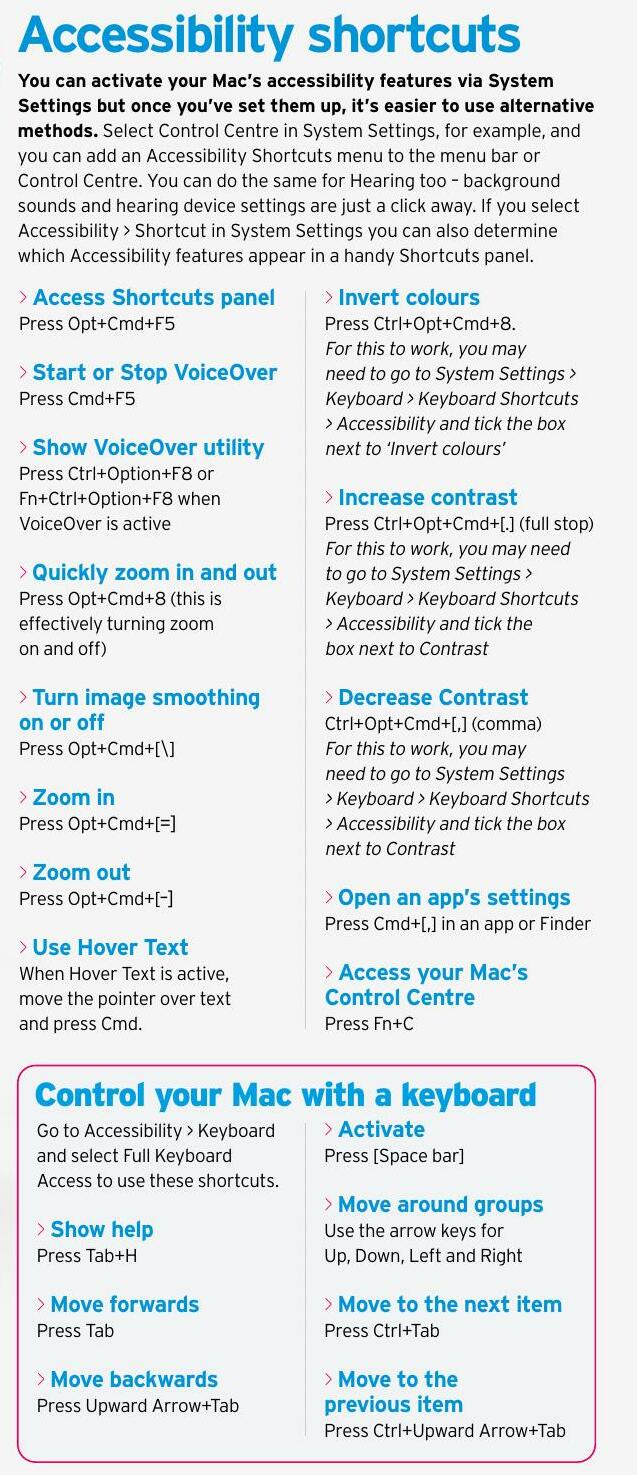
Making devices as accessible as possible has long been a feature of Apple devices - and not just users with limited vision, hearing or mobility skills...
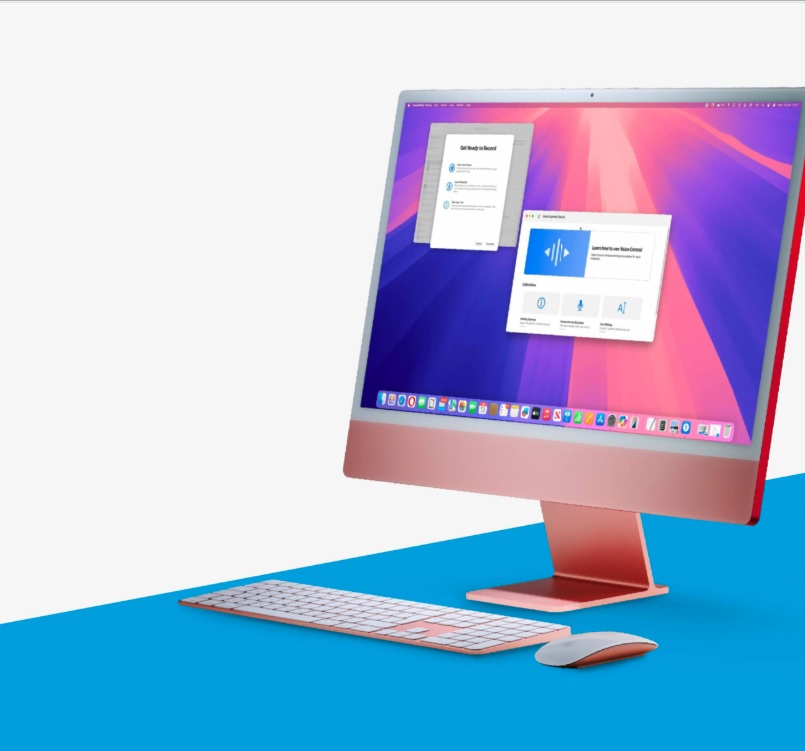
Apple wants as many people as possible to use macOS which is why it's packed with ultra-useful accessibility features aimed at anyone who would otherwise struggle to interact with its operating system. Over the years, there have been many helpful additions from Voice Control to advanced Zoom and now, with macOS Sequoia, there are more features than ever before.
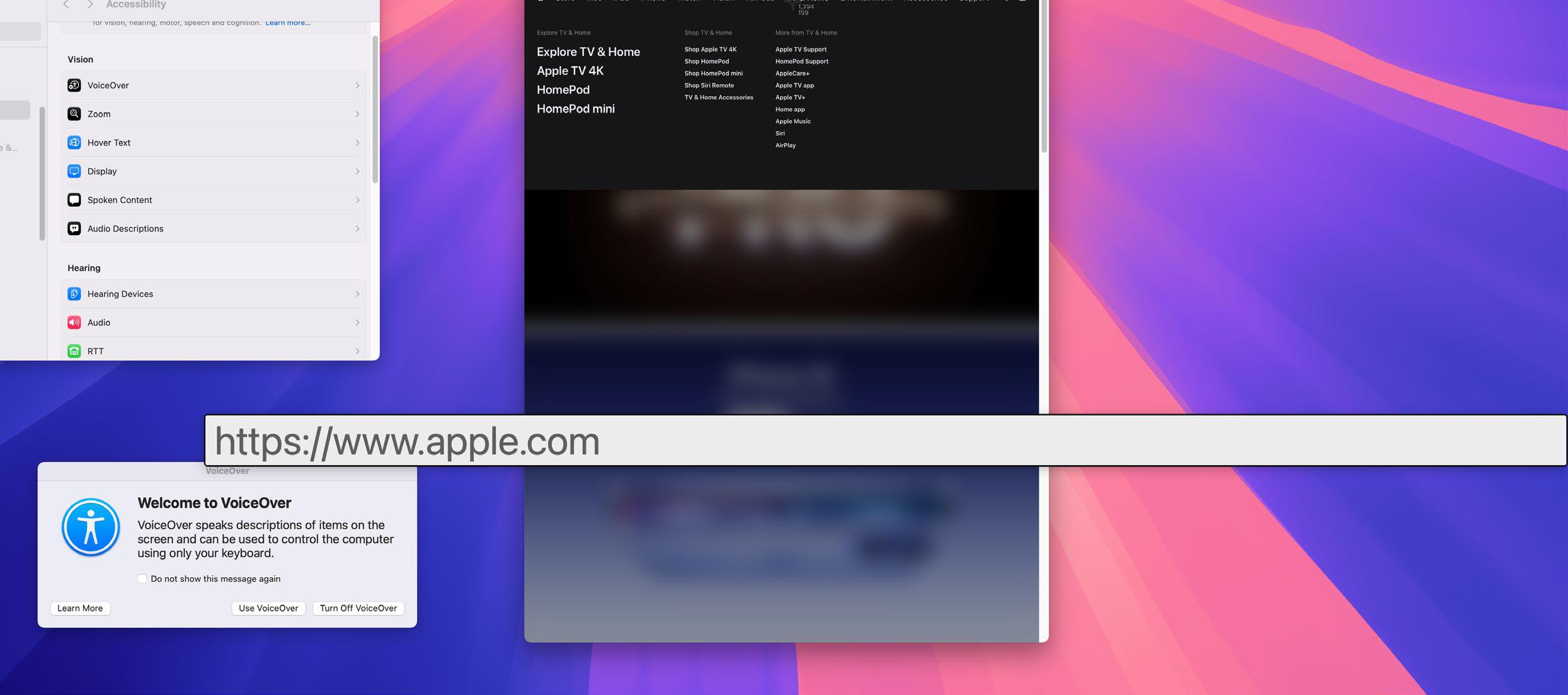
 Aside from allowing users to benefit from Apple Intelligence's ability to help you to write and more easily navigate your Mac, the latest OS has added Vocal Shortcuts that link unique spoken phrases to an accessibility setting. Sequoia also lets you use Hover Typing so you can see whatever you're typing as large text, and it enables you to choose custom font sizes for even more of Apple's own apps.
As you'll discover, you don't actually need to be living with a disability in order to benefit from many of Apple's accessibility features. Some of them will simply save you time or help you better personalise your Mac. To that end, it's worth exploring the options regardless of your circumstances by clicking the Apple menu, selecting System Settings and clicking Accessibility in the sidebar. You'll see sections relating to vision, hearing, mobility and speech.
Let's check them out.


Bu hikaye MacFormat UK dergisinin March 2025 baskısından alınmıştır.
Binlerce özenle seçilmiş premium hikayeye ve 9.000'den fazla dergi ve gazeteye erişmek için Magzter GOLD'a abone olun.
Zaten abone misiniz? Oturum aç
MacFormat UK'den DAHA FAZLA HİKAYE
MacFormat UK
Affinity by Canva
A complete creative studio for zero cost

3 mins
February 2026
MacFormat UK
RSRs return from the dead
Apple announced Rapid Security Responses in June 2022, as a new means of applying urgent security patches in between macOS updates.
1 min
February 2026
MacFormat UK
Rediscover albums with Longplay
Fall in love with your albums all over again with this amazing music player
3 mins
February 2026
MacFormat UK
Set up multiple timers on iOS
Discover timers done right
2 mins
February 2026

MacFormat UK
Chants of Sennaar
Work your way beyond being lost in translation
2 mins
February 2026
MacFormat UK
Signature Slim Solar+ wireless keyboard K980
A comfortable, full-size keyboard that's always good to go
2 mins
February 2026
MacFormat UK
One more thing Apple Intelligence
Apple has promised a big AI update in 2026, and Graham Barlow feels nervous
2 mins
February 2026

MacFormat UK
Search any website - fast!
Find your favourite websites faster than ever
3 mins
February 2026

MacFormat UK
Make your ideal web browser
Make online life easy by making your web browser work your way
2 mins
February 2026

MacFormat UK
Best home printers & all-in-ones
We put six all-round home models through their printing paces
7 mins
February 2026
Listen
Translate
Change font size