試す 金 - 無料
REVIEW: MAC STUDIO APPLE FLEXES ITS MIGHT (AND MUSCLES)
Macworld
|May 2022
A POWER GAP IN THE MAC LINEUP FILLS IN WITH A BUFFEDUP MEDIA MASTER.

As the M1 rollout continues in the Mac lineup, Apple is now in the part of the cycle where the computers aren't for everyone. The Macs being introduced late in the transition are meant for users who think M1 fast isn't fast enough and need every ounce of processing power they can get. Those Macs are also an investment that is anything but affordable for the general consumer audience.
The Mac Studio is ideal for content creators of any level. But here's the thing: The Mac Studio's performance over the M1 in the Mac mini (fave.co/33h00Wq) or 24-inch iMac (fave.co/3AvIV7y) isn't just a marginal boost like we used to see with Intel-based Macs-it's a serious speed improvement. Add to that an attractive mix of features, and you'll find in Mac Studio a computer that is attractive to any power user, regardless of the kind of work they do. It's worth the investment at all levels.
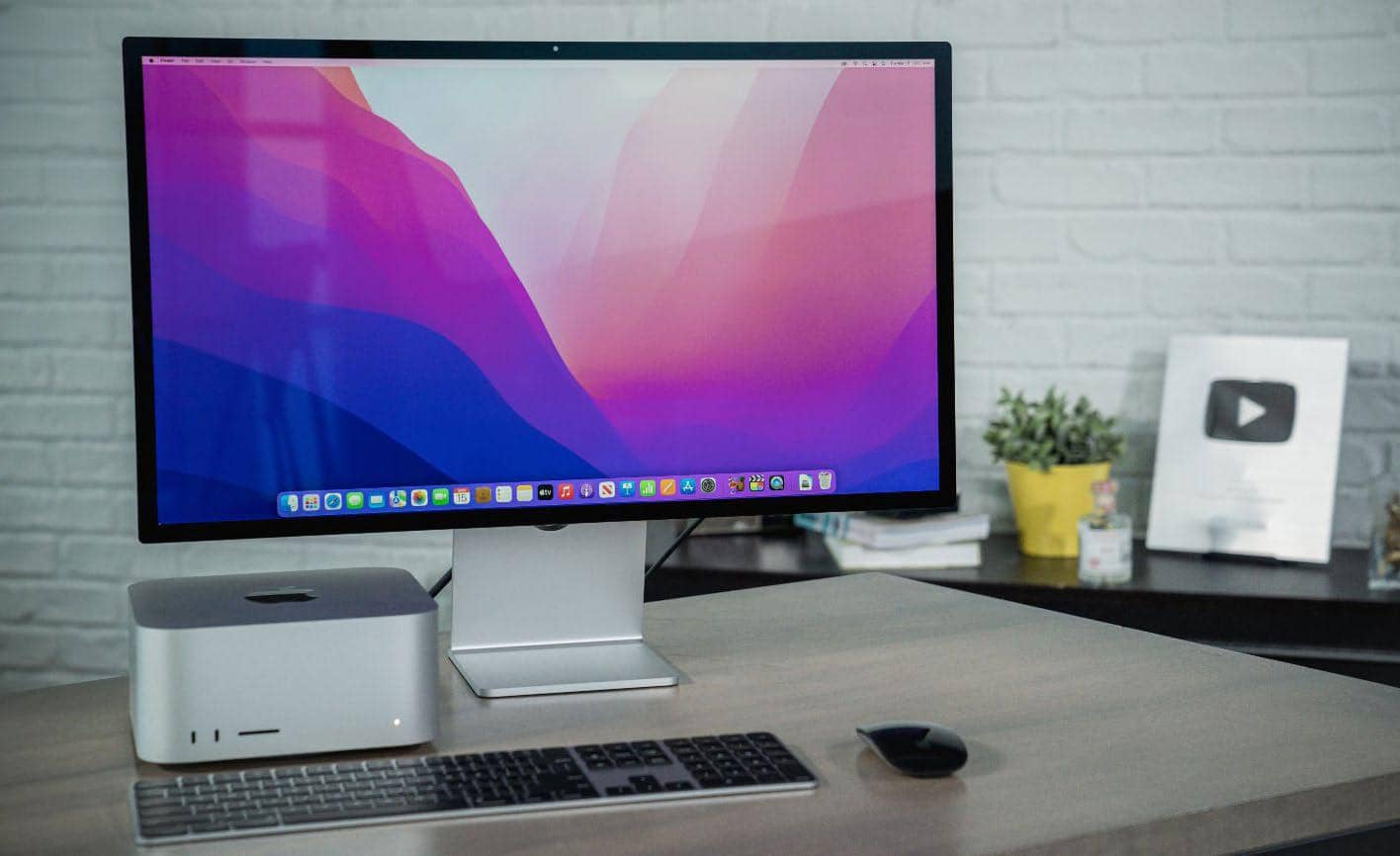
(Apple offers two standard configurations of the Mac Studio, a $1,999 Mac Studio with an M1 Max System on a Chip [SoC] and a $3,999 Mac Studio with an M1 Ultra. This review looks at a customized version of the entry-level Mac Studio with an M1 Max that has a 32-core GPU, 64GB of unified memory, and a 2TB SSD that sells for $3,199.)
PRACTICAL DESIGN
Saying the Mac Studio looks like a Mac mini on steroids is a pretty spot-on way to describe it. It measures 7.7 inches square, the same as the Mac mini, but it's 3.7 inches tall, nearly three times the height of the Mac mini. When placed underneath the Studio Display (see page 27), there's about an inch's worth of clearance.
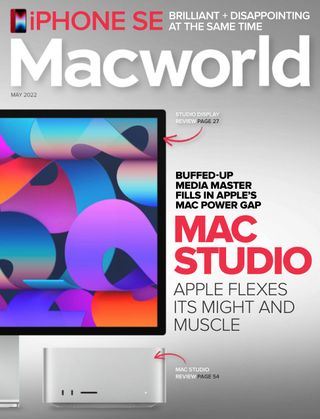

このストーリーは、Macworld の May 2022 版からのものです。
Magzter GOLD を購読すると、厳選された何千ものプレミアム記事や、10,000 以上の雑誌や新聞にアクセスできます。
すでに購読者ですか? サインイン
Macworld からのその他のストーリー

Macworld
Maximize iCloud+! 5 tips and tricks you need to start using right now
iCloud is a major component of the Apple ecosystem. Here's how to get the most from it.

6 mins
October 2025

Macworld
Your Apple TV+ subscription is going up by a whopping 30%
Apple's video-streaming service is now $12.99 per month.
1 mins
October 2025

Macworld
Apple TV tweaks: The 8 settings you should change ASAP
How to level up your Apple TV experience in 15 minutes.
4 mins
October 2025

Macworld
Apple announces AppleCare One with multi-device coverage for a flat fee
You can now protect three of your devices for $20 a month.
1 mins
October 2025

Macworld
KUXIU K1 15W 3-IN-1 MAGSAFE POWER BANK: COMPACT, VERSATILE PORTABLE iPHONE, WATCH, AIRPODS CHARGER
This apparently nondescript power bank looks like a slightly chunky iPhone power bank or an Amex Black Card member's pack of cards.
3 mins
October 2025

Macworld
Anker Prime 14-in-1 Thunderbolt 5 Docking Station: Mac mini-like looks and power
Smart and stylish dock that is right up to date with the latest Macs.
6 mins
October 2025
Macworld
VERBATIM TURBOMETAL PORTABLE SSD: STYLISH PORTABLE DRIVE
The Verbatim TurboMetal SSD comes in the classic NVMe form factor with a length of around 106 millimeters.
2 mins
October 2025

Macworld
How to reduce the Liquid Glass transparency effect in macOS Tahoe
If Apple's new look isn't for you, here's how to adjust it.
1 min
October 2025

Macworld
Everyone will want to try Apple's live translation this fall. Here's where to find it
Live translation runs on device, and can translate text and speech across several apps.
2 mins
October 2025

Macworld
RETROSTRIP: NOSTALGIC UTILITY BRINGS BACK THE LEGENDARY MAC CONTROL STRIP
Question for classic Mac users who go way back to System 6 or 7: Remember the Control Strip, which gave you direct access to various applications or functions at the click of a mouse? It was released in 1994 with System 7.1, with the PowerBook 500 series the PowerBook Duo 280 computers. With System 7.5.3, it was made available to all Macintoshes.
2 mins
October 2025
Translate
Change font size