
मैगज़्टर गोल्ड के साथ असीमित हो जाओ
10,000 से अधिक पत्रिकाओं, समाचार पत्रों और प्रीमियम कहानियों तक असीमित पहुंच प्राप्त करें सिर्फ
कोशिश गोल्ड - मुक्त
Be an expert photo editor
MacFormat UK
|August 2025
Manage your ever-growing photo collection and edit your pictures to perfection
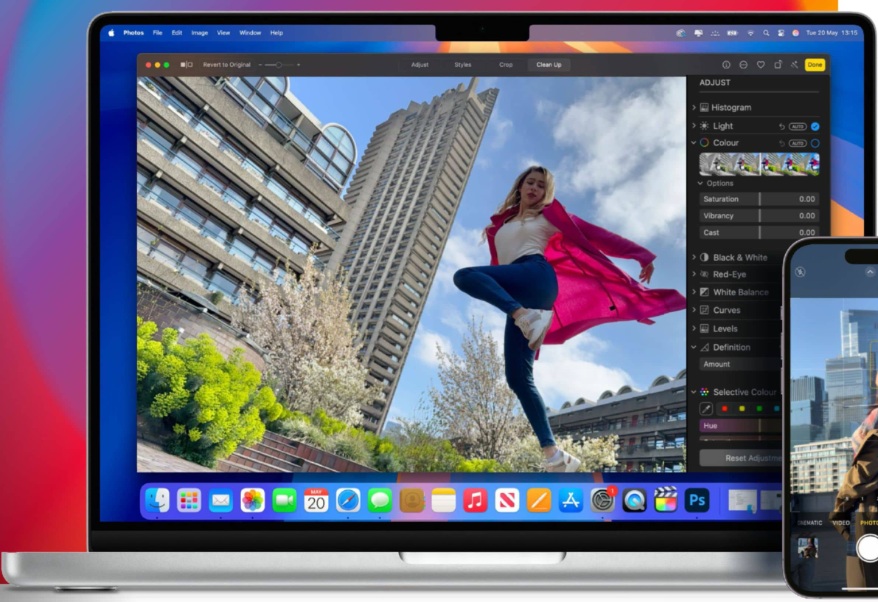
Back in the old days, most of us limited film camera use to holiday snaps and family milestones. A handful of photos would get printed, and a few might make it into an album. Managing photos in those days was relatively easy; the only editing we did was to bin prints that came adorned with a quality control sticker if they suffered from flash-induced red-eye or a finger over the lens.
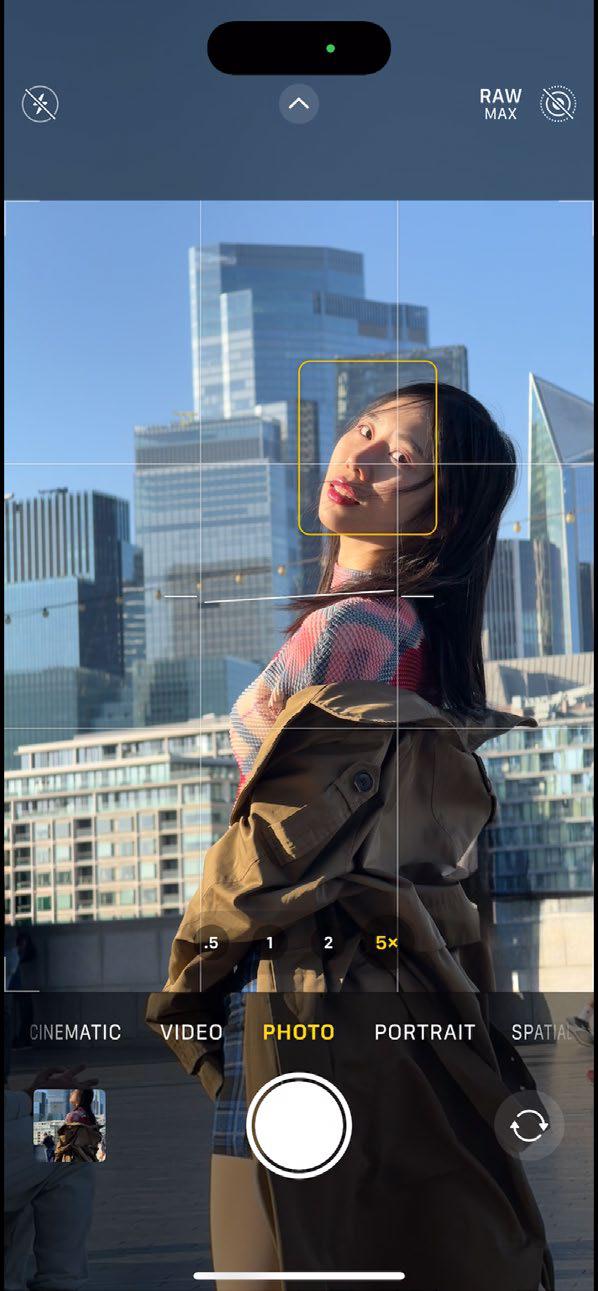 Today, we digitally document many more of our activities via the always-to-hand Camera app on iPhone. This leads to the problem of managing thousands of photographs, many of which run the risk of rarely being seen! Fortunately, Apple's Photos app has plenty of tools to enable you to store your photos safely, organise your collection so that nothing gets lost, fix common problems with colour, tone and composition - and most importantly, get your best images seen. We'll show you how to harness artificial intelligence (AI) to help you manage your collection and even remove unwanted photo-bombers with a swipe of a finger or scribble of a mouse. You'll also discover a more creative range of photo-editing skills that will impress friends, family, and followers. And you'll be able to enjoy organising and editing in Photos while on the go via iPhone or iPad from the comfort of a Mac's bigger display.
  Import your photos
Discover the best ways to import your photos and videos from camera to computer
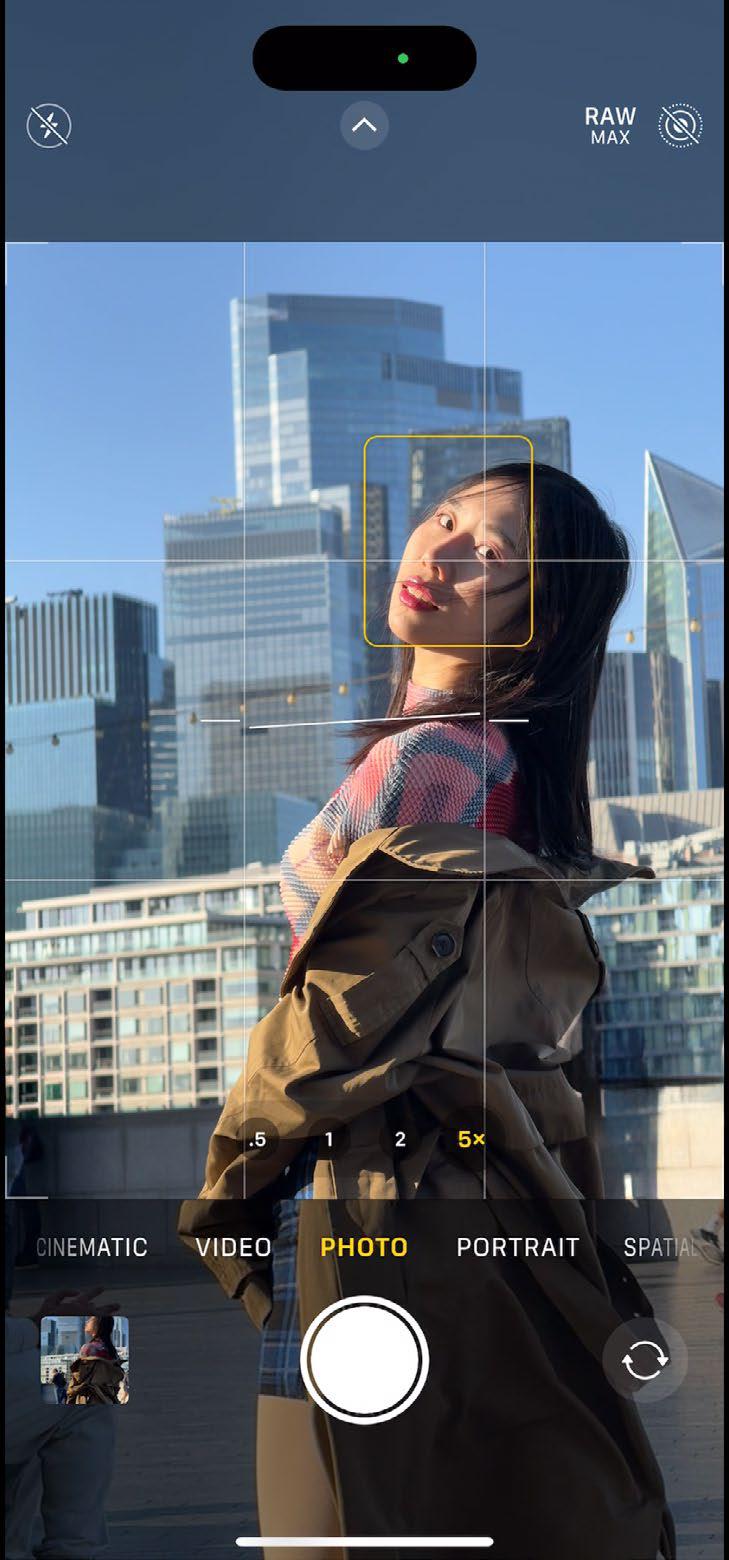
Your iPhone is a convenient one-stop shop for photography. When you snap shots using the Camera app, they are stored on your iPhone and can be easily viewed in the Photos app. You can organise, edit, and share your shots in Photos on iOS, so in theory you don't need to export your shots to a Mac.

यह कहानी MacFormat UK के August 2025 संस्करण से ली गई है।
हजारों चुनिंदा प्रीमियम कहानियों और 10,000 से अधिक पत्रिकाओं और समाचार पत्रों तक पहुंचने के लिए मैगज़्टर गोल्ड की सदस्यता लें।
क्या आप पहले से ही ग्राहक हैं? साइन इन करें
MacFormat UK से और कहानियाँ
MacFormat UK
Affinity by Canva
A complete creative studio for zero cost

3 mins
February 2026
MacFormat UK
RSRs return from the dead
Apple announced Rapid Security Responses in June 2022, as a new means of applying urgent security patches in between macOS updates.
1 min
February 2026
MacFormat UK
Rediscover albums with Longplay
Fall in love with your albums all over again with this amazing music player
3 mins
February 2026
MacFormat UK
Set up multiple timers on iOS
Discover timers done right
2 mins
February 2026

MacFormat UK
Chants of Sennaar
Work your way beyond being lost in translation
2 mins
February 2026
MacFormat UK
Signature Slim Solar+ wireless keyboard K980
A comfortable, full-size keyboard that's always good to go
2 mins
February 2026
MacFormat UK
One more thing Apple Intelligence
Apple has promised a big AI update in 2026, and Graham Barlow feels nervous
2 mins
February 2026

MacFormat UK
Search any website - fast!
Find your favourite websites faster than ever
3 mins
February 2026

MacFormat UK
Make your ideal web browser
Make online life easy by making your web browser work your way
2 mins
February 2026

MacFormat UK
Best home printers & all-in-ones
We put six all-round home models through their printing paces
7 mins
February 2026
Listen
Translate
Change font size