
मैगज़्टर गोल्ड के साथ असीमित हो जाओ
10,000 से अधिक पत्रिकाओं, समाचार पत्रों और प्रीमियम कहानियों तक असीमित पहुंच प्राप्त करें सिर्फ
कोशिश गोल्ड - मुक्त
MASTER macOS
Mac Life
|October 2021
Want to be more efficient, solve problems and secure data on your Mac? These tips will show you how — whether you’re a beginner, or a more advanced user.

Take control of your Mac
Get more from input devices and windows by making use of gestures and tweaking essential built–in macOS features
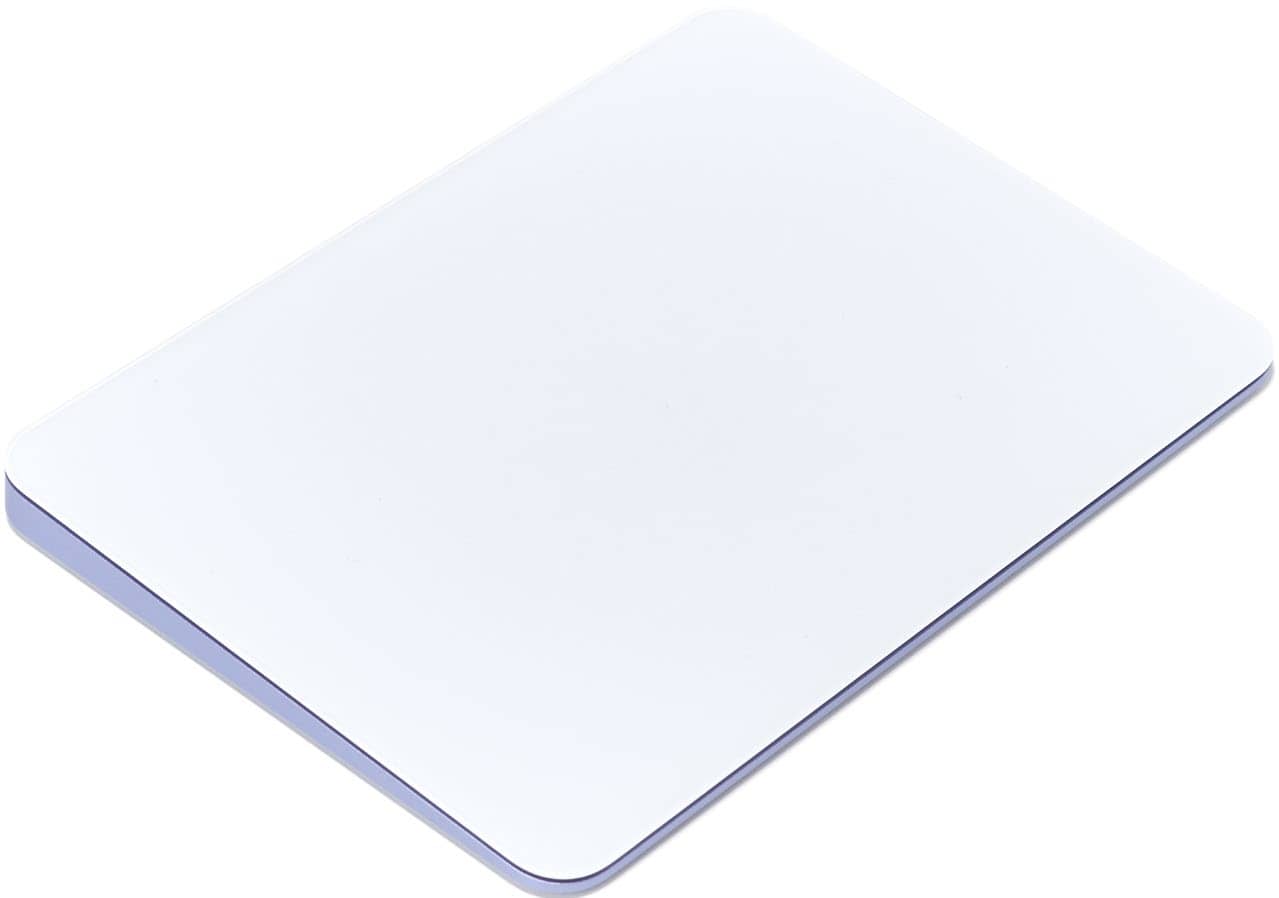
Mouse and trackpad tips
1 DEFINE YOUR CLICKS
It can be tiring repeatedly pressing down on a trackpad to trigger actions, so don’t. Instead, head into the Trackpad pane in System Preferences and turn on Tap to click. Now, a light tap is all you need. In both Trackpad and Mouse, define whether you want secondary clicks activated (for bringing up things like context menus) and how they should appear, from the various options provided.
2 CONTROL THE WAY YOU SCROLL AND ZOOM
If you’ve reasonable dexterity and are comfortable using the pointer, there’s no need to keep to the default tracking speed. In the Mouse and Trackpad panes, ramp up Tracking speed to whatever gives you the best balance between usability, accuracy and not having to swipe multiple times to get your pointer to its intended destination. You’ll especially want tracking sped up when using larger displays, such as the one on an iMac.
3 USE HOT CORNERS

यह कहानी Mac Life के October 2021 संस्करण से ली गई है।
हजारों चुनिंदा प्रीमियम कहानियों और 10,000 से अधिक पत्रिकाओं और समाचार पत्रों तक पहुंचने के लिए मैगज़्टर गोल्ड की सदस्यता लें।
क्या आप पहले से ही ग्राहक हैं? साइन इन करें
Mac Life से और कहानियाँ

Mac Life
TerraMaster F4-425 NAS
Home or office four-bay network-attached storage

3 mins
March 2026

Mac Life
Satechi OntheGo 7-in-1 Adapter
Easily add more ports to your Mac, iPhone and iPad
2 mins
March 2026

Mac Life
BenQ ScreenBar Halo 2
Monitor lighting that's a sight for sore eyes
1 mins
March 2026
Mac Life
AI: WHAT YOU NEED TO KNOW
Al can be brilliant when put to proper use, but it also has some major downsides
11 mins
March 2026

Mac Life
Calibrate a MacBook Pro display
Can I calibrate my MacBook Pro 16-inch M3 Pro's XDR display, and if so, how?
1 min
March 2026

Mac Life
Edifier S880DB MKII
Great-sounding speakers with loads of connectivity
3 mins
March 2026

Mac Life
Search text in document images
I keep thousands of images of printed documents, and want to search their contents using Live Text, but Spotlight won't index them. How can I get it to work?
1 min
March 2026

Mac Life
No looking back at old icons
Can I customize the apps bundled in macOS Tahoe by giving them back their old icons?
1 min
March 2026

Mac Life
Set up multiple timers on iOS
Discover timers done right
2 mins
March 2026

Mac Life
Blue Prince
A multilayered inheritance challenge like no other
2 mins
March 2026
Translate
Change font size