
मैगज़्टर गोल्ड के साथ असीमित हो जाओ
10,000 से अधिक पत्रिकाओं, समाचार पत्रों और प्रीमियम कहानियों तक असीमित पहुंच प्राप्त करें सिर्फ
कोशिश गोल्ड - मुक्त
Become An Apple Genius
Mac Life
|March 2020
Save yourself a trip to the Genius Bar — do your own diagnoses and sort out your Mac!

THE GREAT THING about Apple products is that they just work, right? Well, most of the time, yes, that’s right (thankfully). But what happens if your Mac simply doesn’t want to play ball?
Is your Mac refusing to start up? Has the display gone all stripey? Or is it switching on okay but being really slow to respond? Your first thought may be to go online (on another device, of course) and book yourself an appointment with an Apple Genius. Or arrange for an Apple Support call. Obviously, these guys are the experts — and it’s fantastic that us Apple fans have these reassuring services to hand. But you could spend a while on the phone explaining the issue or you may not be able to book a Genius Bar appointment at a convenient time.
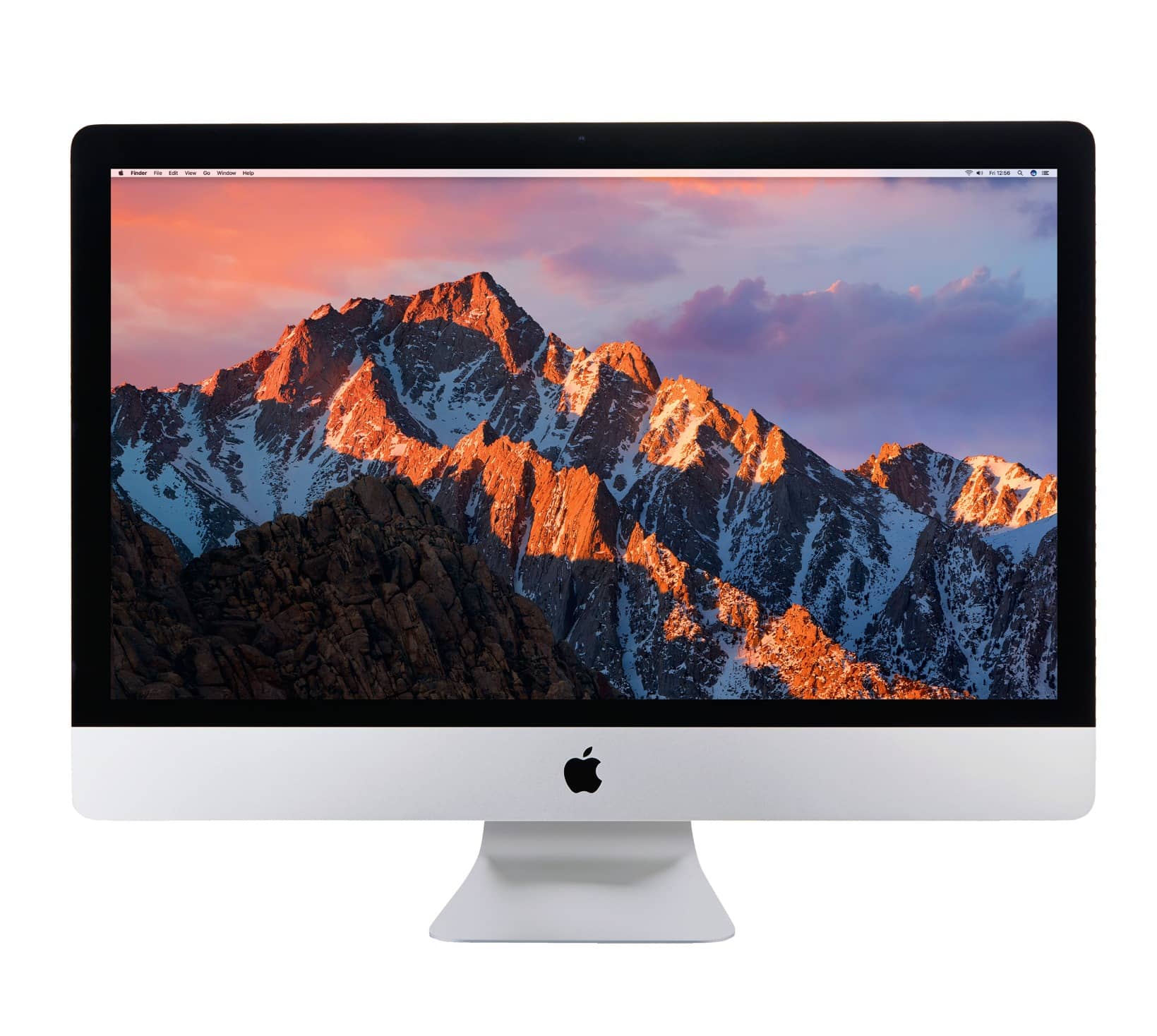
Well, once you’ve recovered from that initial “why isn’t my Mac working?!” panic, you might be surprised to discover that some fixes are a whole lot easier than you would first think.
We’ve collated a comprehensive bundle of the most common Mac problems that can occur and — more importantly — how to fix them! You don’t have to be a technical whizzkid or a network know–it–all. Just follow our simple steps, and you and your Mac can carry on “just working” in no time.
GETTING STARTED
When your Mac won’t even power up
WHERE IS THE POWER BUTTON, ANYWAY?
A desktop Mac will have a physical power button, usually on the back, marked with the “standby” symbol, a circle broken by a line. MacBooks have a button at the top right of the keyboard; this includes Touch ID models, but to start from cold you’ll need to hold the button down, not just touch it.


यह कहानी Mac Life के March 2020 संस्करण से ली गई है।
हजारों चुनिंदा प्रीमियम कहानियों और 10,000 से अधिक पत्रिकाओं और समाचार पत्रों तक पहुंचने के लिए मैगज़्टर गोल्ड की सदस्यता लें।
क्या आप पहले से ही ग्राहक हैं? साइन इन करें
Mac Life से और कहानियाँ

Mac Life
TerraMaster F4-425 NAS
Home or office four-bay network-attached storage

3 mins
March 2026

Mac Life
Satechi OntheGo 7-in-1 Adapter
Easily add more ports to your Mac, iPhone and iPad
2 mins
March 2026

Mac Life
BenQ ScreenBar Halo 2
Monitor lighting that's a sight for sore eyes
1 mins
March 2026
Mac Life
AI: WHAT YOU NEED TO KNOW
Al can be brilliant when put to proper use, but it also has some major downsides
11 mins
March 2026

Mac Life
Calibrate a MacBook Pro display
Can I calibrate my MacBook Pro 16-inch M3 Pro's XDR display, and if so, how?
1 min
March 2026

Mac Life
Edifier S880DB MKII
Great-sounding speakers with loads of connectivity
3 mins
March 2026

Mac Life
Search text in document images
I keep thousands of images of printed documents, and want to search their contents using Live Text, but Spotlight won't index them. How can I get it to work?
1 min
March 2026

Mac Life
No looking back at old icons
Can I customize the apps bundled in macOS Tahoe by giving them back their old icons?
1 min
March 2026

Mac Life
Set up multiple timers on iOS
Discover timers done right
2 mins
March 2026

Mac Life
Blue Prince
A multilayered inheritance challenge like no other
2 mins
March 2026
Translate
Change font size