
Passez à l'illimité avec Magzter GOLD
Obtenez un accès illimité à plus de 9 000 magazines, journaux et articles Premium pour seulement
Essayer OR - Gratuit
iOS 16 SUPERGUIDE
Mac Life
|December 2022
Make the most of your next free iPhone upgrade with our in-depth guide to all its new features plus essential tips and tricks
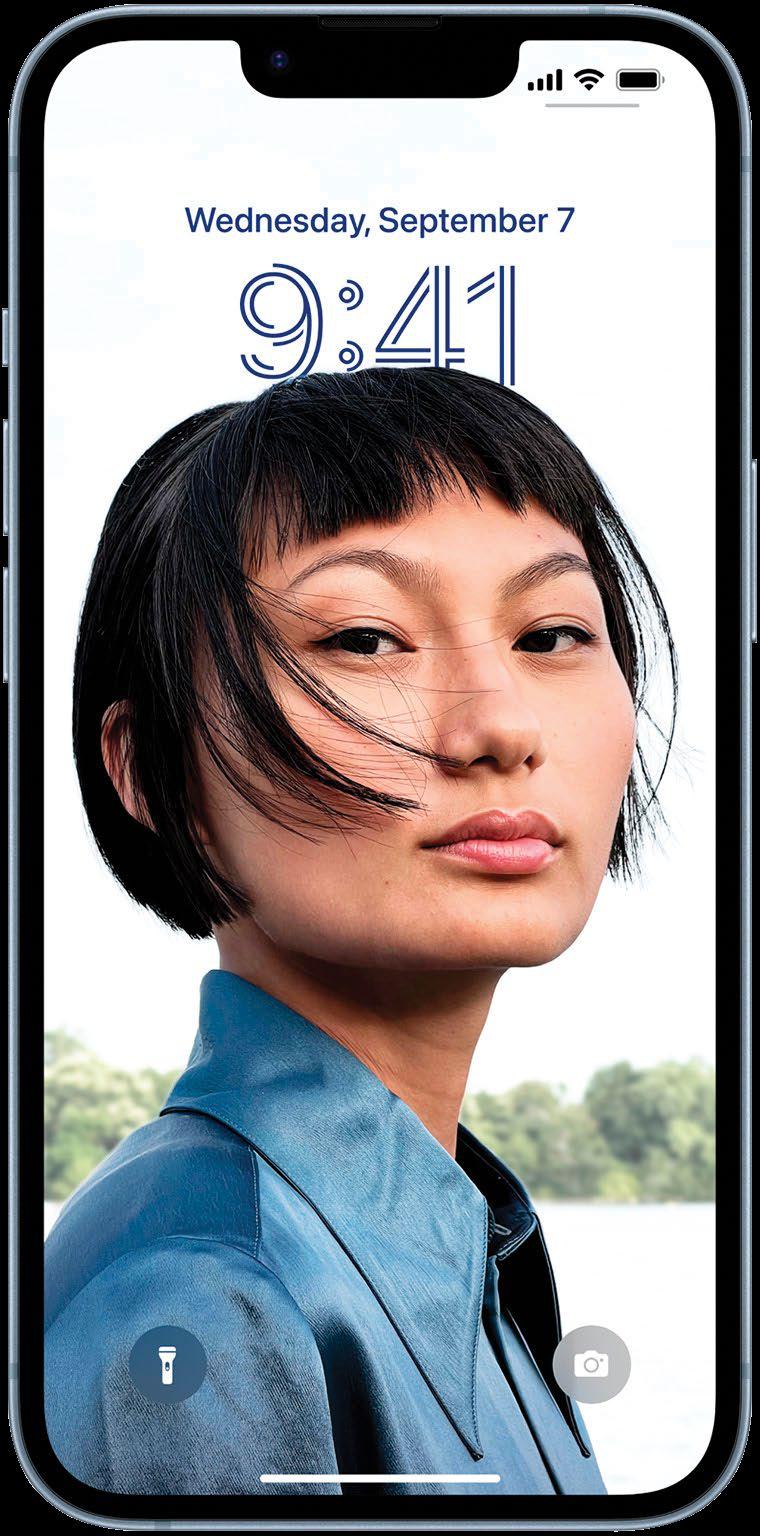
THAT TIME OF year has come around again. Summer has turned to fall and Apple has launched a new version of iOS, in this case version 16. It's the nearest thing you can get to a new iPhone without actually, well, buying a new iPhone.
As usual, this new version of iOS features improvements and additions, and this time many of them are focused on enabling you to customize your iPhone, whether it's in the way it looks or how you use it.
You can now create your own custom Lock screens using your photos or images created by Apple, plus add widgets from your favorite apps. You can even change the font and color of the clock.
You can now unsend messages in Mail and Messages, use the new shared photo library in Photos, share tab groups in Safari and add travel passes to Wallet. Meanwhile, SharePlay comes to Messages, Passkeys to Safari, and you can also do much more with Live Text, including extract it from paused video.
Join us as we take a deep dive into the best version of iOS yet.
Which devices work with iOS 16?
iOS 16 needs a more modern iPhone than previous versions. It's also worth noting that even if your device is listed here, it may not support every feature in iOS 16. For example, the new feature that enables you to easily lift the subject of an image from its background only works on iPhones with an A12 Bionic chip or later.
List of supported Apple devices
- iPhone 13 mini
- iPhone 13 Pro
- iPhone 13 Pro Max
- iPhone 12
- iPhone 12 mini
- iPhone 12 Pro
- iPhone 12 Pro Max
- iPhone 11
- iPhone 11 Pro
- iPhone 11 Pro Max
- iPhone XS
- iPhone XS Max
- iPhone XR

Cette histoire est tirée de l'édition December 2022 de Mac Life.
Abonnez-vous à Magzter GOLD pour accéder à des milliers d'histoires premium sélectionnées et à plus de 9 000 magazines et journaux.
Déjà abonné ? Se connecter
PLUS D'HISTOIRES DE Mac Life

Mac Life
TerraMaster F4-425 NAS
Home or office four-bay network-attached storage

3 mins
March 2026

Mac Life
Satechi OntheGo 7-in-1 Adapter
Easily add more ports to your Mac, iPhone and iPad
2 mins
March 2026

Mac Life
BenQ ScreenBar Halo 2
Monitor lighting that's a sight for sore eyes
1 mins
March 2026
Mac Life
AI: WHAT YOU NEED TO KNOW
Al can be brilliant when put to proper use, but it also has some major downsides
11 mins
March 2026

Mac Life
Calibrate a MacBook Pro display
Can I calibrate my MacBook Pro 16-inch M3 Pro's XDR display, and if so, how?
1 min
March 2026

Mac Life
Edifier S880DB MKII
Great-sounding speakers with loads of connectivity
3 mins
March 2026

Mac Life
Search text in document images
I keep thousands of images of printed documents, and want to search their contents using Live Text, but Spotlight won't index them. How can I get it to work?
1 min
March 2026

Mac Life
No looking back at old icons
Can I customize the apps bundled in macOS Tahoe by giving them back their old icons?
1 min
March 2026

Mac Life
Set up multiple timers on iOS
Discover timers done right
2 mins
March 2026

Mac Life
Blue Prince
A multilayered inheritance challenge like no other
2 mins
March 2026
Translate
Change font size