
Mit Magzter GOLD unbegrenztes Potenzial nutzen
Erhalten Sie unbegrenzten Zugriff auf über 9.000 Zeitschriften, Zeitungen und Premium-Artikel für nur
ILLUSTRATE A MAGICAL CHARACTER
ImagineFX
|June 2024
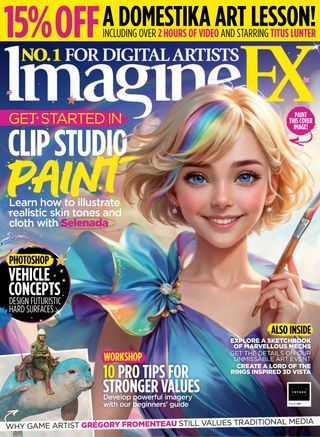
For this illustration, I was asked to create a fun, bright image with the theme of making artwork magical by the developers behind the digital drawing app Clip Studio Paint.

Although it was my first time painting with the software, I found myself completely immersed in the world of digital art from start to finish. It features a wide variety of brushes and I loved how the colours mix and blend just as they do when working in traditional media.
In this walkthrough, I’ll show you how to use Clip Studio Paint’s many features to make each stage of the painting process smoother, from the first sketches right the way through to the painting and making those final tweaks for the perfect image. Now I’ve tried the app, I can’t wait to explore more possibilities with it in my next artwork!
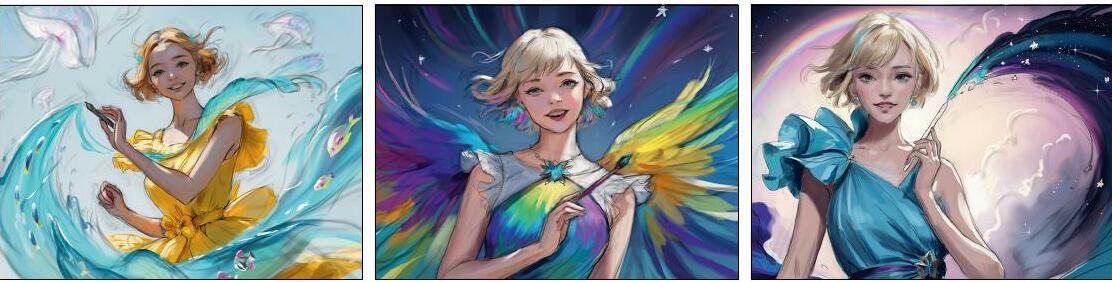
1 Rough sketches
Start with a few rough colour sketches to meet the brief, aiming for simplicity. I like to keep lines and colours on separate layers so the painting process is easier later on. At this point, I avoid polishing any details, as the concepts are still fluid and subject to change. This allows me to focus on the overall composition and mood without getting distracted by any intricacies that may evolve.
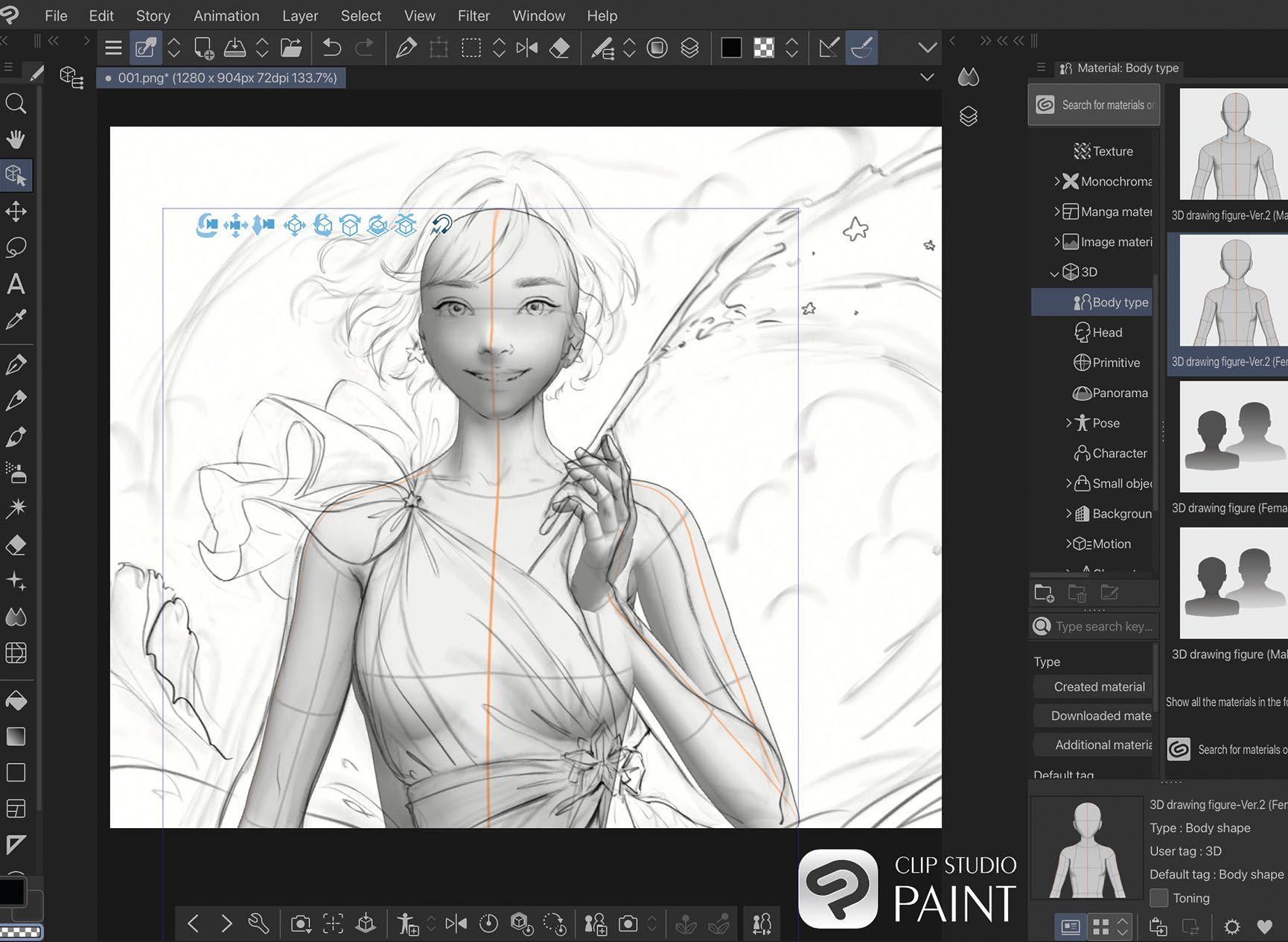
2 Model exploration

Diese Geschichte stammt aus der June 2024-Ausgabe von ImagineFX.
Abonnieren Sie Magzter GOLD, um auf Tausende kuratierter Premium-Geschichten und über 9.000 Zeitschriften und Zeitungen zuzugreifen.
Sie sind bereits Abonnent? Anmelden
WEITERE GESCHICHTEN VON ImagineFX

ImagineFX
HP Omnibook X Flip 16
DOUBLING UP HP's latest Omnibook 2-in-1 is a decent-enough productivity laptop, but it truly shines when it's transformed into tablet mode

2 mins
February 2026

ImagineFX
Phaya Akat - The Sanctuary
“Phaya Akat’s Sanctuary Village began from a simple idea inspired by Thailand’s tradition of boiling eggs in natural hot springs.
1 min
February 2026

ImagineFX
HOW SURFACE NORMALS IMPROVE YOUR 3D ART
Ant Ward explains how to quickly change the way a polygon model looks by adjusting its normals
1 mins
February 2026

ImagineFX
Painting in Procreate: Reimagine Your Surroundings
VISIONARY WORK Across 20 lessons, Mikko Eerola reveals how he brings his ideas to life on the iPad using Procreate
1 mins
February 2026

ImagineFX
Technique focus: WORK SMARTER WITH COLOURS
Álvaro Jiménez reveals the workflow process he follows to summon an armoured demon
1 mins
February 2026

ImagineFX
FIVE MINUTES WITH PAT IMRIE
Big-screen blockbusters and a certain 3D art magazine helped set this creative on his career path
3 mins
February 2026

ImagineFX
RIFF ON YOUR PASSIONS
Max Froer draws on a range of influences when rendering a beast that's part machine
1 min
February 2026

ImagineFX
Anker SOLIX C1000
BOX OF DELIGHTS The chonkiest power bank around is powerful, portable (after a fashion) and boy is it well built
2 mins
February 2026

ImagineFX
PAINTING A SCENE OF GREEK DRAMA
Alexander Leskinen creates a stormy environment featuring harpies, the winged messengers of Zeus.
3 mins
February 2026

ImagineFX
HOW DO I COLOUR A 3D OBJECT?
The process of colouring a 3D image has a lot of layers, so let's start at the surface. Mike Griggs weighs up the material requirements
2 mins
February 2026
Listen
Translate
Change font size