
Mit Magzter GOLD unbegrenztes Potenzial nutzen
Erhalten Sie unbegrenzten Zugriff auf über 9.000 Zeitschriften, Zeitungen und Premium-Artikel für nur
Versuchen GOLD - Frei
MASTERCLASS - Make amazing documents
MacFormat UK
|September 2023
Create top-quality documents with Apple’s amazing iWork apps; Pages, Numbers and Keynote
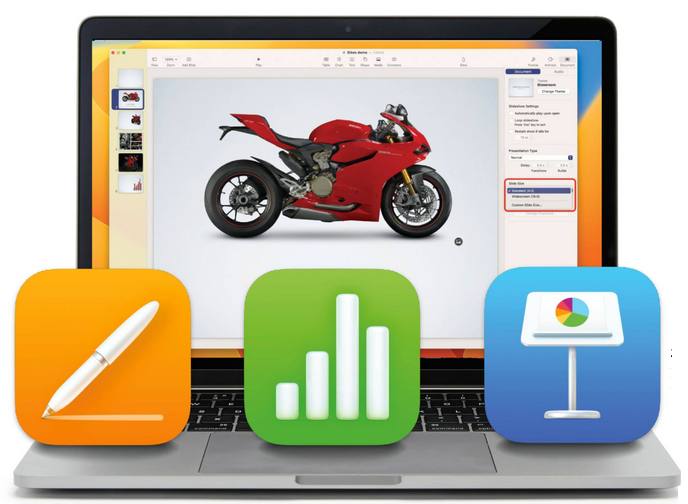
Apple's productivity suite has come a long way. Originally sold as a collection called 'iWork', the three apps - a word processor called Pages, the Numbers spreadsheet application and Keynote for presentations are now available separately, and they're all free.
The iWork apps are available for Mac, iPad and iPhone. They're built with user-friendliness in mind, but not at the cost of features. Pages, Numbers and Keynote are likely to offer everything you need, and everything is right there at your fingertips. You can learn the basics of each app in about half an hour, and expert features are within easy reach too. As well as using the iWork apps on your Mac, iPad and iPhone, you can also log on to the iCloud website (iCloud.com) with your Apple account and access web-based versions of the apps, even picking up where you left off with a document you saved earlier.
In this guide, we show you how to get to grips with Pages, Numbers and Keynote. Assuming no prior knowledge, we teach you how to create your first document. Taking things further, we also bring you a selection of pro tips to help you get even more from your Apple productivity apps. So what are you waiting for? Let's see what the suite can do.
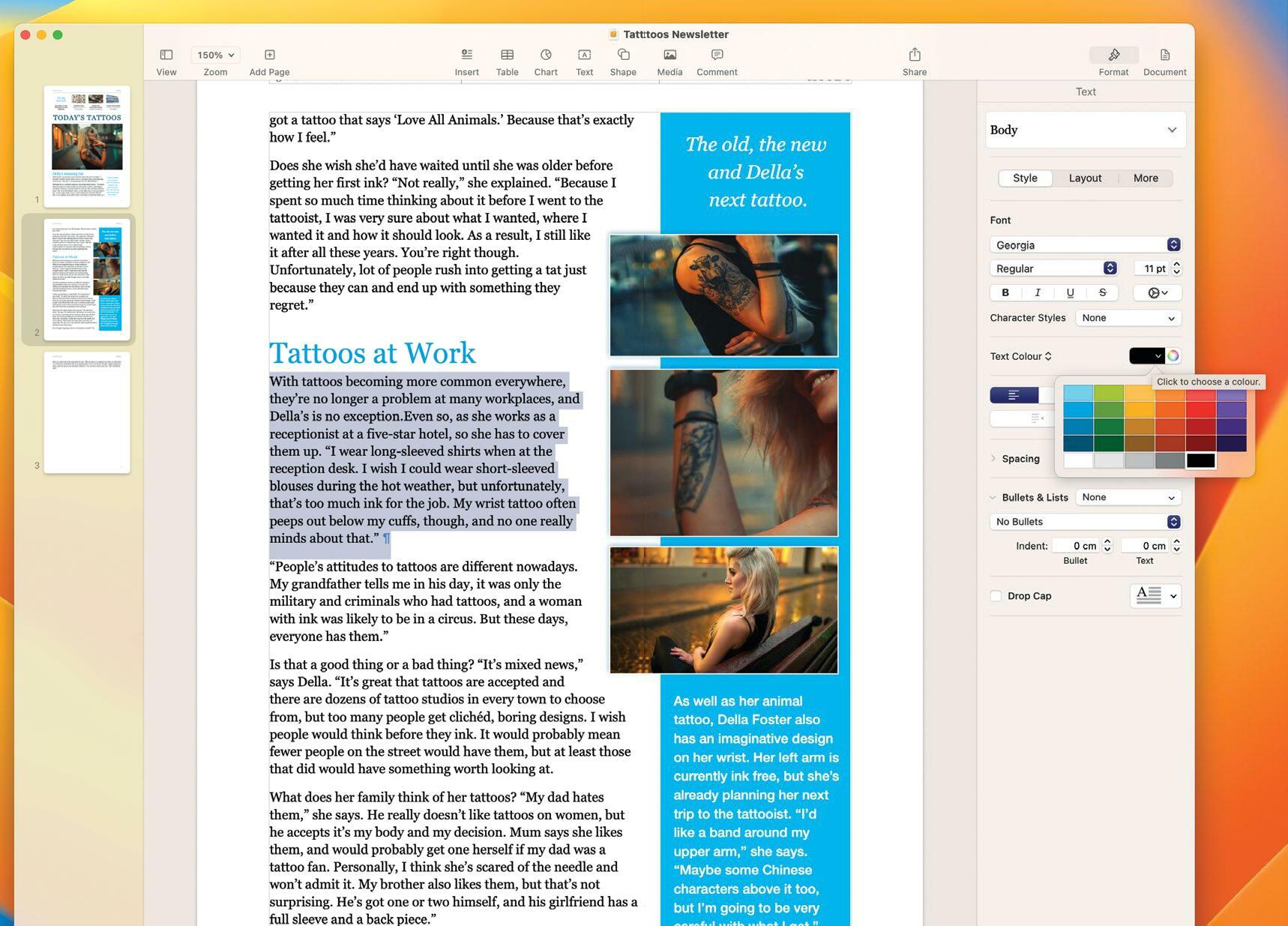
Pages: Apple's word processor
Make awesome documents, flyers and more
Pages offers a comprehensive set of features. You can use it to create stunning documents containing charts, pictures, shapes, tables and even videos as well as text. You can flow text around objects for that professional look, and there’s a huge range of templates to choose from.

Diese Geschichte stammt aus der September 2023-Ausgabe von MacFormat UK.
Abonnieren Sie Magzter GOLD, um auf Tausende kuratierter Premium-Geschichten und über 9.000 Zeitschriften und Zeitungen zuzugreifen.
Sie sind bereits Abonnent? Anmelden
WEITERE GESCHICHTEN VON MacFormat UK
MacFormat UK
Affinity by Canva
A complete creative studio for zero cost

3 mins
February 2026
MacFormat UK
RSRs return from the dead
Apple announced Rapid Security Responses in June 2022, as a new means of applying urgent security patches in between macOS updates.
1 min
February 2026
MacFormat UK
Rediscover albums with Longplay
Fall in love with your albums all over again with this amazing music player
3 mins
February 2026
MacFormat UK
Set up multiple timers on iOS
Discover timers done right
2 mins
February 2026

MacFormat UK
Chants of Sennaar
Work your way beyond being lost in translation
2 mins
February 2026
MacFormat UK
Signature Slim Solar+ wireless keyboard K980
A comfortable, full-size keyboard that's always good to go
2 mins
February 2026
MacFormat UK
One more thing Apple Intelligence
Apple has promised a big AI update in 2026, and Graham Barlow feels nervous
2 mins
February 2026

MacFormat UK
Search any website - fast!
Find your favourite websites faster than ever
3 mins
February 2026

MacFormat UK
Make your ideal web browser
Make online life easy by making your web browser work your way
2 mins
February 2026

MacFormat UK
Best home printers & all-in-ones
We put six all-round home models through their printing paces
7 mins
February 2026
Translate
Change font size