يحاول ذهب - حر
CleanMyMac
April 2025
|Mac Life
The Mac's favorite maintenance manager gets a big update
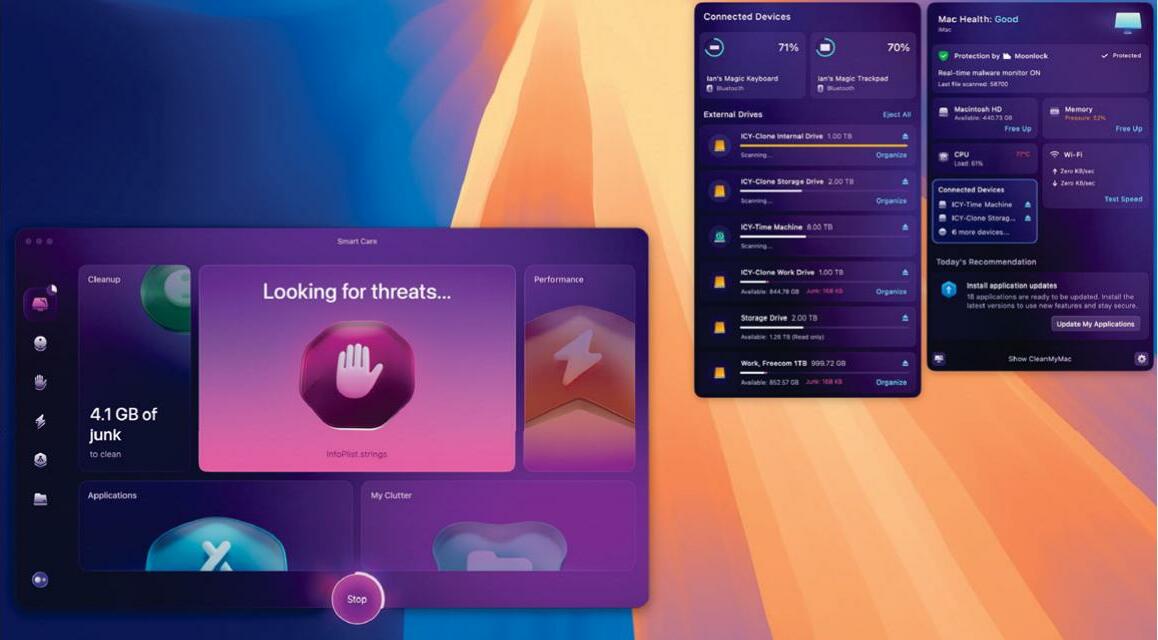
CLEANMYMAC HAS LONG been the Mac's favorite - if not the cheapest - suite of maintenance and upkeep tools. This new release is focused on tightening up the app, with improved speed and performance and greater efficiency, all wrapped up in a great new interface.
It's easy to use: boot the app, and the first thing you see is the Smart Care pane. This integrates the functionality of the app as a whole into a single process, scanning your Mac for junk files, checking for malware, hunting down large and unused apps, and more. It can even scan your iCloud Drive.
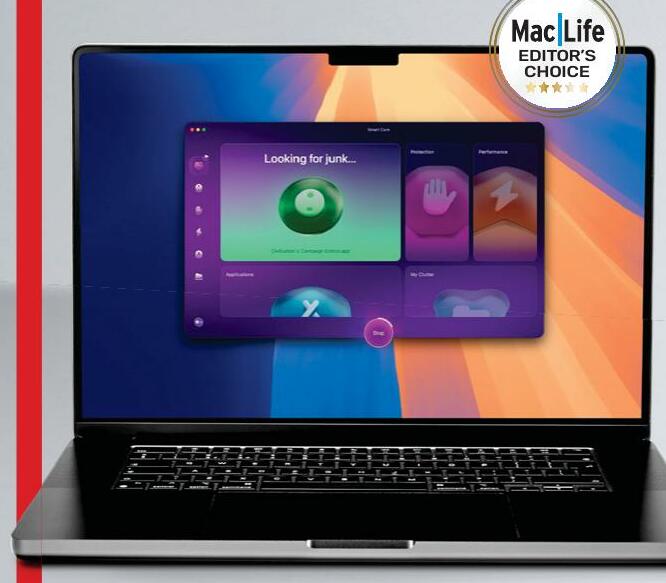
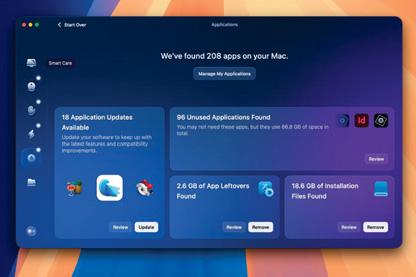 Smart Care makes the process of looking after your Mac so much easier. All you have to do is click a large button marked "Scan". It takes some time, but the longer it takes, the more necessary it is, and there's no user intervention needed while it's working its magic. When done, you're offered the chance to review potential actions in each of five categories (Cleanup, Protection, Performance, Applications, and My Clutter) before pressing the Run button and having the app purge your Mac. That's it. You need never go any further into this app if you're so inclined - Smart Care does everything for you.
If you do choose to use the other five modules found in CleanMyMac's sidebar individually instead of through Smart Care, the first one you come across is Cleanup. This looks for files that do nothing except waste space. It's amazing how much junk it can find, especially if you've given the app Full Disk Access (which you should).


هذه القصة من طبعة April 2025 من Mac Life.
اشترك في Magzter GOLD للوصول إلى آلاف القصص المتميزة المنسقة، وأكثر من 9000 مجلة وصحيفة.
هل أنت مشترك بالفعل؟ تسجيل الدخول
المزيد من القصص من Mac Life

Mac Life
TerraMaster F4-425 NAS
Home or office four-bay network-attached storage

3 mins
March 2026

Mac Life
Satechi OntheGo 7-in-1 Adapter
Easily add more ports to your Mac, iPhone and iPad
2 mins
March 2026

Mac Life
BenQ ScreenBar Halo 2
Monitor lighting that's a sight for sore eyes
1 mins
March 2026
Mac Life
AI: WHAT YOU NEED TO KNOW
Al can be brilliant when put to proper use, but it also has some major downsides
11 mins
March 2026

Mac Life
Calibrate a MacBook Pro display
Can I calibrate my MacBook Pro 16-inch M3 Pro's XDR display, and if so, how?
1 min
March 2026

Mac Life
Edifier S880DB MKII
Great-sounding speakers with loads of connectivity
3 mins
March 2026

Mac Life
Search text in document images
I keep thousands of images of printed documents, and want to search their contents using Live Text, but Spotlight won't index them. How can I get it to work?
1 min
March 2026

Mac Life
No looking back at old icons
Can I customize the apps bundled in macOS Tahoe by giving them back their old icons?
1 min
March 2026

Mac Life
Set up multiple timers on iOS
Discover timers done right
2 mins
March 2026

Mac Life
Blue Prince
A multilayered inheritance challenge like no other
2 mins
March 2026
Listen
Translate
Change font size