
Go Unlimited with Magzter GOLD
Get unlimited access to 10,000+ magazines, newspapers and Premium stories for just
Try GOLD - Free
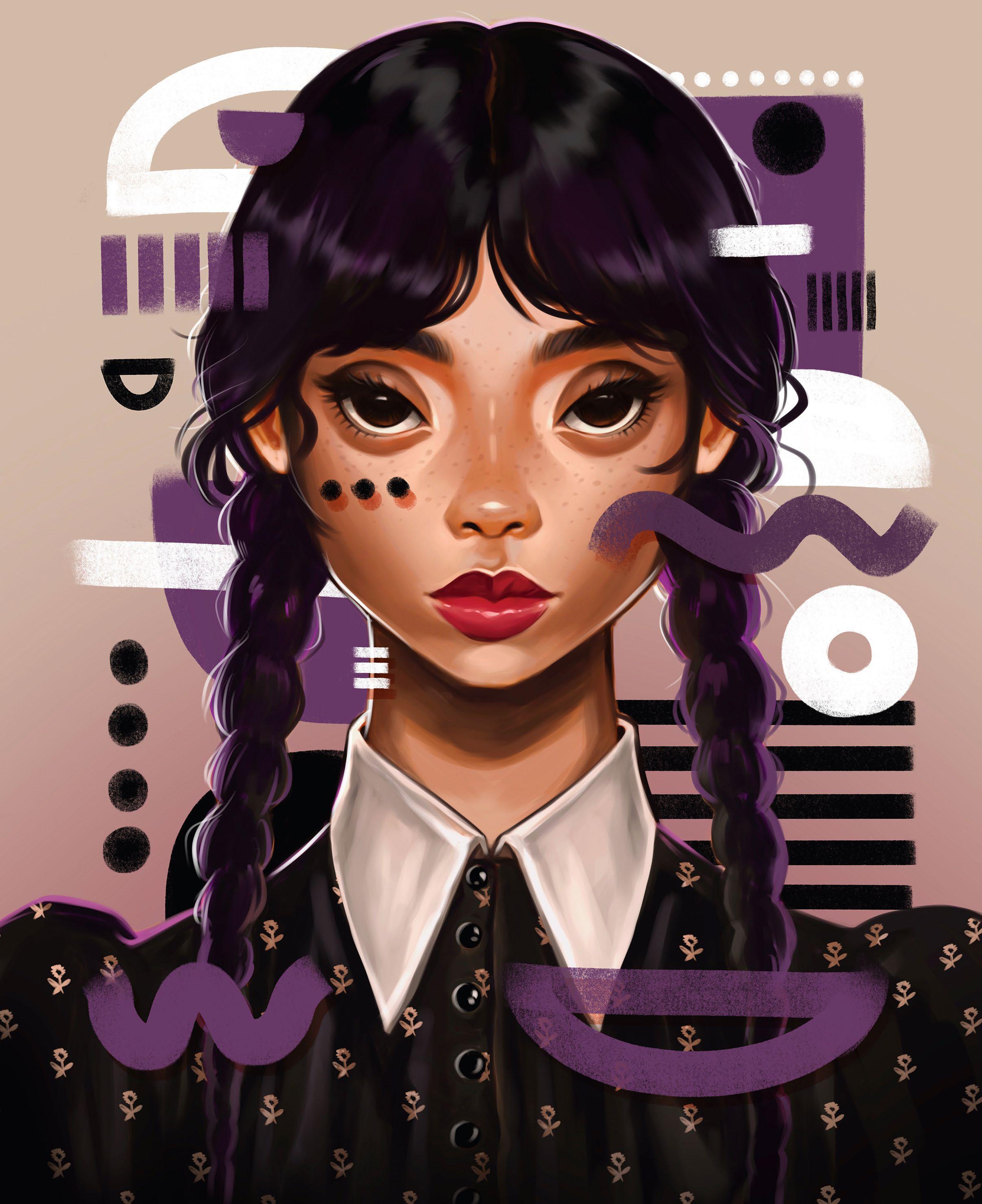
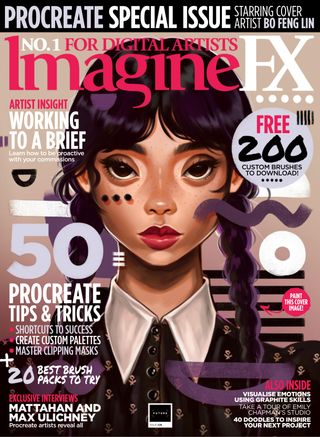
Procreate: CREATE A BOLD FAN ART PORTRAIT
ImagineFX
|August 2023
Bo Feng Lin shares the process behind his quirky Wednesday Addams painting, which features suitably abstract elements
Artist
PROFILE Bo Feng Lin
LOCATION: Germany Bo Feng Lin is an illustrator and artist based in Hamburg. He specialises in stylised portrait illustrations with abstract twists featuring a range of bold and vibrant elements.
www.bofenglin.com
In this tutorial I'll show you step by step how I create a digital illustration from start to finish using Procreate. You'll get to see how I work with shades and highlights to shape the character, and add in extra details and abstract shapes to complete the painting.
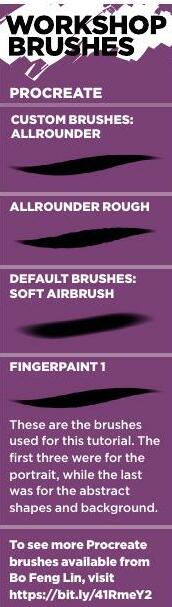
I'll be using some of my own brushes for this tutorial, but you can use the default brushes in Procreate just as well. If you want to try out my custom brushes, you'll find them in the assets for this workshop.
Nothing I'm showing you here is exclusive to Procreate and can also be applied to other drawing apps such as Photoshop. This lesson is great for beginners and experienced artists alike. Afterwards, you'll have a basic understanding of my general working process.
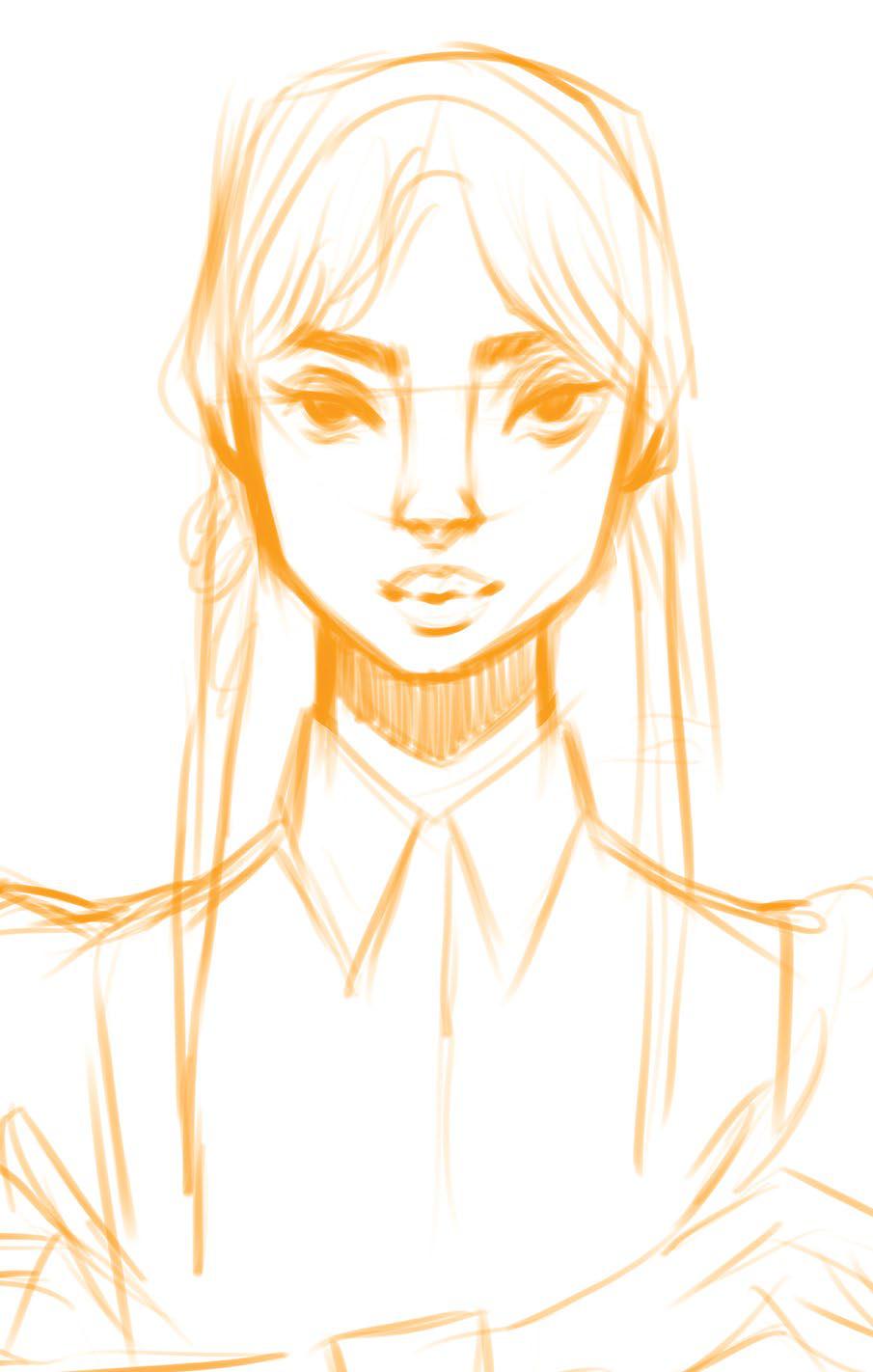
1 First rough sketch
I start with an empty canvas, which is always set up so it's ready for high-quality prints if needed. I like to use DIN-standard sizes for prints. The file size can get quite big, so be mindful that the bigger the size, the fewer layers you'll able to utilise in Procreate.
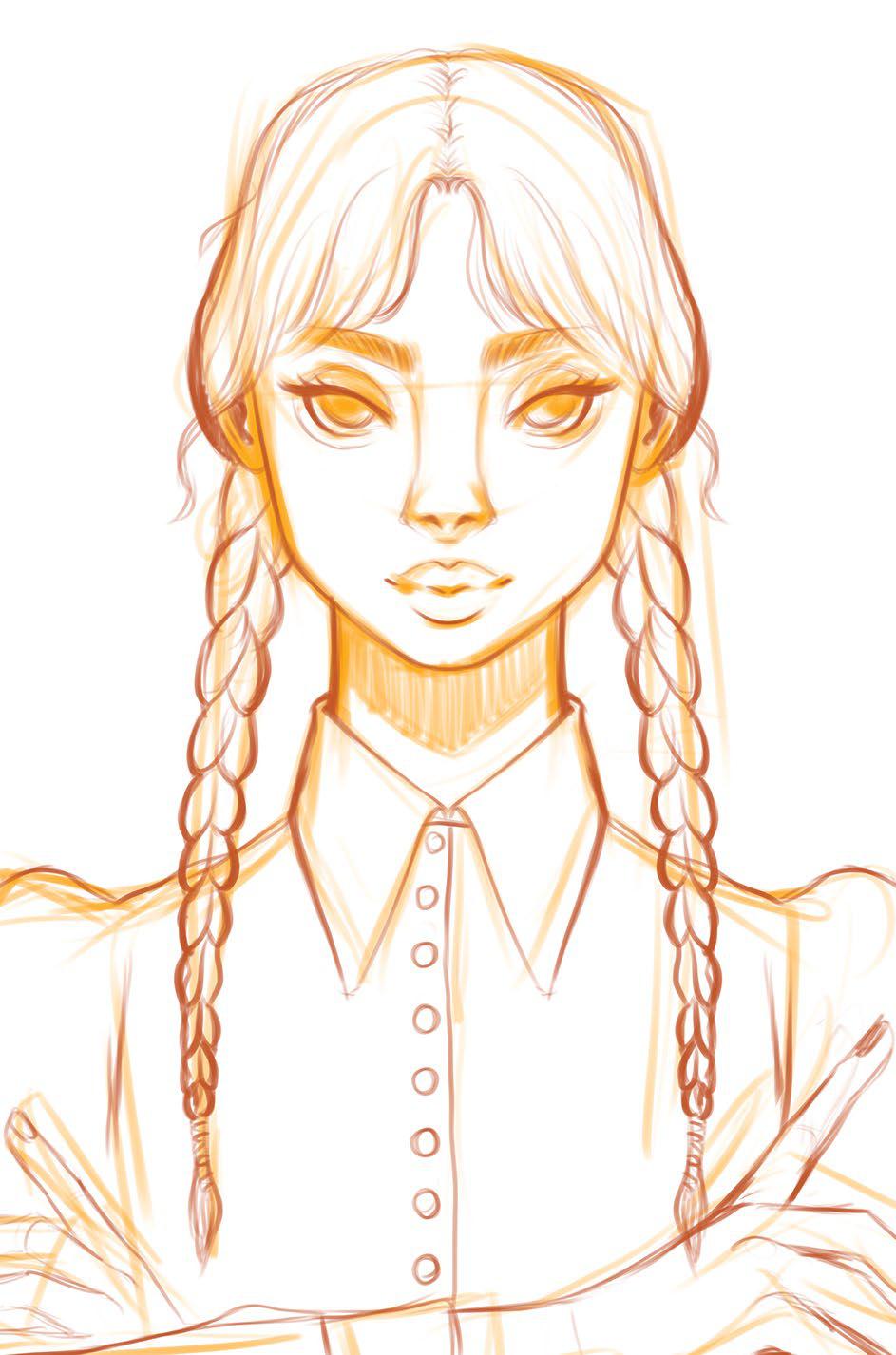
2 Add clean outlines

This story is from the August 2023 edition of ImagineFX.
Subscribe to Magzter GOLD to access thousands of curated premium stories, and 10,000+ magazines and newspapers.
Already a subscriber? Sign In
MORE STORIES FROM ImagineFX
ImagineFX
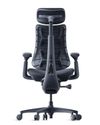
LiberNovo Omni
COSTLY BUT EFFECTIVE On paper, the electric-powered, $1,000 LiberNovo Omni reads like a marketing gimmick... but is it?

1 mins
May 2026

ImagineFX
CREATE A 3D PRINTED FIGURE
Oscar Juárez talks to us about his process for designing and creating characters to put through his 3D printer
6 mins
May 2026

ImagineFX
The best iPad for Procreate
IPAD IDEALS Whether you're a beginner or a pro artist, here's how to choose the right iPad for you to get the most out of Procreate
2 mins
May 2026
ImagineFX
MAKE YOUR 3D CAMERA A CREATIVE TOOL
Rob Redman shows you how you can take your 3D camera and use it add character to your renders
1 mins
May 2026
ImagineFX
FIVE MINUTES WITH JAN BUCZNY
A love of fantasy encouraged this artist to create his own worlds
2 mins
May 2026
ImagineFX
WHAT IS A 3D OBJECT ACTUALLY MADE OF?
Nearly every 3D model shares the trait of being built from the same three components - Mike Griggs shows what they are and why they matter
2 mins
May 2026
ImagineFX
The path of... Jude Smith
Artistic apex Jude reminisces on his growth as a games concept artist
3 mins
May 2026
ImagineFX
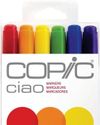
The best markers for artists
MAKE YOUR MARK Get the lowdown on some of the best markers on the market for drawing, colouring, and craft projects
2 mins
May 2026
ImagineFX
PLAY WITH THE DETAILS
Miguel Leonardo explains how, for crafting 3D sculptures, the devil's in the details
1 mins
May 2026
ImagineFX
ORCHESTRATE A PAINTING WITH BLENDER
Thomas Osbourne reveals his approach to concept art, highlighting Blender as a tool for professional production.
3 mins
May 2026
Translate
Change font size